Gilson 157/159 UV-VIS Detectors User’s Guide B-3
Front Panel Control
B
Touchscreen
Program Control
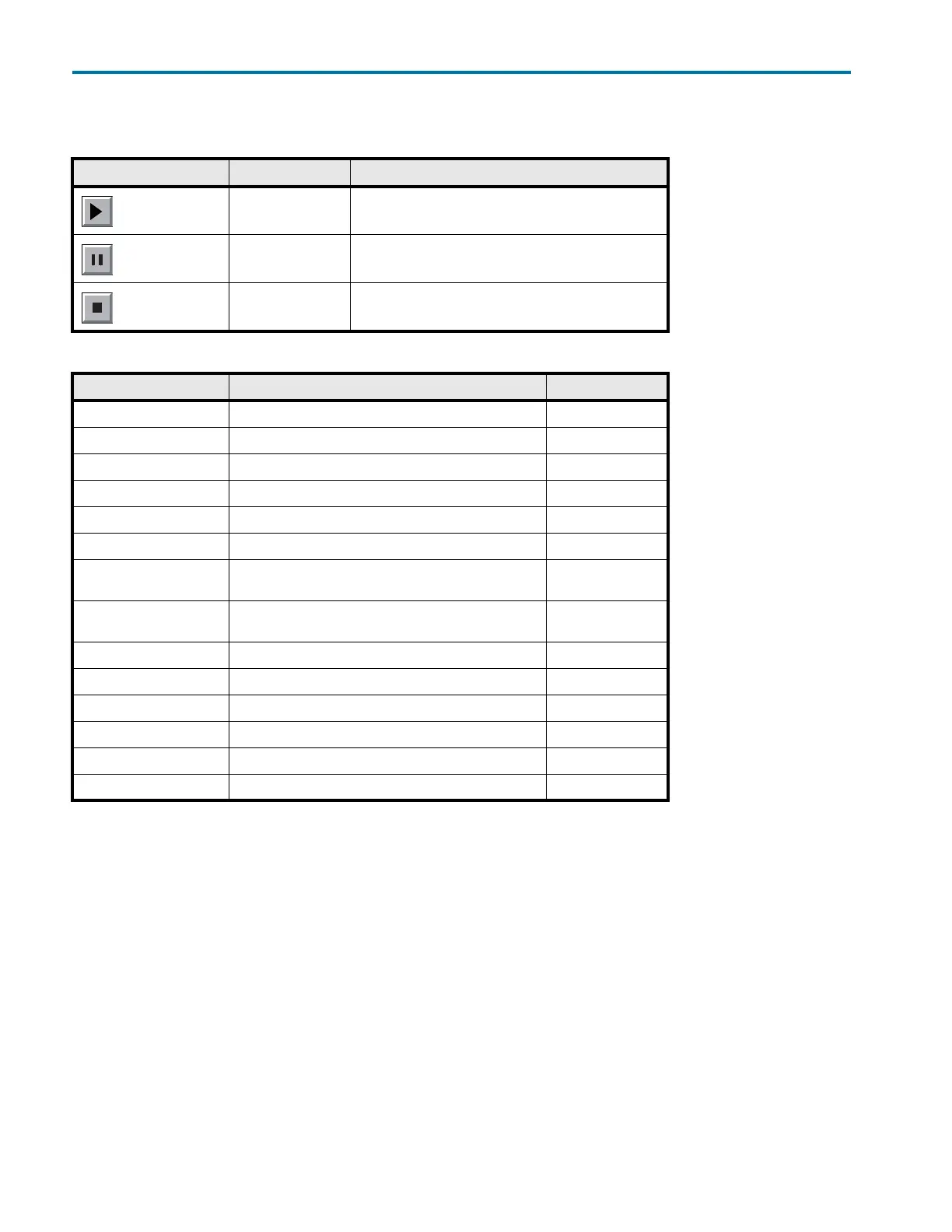
Further buttons help control the program:
Other buttons have their functions displayed in plain text:
Autozero Scan (159 UV-VIS Detector Only)
The detector must perform an autozero scan before recording UV spectra. Here the solvent’s spectrum is
measured to correct the corresponding scan values.
Graphical User Interface Structure
The user interface is divided into various areas.
• Program: Device programming
• Link: Creating combination programs
• Scan: Wavelength scan (159 UV-VIS Detector only)
• Setup: Device presets
• GLP: Device status displayed according to good laboratory practice (GLP)
•Standby mode
Button Function Explanation
Run a program Starts previously configured program in Program menu
Pause a program -
Stop a program -
Button Function Explanation
Restart Repeat the program -
Finish Exit loaded program -
Day Confirm the day -
Month Confirm month -
Year Confirm the year -
Autozero Carry out zero balance
Scan
(159 UV-VIS Detector only)
Acquire spectra
Scan Out
(159 UV-VIS Detector only)
Move spectra to the integration output
Disable Deactivate, skip
New Create a new program line with time indicator -
Load Load program -
Edit Edit the program -
Del/Delete Delete the program -
Tab Table Program line display














 To Next Page