Gilson 157/159 UV-VIS Detectors User’s Guide 3-9
Operation
3
Results
Results
From a run, the software produces Results containing the channel data collected and stored for all injected
samples. Results contain time and signal information for each sample.
Results are accessed in the Project Library. Click on an application and double-click the Results icon ( ). The
Results window is displayed, listing all runs for the selected application.
Double-click on a Run Name to display the Run Results window.
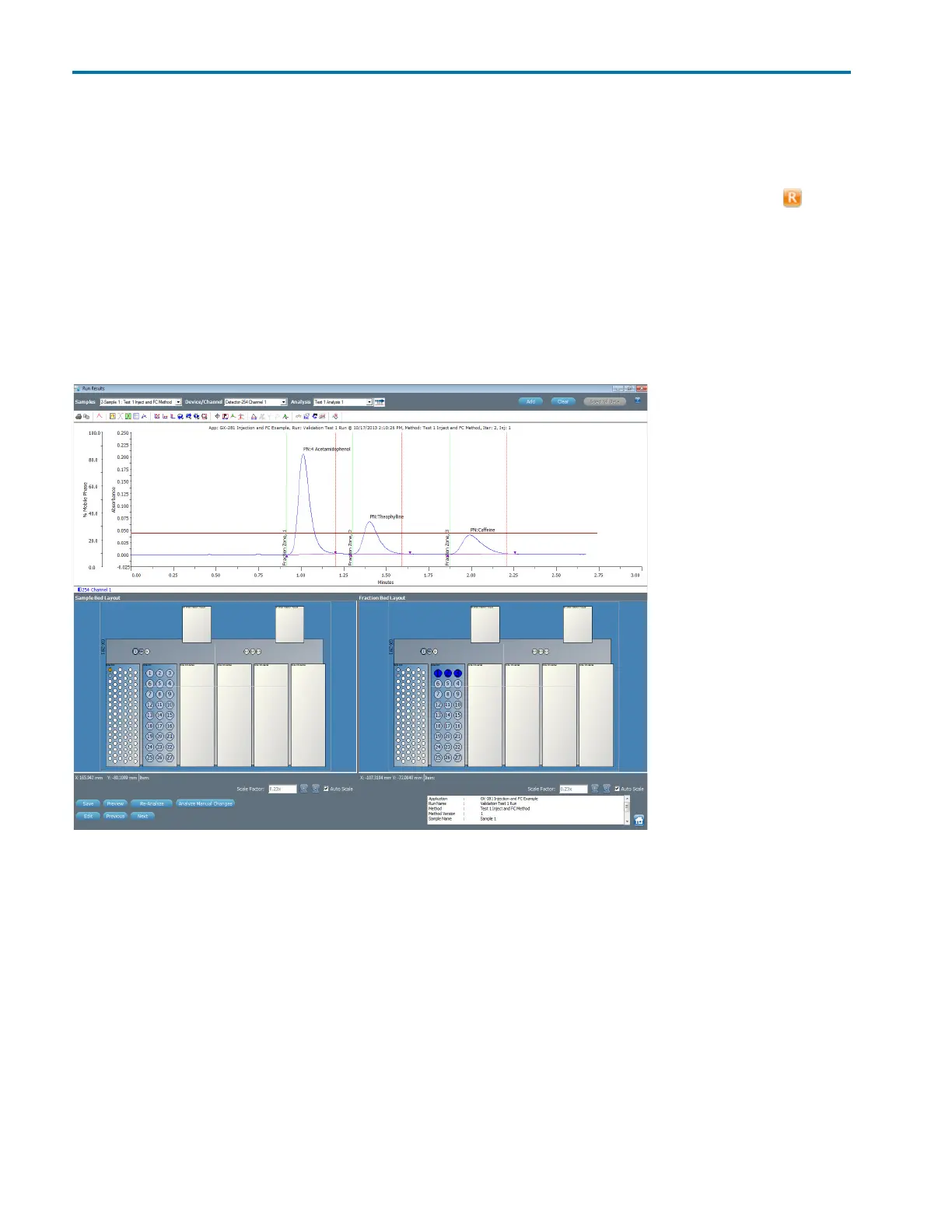
Run Results Window
The Run Results window enables viewing chromatogram plots and analysis information for collected data. To
view chromatogram results, preview the report.
Figure 3-6: Run Results Window














 To Next Page