Front Panel Control
B
B-10 Gilson 157/159 UV-VIS Detectors User’s Guide
Link Menu
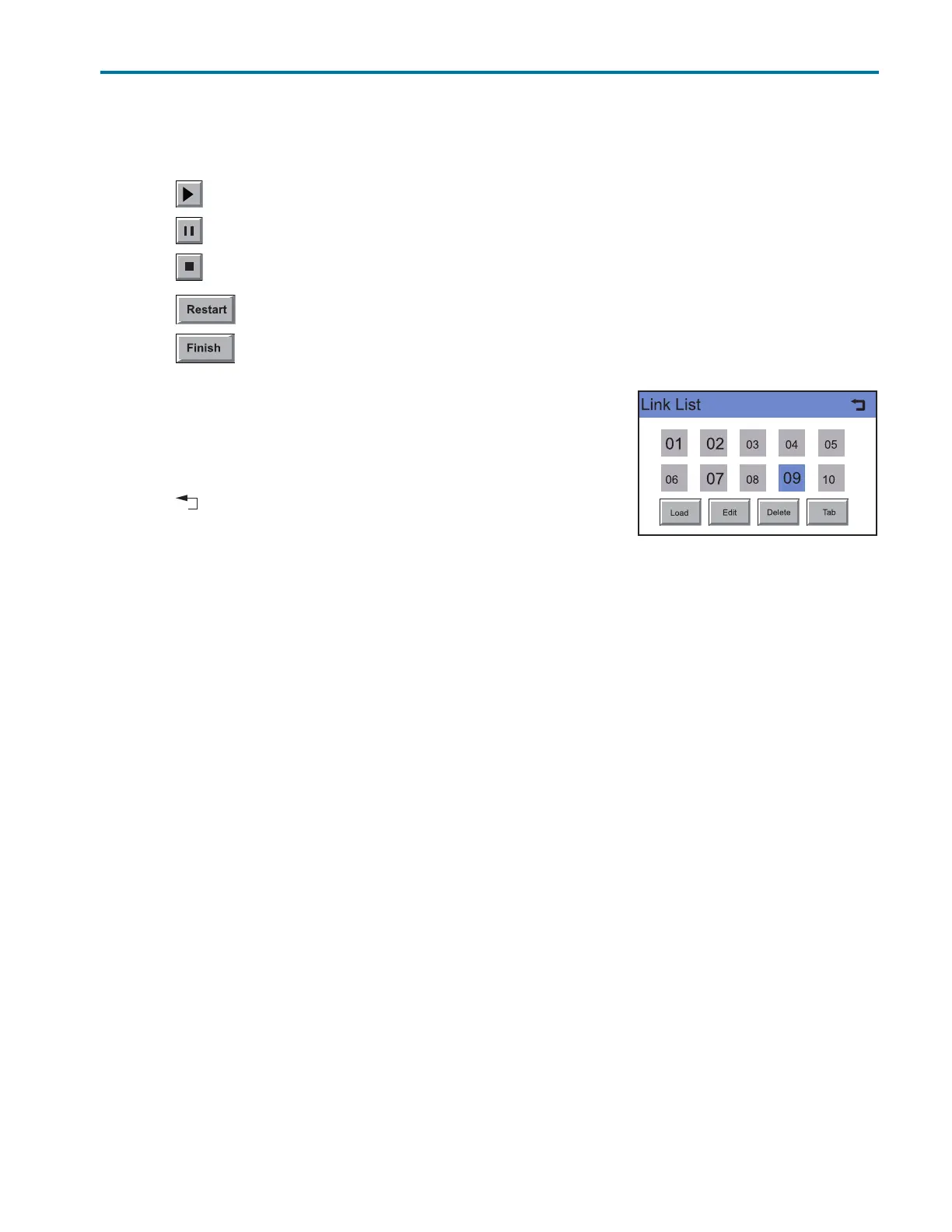
Executing a Link
1Touch Link to display the Link list.
2 Touch the desired link number and then Load to load the link.
3 Touch to start the link.
4 Touch to interrupt the link.
5 Touch to stop the link.
6 Touch to be able to repeat the link.
7 Touch to exit the loaded link.
Deleting a Link
1Touch Link to display the Link list.
2 Touch the desired link number and then Delete to delete the link.
3 Confirm the query.
4 Touch to go to a higher level, or hold for two seconds to go to the
Main menu.
Figure B-14: Deleting a Link














 To Next Page