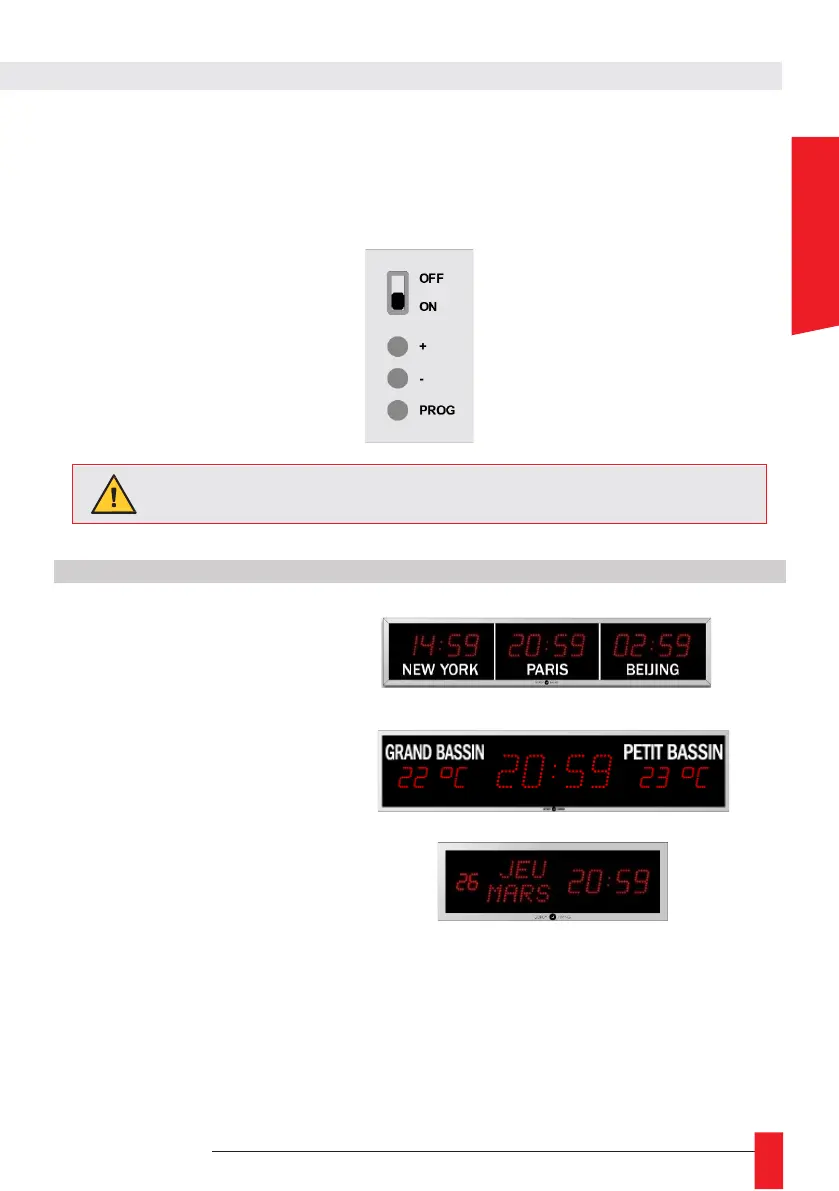
► All settings are made using the 3 buttons ‘+’, ‘-’ and ‘PROG’ at the back of the product.
► You can scroll quickly by holding down the push-buttons.
► To exit a menu, just hold down the ‘PROG’, button
► or leave the buttons inactive for more than 70 se-conds.
► You can adjust the display brightness, without going to the menu, by pressing the buttons ‘+’ and
‘-’.



 To Next Page