6.2. FIRMWARE 120.X.X.X VERSIONS
Many product parameters can be configured through the product's built-in web interface. For clock group
configurations, you can also use the dedicated program GTNetConfig (see the User Manual on
https://www.gorgy-timing.fr/188-modes-d-emploi.htm for more information)
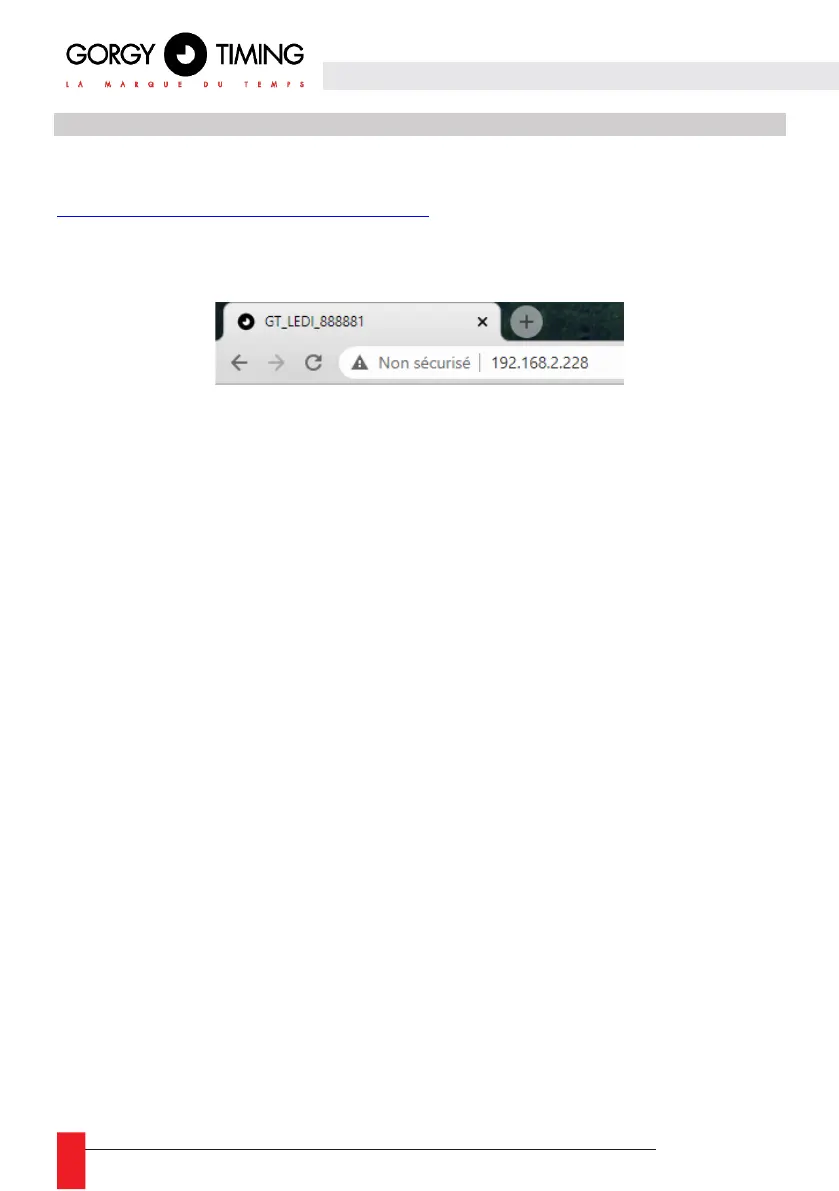
To access the embedded web page, open your web browser (Firefox, Chrome, Internet Explorer...), and
enter the product IP address.
NB: By default, the product asks an IP address from DHCP server. It always keeps an auto-IP
(169.254.x.y/16).
To easily detect GORGY-TIMING products in your network, you can use the GTNetworkManager2
program (or the old GT Network Manager version).
6.2.1. Main web page « HOME »
When you enter the product IP address in a web browser, no connection is required to access the
main web page.
But it will be necessary to browse the other pages, and to have access to the different configurations.



 To Next Page