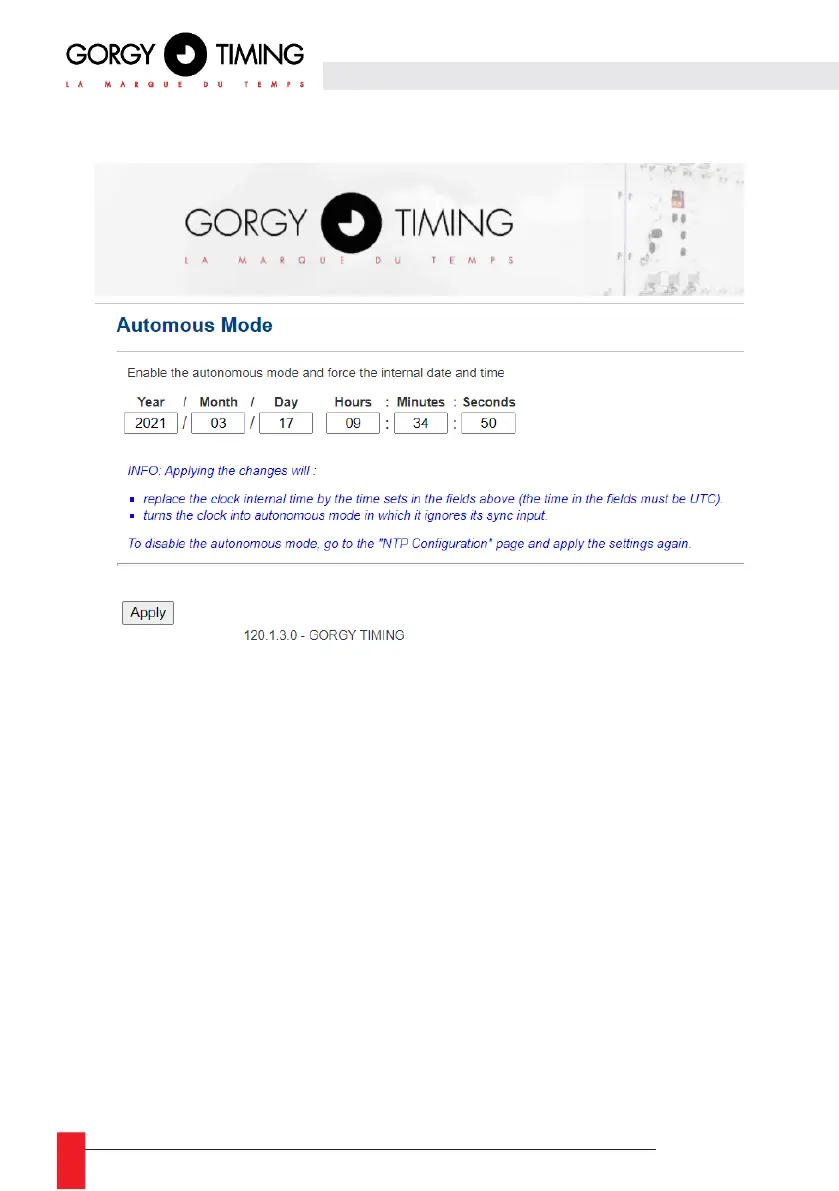
6.2.4. Time input web page « Autonomous Mode »
This page allows you to disable the NTP client in order to set the date and time manually. This mode is
called: stand-alone operation.
Once applied, the internal time of the clock is defined by the fields « Year », « Month », « Day »,
« Hours », « Minutes », « Seconds » filled in by the user.
N.B: Be careful, the product deals only with UTC time (international reference time).
In France, in summer time, the legal time is 2 hours ahead of UTC, in winter time, the legal time is 1
hour ahead of UTC.
To deactivate the standalone mode and reactivate the NTP mode, simply return to the "NTP
configuration" page and "Apply" the configuration.



 To Next Page