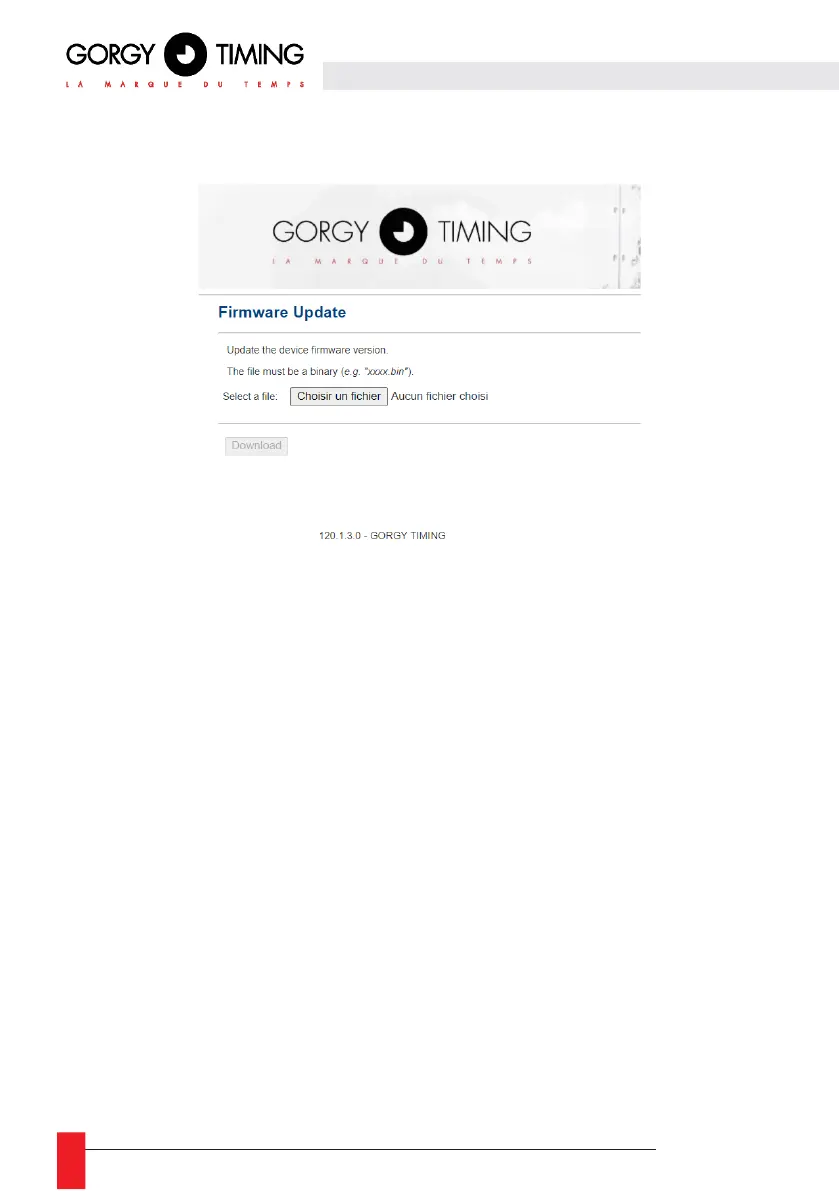
6.2.10. Firmware update web page « Firmware Update »
► To update the product, click on the "Choose a file" button and select the binary firmware file
"GT_FW_xxxx.bin" provided by GORGY-TIMING after sales service.
Then click on "Download" to start the update.
The update may take a few seconds.
Please do not unplug or restart the product during the update. After a few minutes the web
page will indicate that the product has been updated and will restart automatically.
You can then check that the software version has changed on the main web page.



 To Next Page