Once this configuration is validated, the clock will automatically try to connect to the specified network.
The access point mode is then immediately cut, and the user is disconnected from the product (Web
interface not accessible).
If the configuration is valid, the clock connects to the Wi-Fi network, and the configuration web
interface becomes accessible using the Wi-Fi clock's IP address on the Wi-Fi network.
N.B: If not, after trying for 1 minute to connect, the clock returns to access point mode to receive a new
configuration.
7.2.2. Firmware 120.X.X.X Versions
A. Connection to « Wi-Fi access Point »
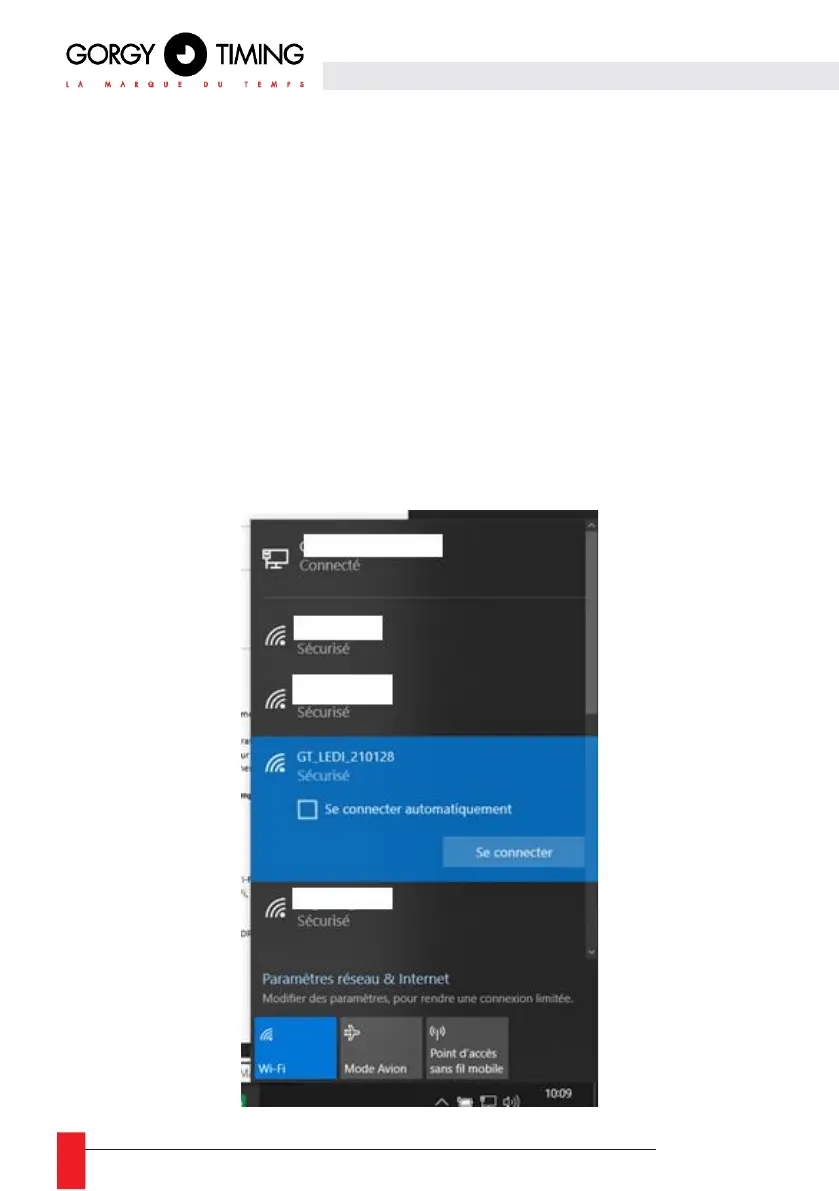
► First, you need to connect a terminal (PC, Smart-phone, Tablet... ) to the product's Wi-Fi "Access
Point".
► 1- Using the system tools, perform a detection of Wi-Fi networks in range.
► 2- Choose the Wi-Fi product to configure and use the encryption key written on the back of it
to connect to it.



 To Next Page