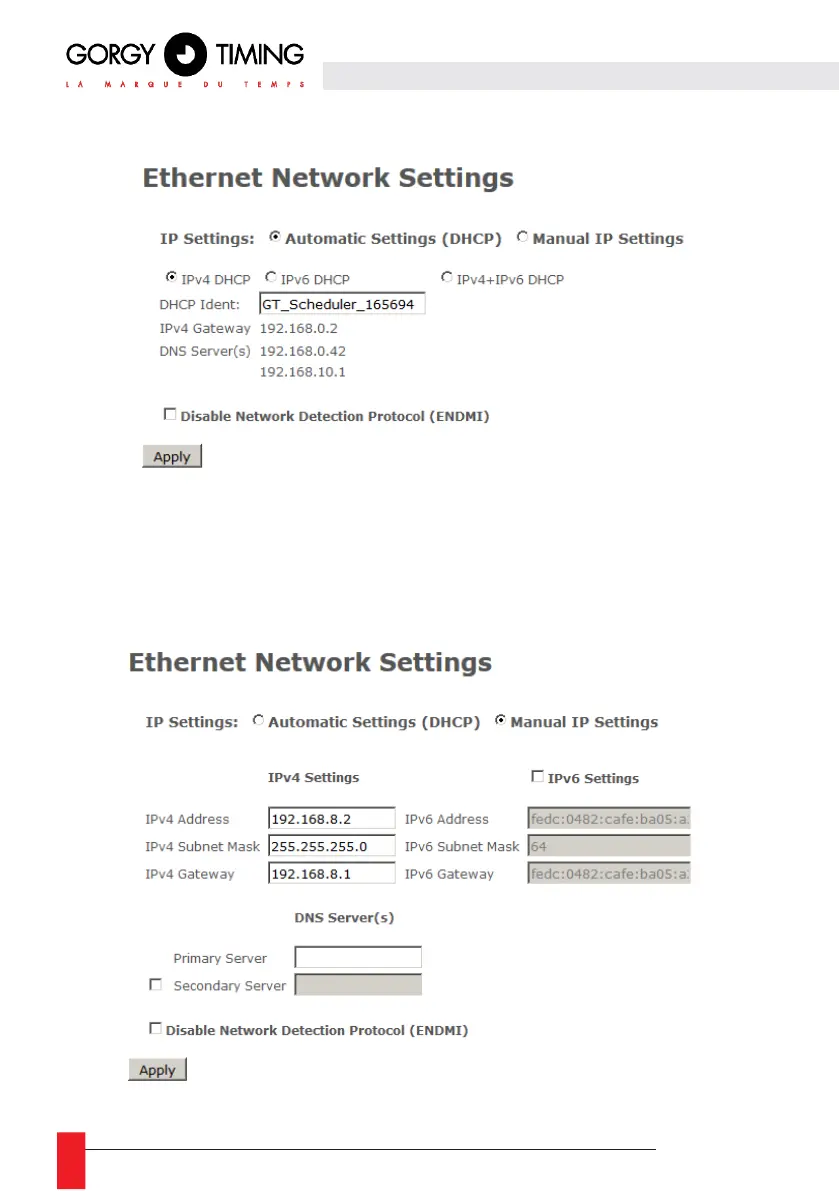
6.1.2. Ethernet network web page
On this page, you can set the network configuration of your product. You can use auto settings (DHCP)
or set a static IP address (Manual IP Settings option) with network mask and gateway.
Network settings support IPv4 addresses, IPv6 addresses or both.
ENDMI protocol allows the Gorgy-Timing clocks and Time servers network discovery. You can disable
the ENDMI protocol on this web page. In this case, the product will not be visible by GTNetworkManager
Software.



 To Next Page