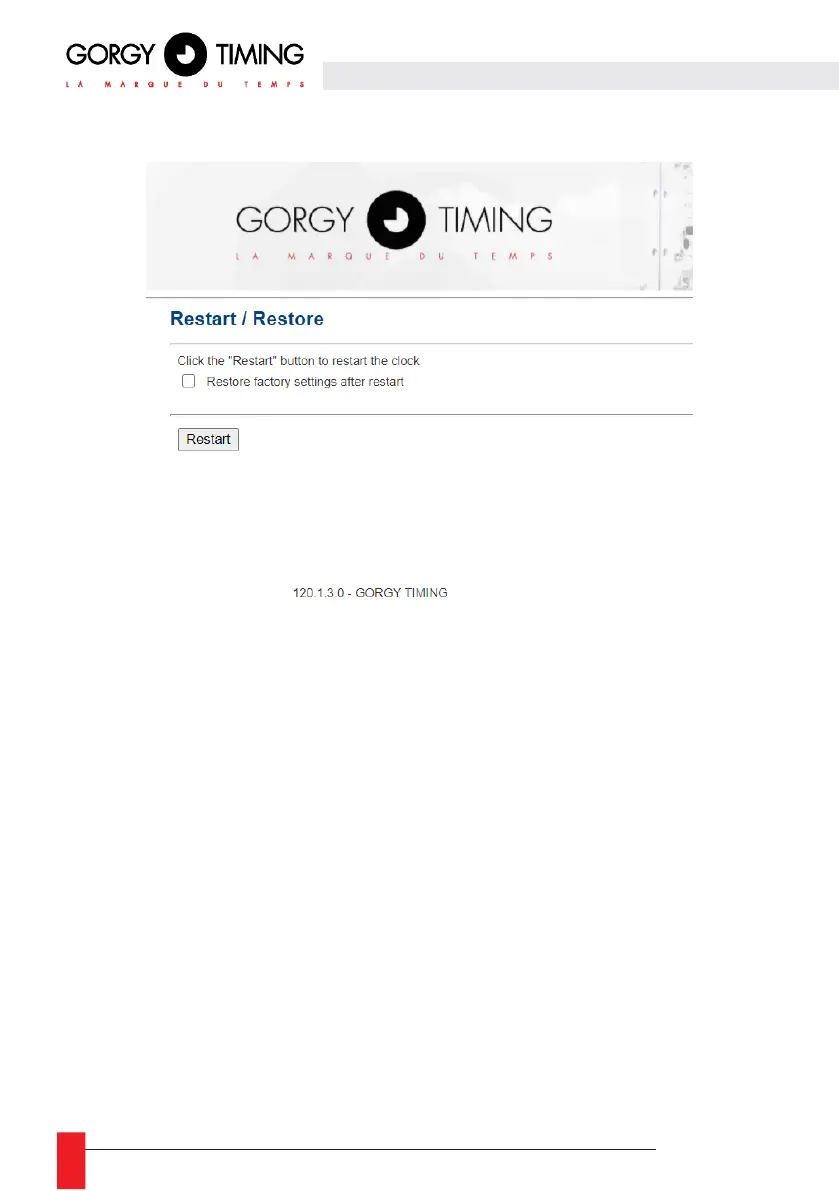
6.1.12. Restart and/or factory configuration Web page « Restart / Restore »
► To return the configuration to factory settings, check the "Restore factory settings after restart" box
and click "Restart". The product will restart after 2 minutes, it can be detected on the network and
the web interface will be accessible. The password will be required again.
Warning: The IP configuration and all other configuration will be deleted. The product will go
back to DHCP IPv4 to recover an IP address.
To restart the product without returning to the factory settings, leave the checkbox unchecked.
Note: It is possible to manually set the factory settings of the clock by following the procedure
below:
► Turn off the clock and restart it.
► (step valid until the first 10 seconds) At startup, hold the reset button until the clock displays
00:00:00.
► The clock will achieve a Factory Default



 To Next Page