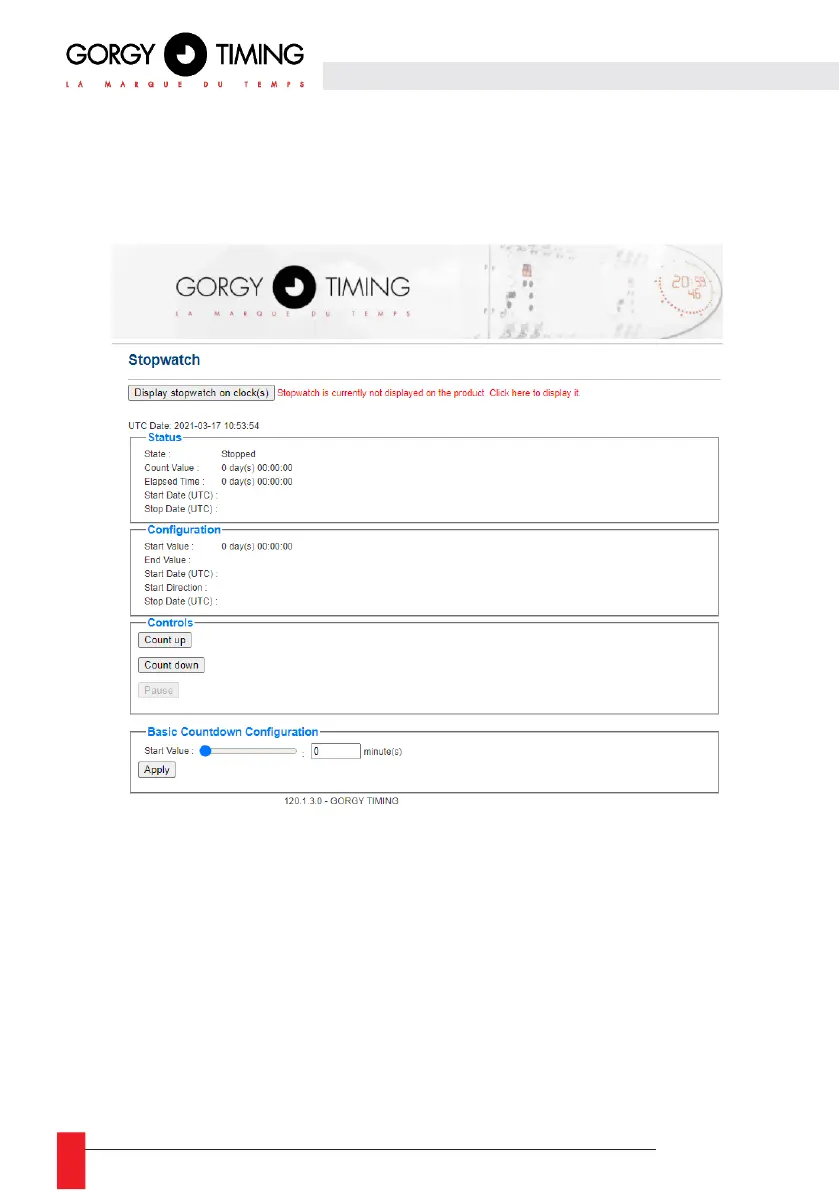
6.2.7. Stopwatch wep page « Stopwatch »
In this page, you can configure the stopwatch and the display of the stopwatch on the LEDI®. Among
the available configurations, there is the setting of the start and/or end value of the stopwatch, the
programming of an automatic start, the millisecond or infinite stopwatch options...
Warning: This page is only available if the option "CHRONO Web Page" has been added to the
clock when ordering.
Advanced programming is available using the SNMP protocol
Warning : The Stopwatch Web page allows you to configure only ONE product at a time. If you
want to set up several stopwatches in a synchronized way, you will have to use the GTChrono
software (CDG035). Please contact our Sales or Support Department for more information about
this software.
► Display/Mask stopwatch on clock(s): The first button on the page allows you to show or hide the
stopwatch on the display. The chronometer can run in the background, while the
time/date/temperature are displayed.



 To Next Page