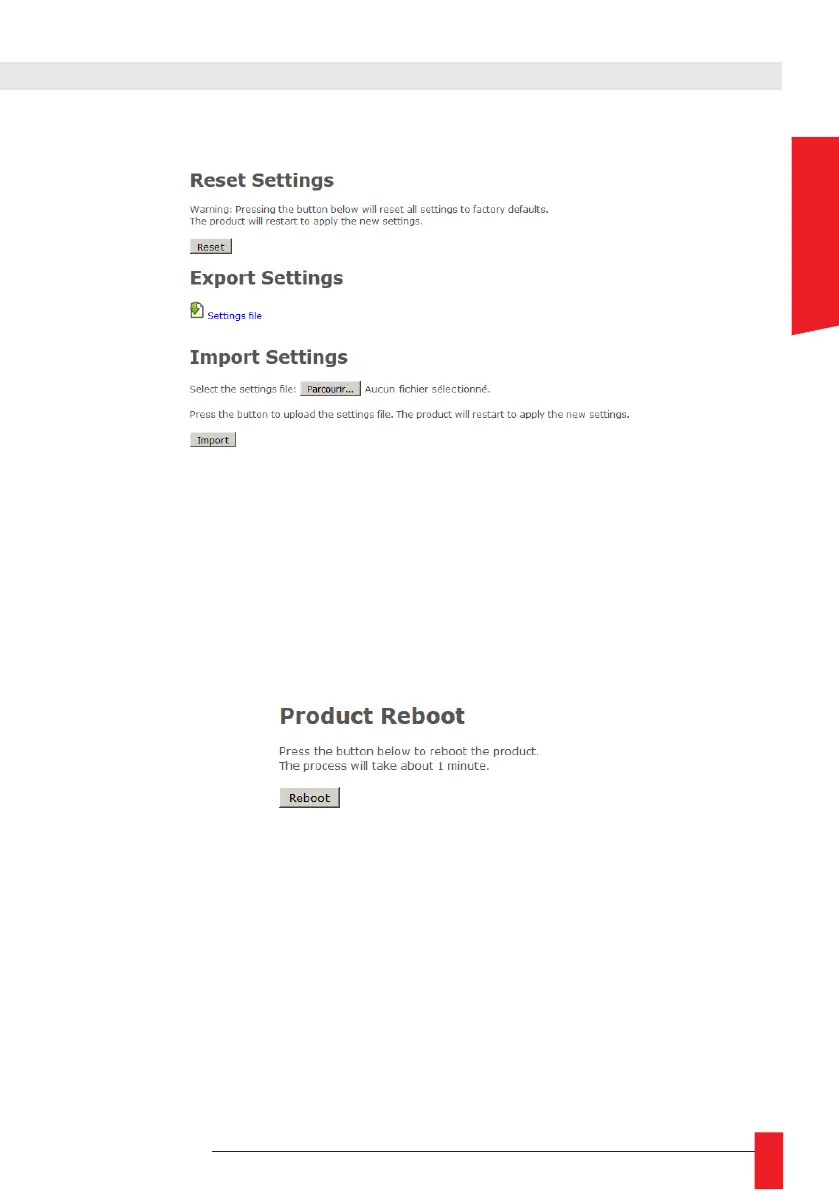
6.1.9. Page web configuration usine
► To reset product to factory settings, click on «Reset».
The product will reboot and after around 2 minutes, the product could be detected on the network
and the web interface will be reachable...
Attention: P configuration and all specific configuration will be removed. Notice that the
product will go back to DHCP IPv4 mode to request its IP address.
In this Webpage, you can also export the product configuration for backup or send confi-guration to
update GORGY-TIMING product configuration (it will restart the product)
6.1.10. Rebooy web page
► To restart the product, click on "Reboot" button..
Product takes around 2 minutes to reboot and go back to the network.
6.1.11. LEDI Settings web page
Here, you can configure LEDI display(s) for example, set 12h or 24h Mode, change bright-ness, display
color or information displayed like month, year or day of year.
In the top of the page, you will see :
► a link to “General” configuration tab
► a link for each display or group of displays (“time zone”) detected in the clock name “LEDI X” with
X the number of the display.



 To Next Page