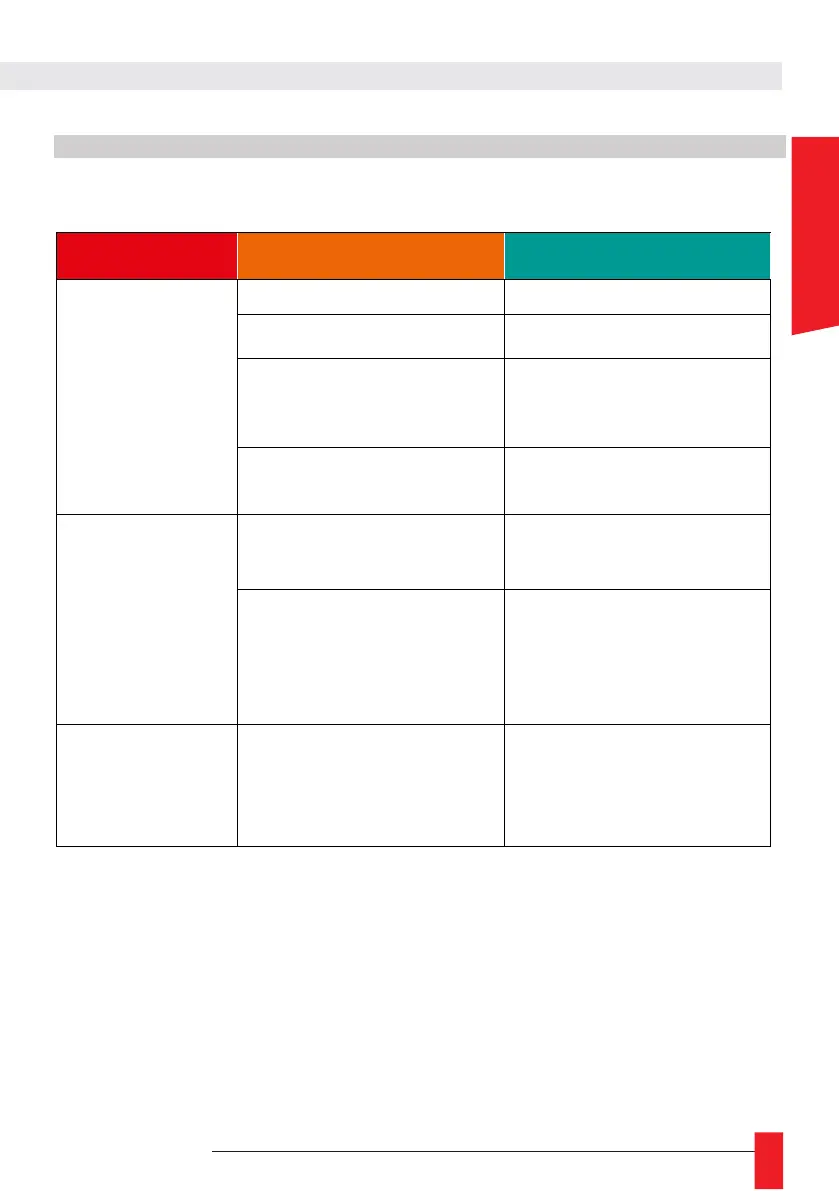
8.1. GENERAL ISSUES AND SOLUTIONS
8.1.1. Generic issues
Power supply is not plugged
Plug in the alimentation cable
ON/OFF button is not ON position
Put this button on ON position
Product is PoE powered and the
Ethernet Port is not connected to PoE
compatible ( IEEE 802.3af) switch or
injector.
Connect the product to PoE compa-
tible ( IEEE 802.3af) switch.
LEDI Display have Brightness Setting
set to 0 (OFF)
Increase Brightness value with '+'
button or in 'LEDI X' Webpage.
Product have wrong
hour information
Product is not synchronised
Check the Synchronization/Code
Input is correctly plugged and confi-
gured
Product have time setting of another
timezone
Set timezone setttings (Offset/DST) in
synchronization source or directly in
the product with buttons or with its
Web page (if any).
roduct may restart or
be updated
Wait few minutes and check you
can access to buttons or Web
Page. Do an electrical reset
(ON/OFF) is the product is
frozen.



 To Next Page