► Open Windows command prompt and browse to directory (with “cd”) where the firmware file is
(GT_FW_Vx.y.z.bin). Check it with “dir”.
► hen Type:
► ftp <ip_address>
► User: GT_Tablet
► Password: gtandroid
► cd fw
► put GT_FW_Vx.y.z.bin
► quit
The product will receive the firmware and after 1-2 minutes will restart with the new software version
(check it in Index Webpage).
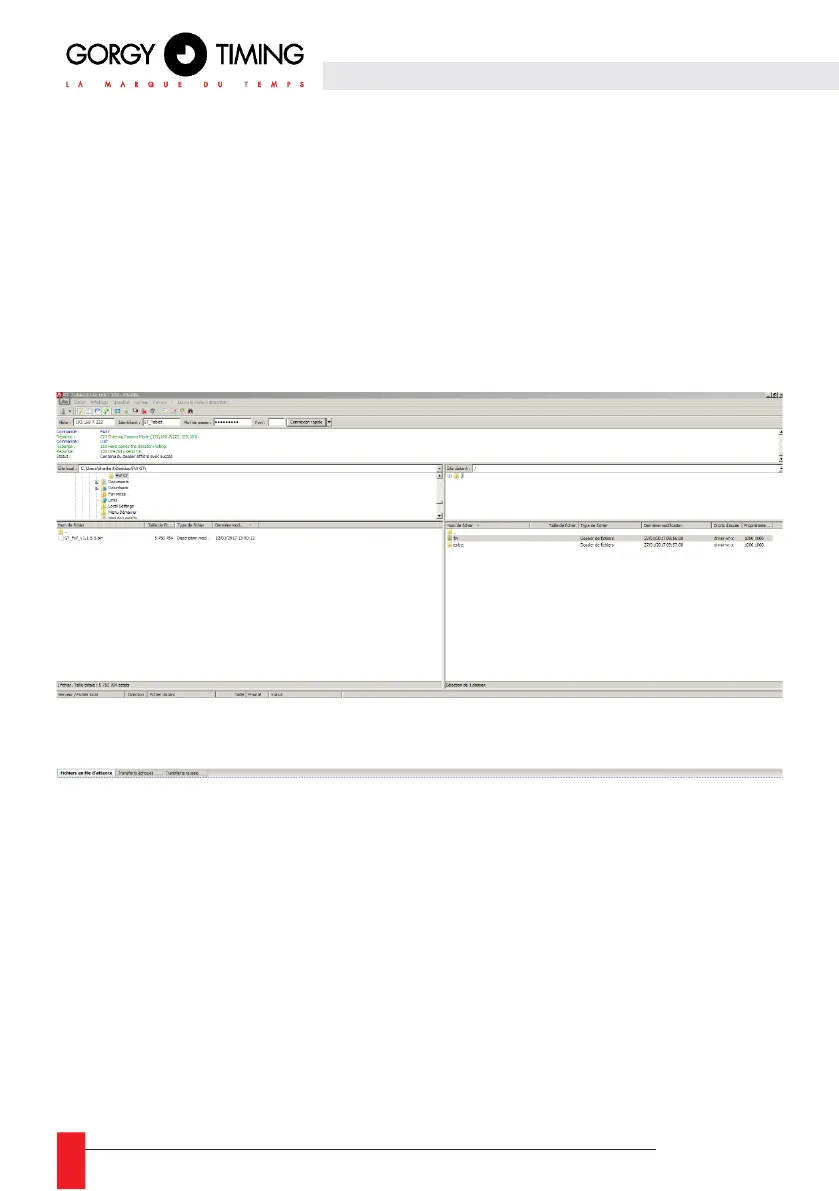
A. With FTP client Filezilla
► Enter the product IP address and use GT_Tablet as login and gtandroid as password on the top of
Filezilla windows. Then click connect.
► Drop with the mouse the firmware file (GT_FW_Vx.y.z.bin) from the left to the “fw” directory on the
right side. The upload might begin.
The product will receive the firmware and after 1-2 minutes will restart with the new software
version (check it in Index Webpage).



 To Next Page