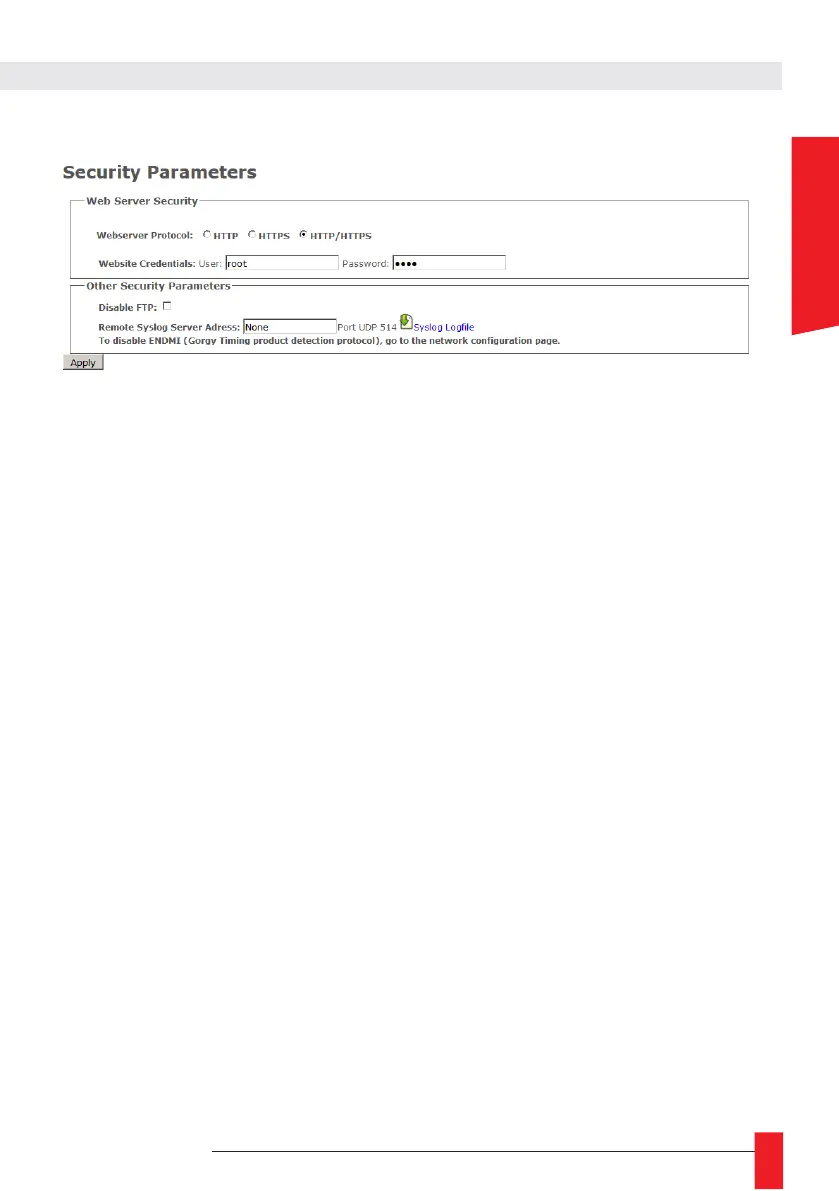
6.1.3. Security web page
In this page, you can adjust the security level of your product.
► For example, you can restrict webpage access to HTTPS, change webpage credentials or disable
product FTP/SSH server.
► You can also find Syslog settings here to report system event on Syslog server or read the internal
logfile
A. Secure Shell (for expert users only)
Access to SSH
► To enable SSH access, one must check the corresponding box in the Security Web Page.
For security reasons, SSH will only be active until the product reboots or the user disables it in
the Security web page.
► SSH login and password are the same as for FTP. Default settings are: GT_Tablet /gtandroid.
These can be changed in Security Webpage.
Main commands
Products are based on embedded Linux and use a lot of classic POSIX tools.
So for more information about a specific command and its options, please read the related
POSIX manual or try to use --help argument after the command.



 To Next Page