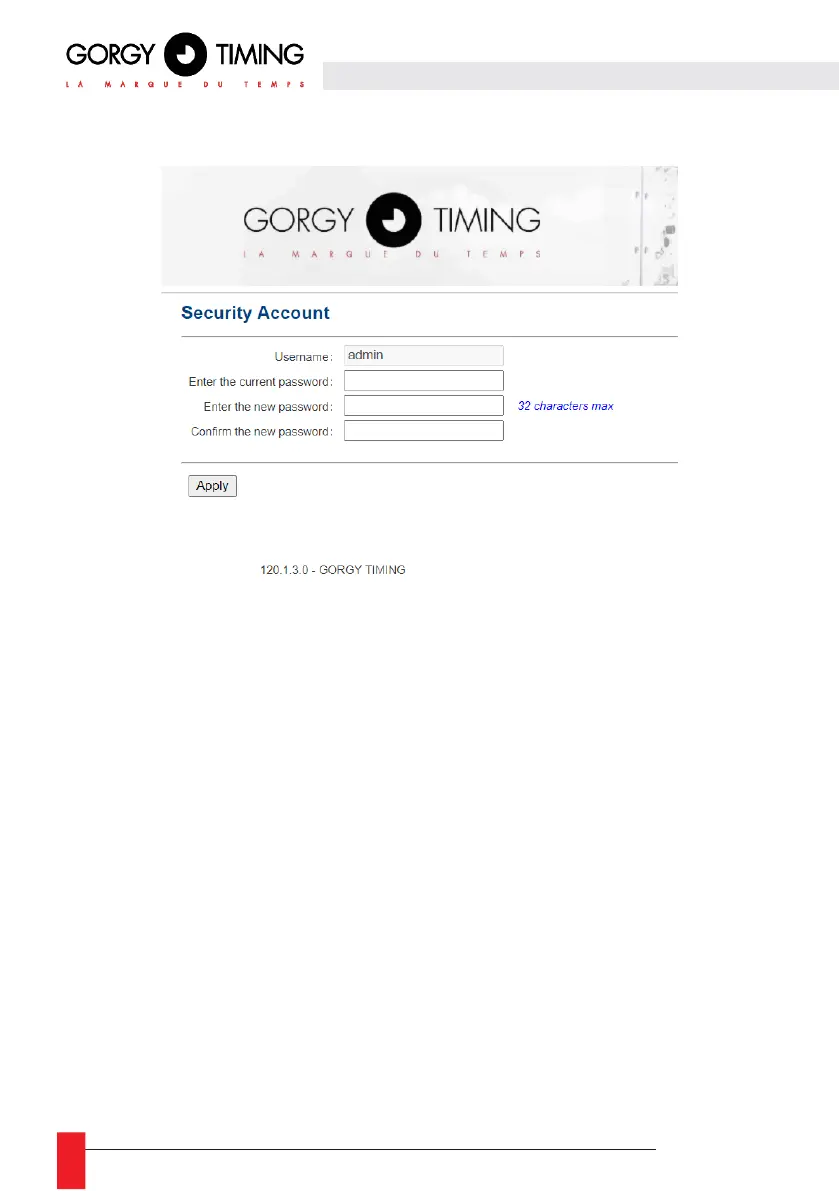
6.2.8. Identification security web page « Sécurity Account »
This page allows you to change the password for accessing web pages.
► Username: the value always remains "admin" and cannot be changed
► Enter the current password: enter the current password. By default the password is 'gtmt'.
► Enter the new password: enter the new password. Limited to 32 alphanumeric characters.
► Confirm the new password: confirm the new password.
Warning: If the current password is wrong, the new password is not taken into account.
Once the change is applied, the user is redirected to the "Home" page. The new password will be
requested when the user logs in again.



 To Next Page