Model 574 Programmable Counting System (PCS)
82 - GSE Scale Systems
7.3 Quick Calibration
Quick Cal Introduction
Another variation of the calibration process is the Quick
Calibration mode procedure. This calibration method
allows a user to perform a calibration without getting
into the setup parameters. Calibrated weights are
required.
Quick Cal Commands
In order to provide a somewhat faster method of
accessing the calibration mode of the 574, an alternate
method is available. From the weigh modes, follow
these steps:
100 <SELECT>
54321 <ID> <ENTER>
The display will briefly read: "Quick Cal!" and then the
standard prompt, "New Zero?" will appear. At this point
the calibration process may proceed as normal. Press
<SELECT> to toggle through the calibration selection
types. Press < ENTER > when viewing the desired
selection. Refer to the first part of this chapter for a
detailed explanation of each selection. If load cell
linearization is enabled (P119-scl#1, P129-scl#2 and
P139-scl#3) the calibration modes accessible are
identified by an asterisk (*).
a) "New Zero?" *
b) "Last Zero?"
c) "Temp Zero?"
d) "Only Zero?" *
e) “Cal Reset” *
Other Quick Cal methods
In order to provide a somewhat faster method of
accessing the calibration mode of the 574, an alternate
method is available. From the weigh modes, the
following data stream should be received through the
COMM port:
100%s54321%i%e
The display will briefly read: "Quick Cal!" and then the
following selections will appear, starting with "New
Zero?". If load cell linearization is enabled (P119-scl#1,
P129-scl#2 and P139-scl#3) the calibration modes
accessible are identified by an asterisk (*).
a) "New Zero?" *
b) "Last Zero?"
c) "Temp Zero?"
d) "Only Zero?" *
e) “Cal Reset” *
Refer to the first part of this chapter for a detailed
explanation of each selection.
Another variation of the calibration process is the
linearization procedure. Linearization can be quite
useful in improving the absolute accuracy of larger
capacity systems which often exhibit poor linearity. This
feature is documented elsewhere.
7.4 Quick Calibration Personal Access
Code
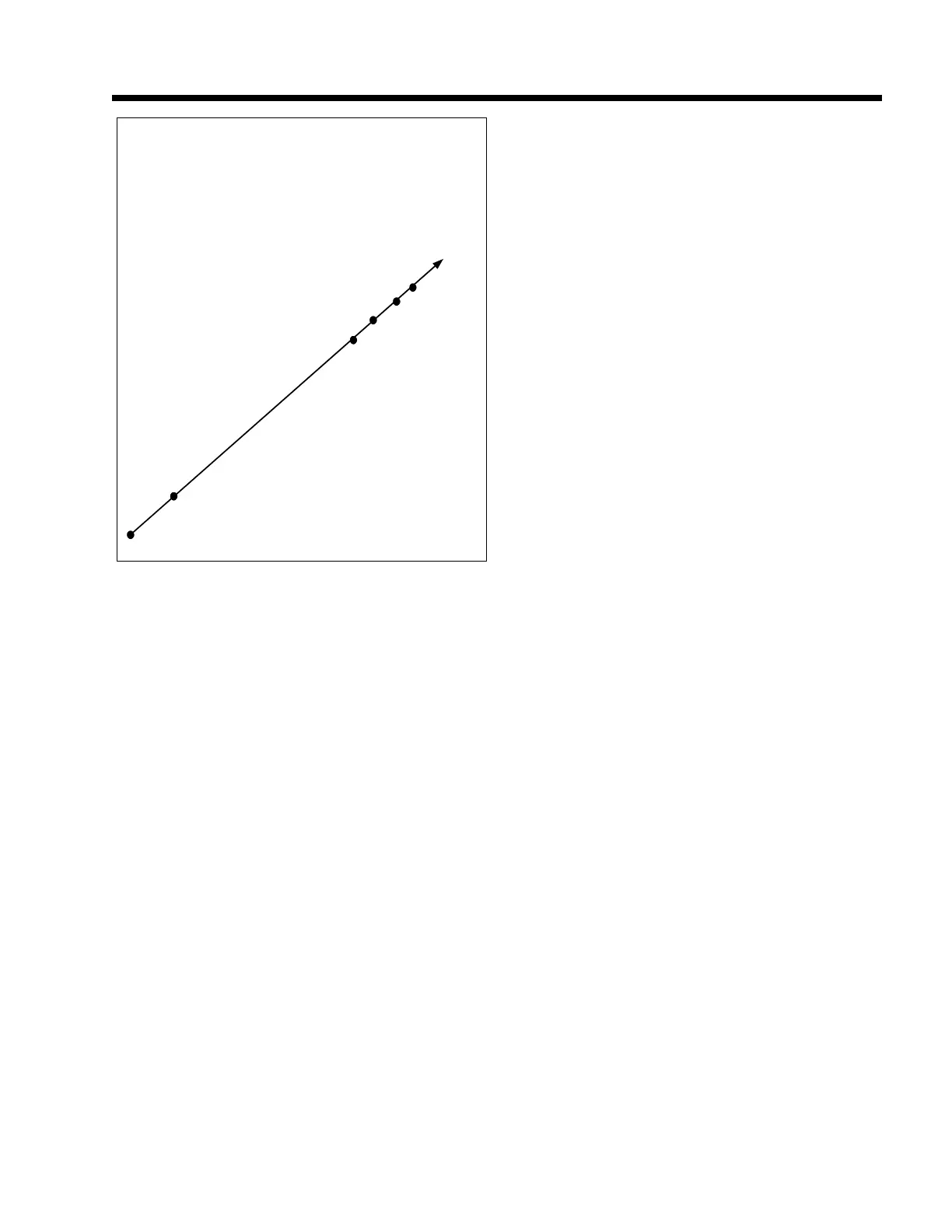
Maximum capacity of cell is 200 lbs. in this example.
Point #5, 200 lbs.
Point #4, 180 lbs.
Point #3, 160 lbs.
Point #2, 140 lbs.
Point #1, 10 lbs.
No Load or New Zero?, 0 lbs.
Figure 13 Five Point Linearization Graph (high end)



 To Next Page