GSE Scale Systems - 87
Chapter 9 Units Technical Reference Manual
Chapter 9 Units
9.1 Units Parameter Setup
P150.XX UNITS
This parameter specifies the weighing units which are
used to calibrate the 574. These include pounds,
kilograms, ounces, grams, ft-lb and newton-meters (for
torque measurement), and the Custom Units which will
be defined later in P155 (Custom Units are indicated by
" ????1 " which appear in the lower part of the dot matrix
display).
P151.XX UNIT1
This parameter specifies the weighing units which will
be displayed by the indicator after power-up. These are
not necessarily the same as the calibration units set in
parameter P150 above. The choices here are the same as
for P150 with the additions of a second Custom Units
and lb/oz. Lb/oz will let you display a weight in pounds
with any fraction left over displayed in ounces.
P152.XX UNIT2
This parameter specifies the second weighing units
selectable with the <UNITS> key during operation. The
choices are the same as parameter P151 with the addition
of "none". The "none" selection will disable the second
units selection.
P153.XX UNIT3
This parameter specifies the third weighing units
selectable with the <UNITS> key during operation. The
choices here are the same as parameter P152.
P154.XX UNIT4
This parameter specifies the fourth weighing units
selectable with the <UNITS> key during operation. The
choices are the same as parameter P152.
P155.- - Ucon1
This parameter allows input of a units conversion factor
for the first custom weighing units. The Custom Units
feature lets you establish custom units not available from
the standard selections, such as tons or troy ounces. The
conversion factor used to convert from the calibration
units to the custom units will be entered in parameter
P155. Simply key in the multiplication factor that will
convert the calibration units (entered in P150) to the
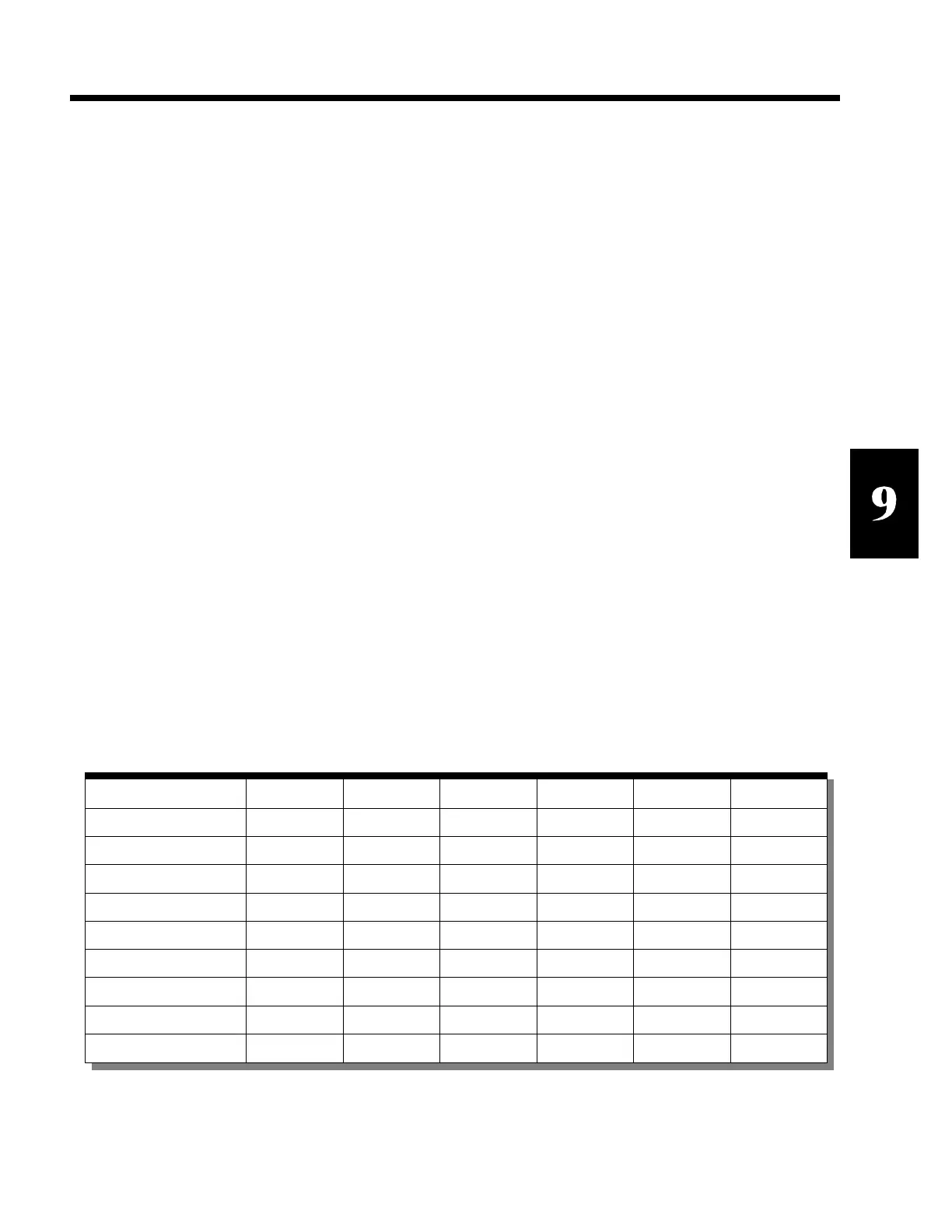
desired custom units. Refer to Table 8 Conversion
Factors for a list of conversion factors. For example, if
your calibration units are pounds and you want to use
custom units of troy-ounces, you would enter the
conversion factor of 14.5833 into this parameter (since
there are 14.5833 troy-ounces in each pound) and press
<ENTER>.
When you enter a conversion factor for custom units, the
entered value is the ratio of the custom units to the
calibration units. For example, if grams are the
calibration units and the custom units are troy ounces,
then enter 0.0321507 (troy oz./gm). However, if the
SECTION - 9.1
Custom Units Pounds Ounces Grams Kilograms Ft-Lb Nm
Pennyweight (dwt) 291.6667 18.22917 0.643051 643.051
Troy Ounce (ozt) 14.5833 0.911458 0.03215072 32.1507
Grain (GN) 7000.0 437.5 15.432436 15432.36
Carat (ct) 2267.57 141.7476 5.0 5000.02
Ton (T) 0.0005
Inch-Ounces (in-oz) 192.0 141.612
Inch-Pounds (in-lb) 12.0 8.85075
Kilogram-Centimeters 13.8255 10.1972
Kilogram-Meters 0.138255 0.101972
Table 8 Conversion Factors



 To Next Page