GSE Scale Systems - 181
Chapter 17 Truck Weighing Technical Reference Manual
As each event occurs, the unit checks its setup to
determine which transmissions are to be sent.
Not every Truck In/Out application will make use of all
four events. First determine which of these four events
will be occurring in your application. Next, define on
paper the desired appearance of the ticket for these
events. If a significant portion of multiple tickets are
similar, then these portions may be generated by a single
custom transmit. After reviewing your data transmission
needs, specify which of the four custom transmits will be
used to create the tickets.
Once the appropriate transmissions have been
determined, setup P722 to specify which Custom
Transmit(s) will be sent out during the "Truck In" event.
Similarly, setup P723, P724, and P725 to specify which
transmissions will be sent during the other three Truck
In/Out events. The available choices are listed in Table
32.
Based on your selection for P721, use the appropriate
one of the following tables (33, 34 and 35) to determine
the required paramters to use when setting up the
Custom Transmits for Truck In/Out weighing.
17.4 METHODS OF OPERATION
Storing the Gross Weight during incoming and
comparing the Gross Weight during outgoing are motion
delayed events. Thus if motion is occurring at these
times, the prompt Mot'n Delay will appear until motion
ceases. As with all other motion delayed operations the
<CLR> key can be pressed to cancel the pending
command. Therefore, the parameters for motion delay
before transmitting (P212, P222, P232, and P242) have
no effect on the automatic transmissions sent during
Truck In/Out Weighing regardless of their setting. To
adjust the determination of motion refer to setup
parameters P114 and P115. However, P211, P221, P231
and P241 do specify the port that each of these Custom
Transmits will use.
17.5 SEQUENTIAL OPERATION
Incoming Truck (full or empty):
1. Truck drives onto scale.
2. Operator presses <ID>.
3. The instrument prompts: Keyin ID #.
4. Operator presses <ENTER>.
5. When motion ceases, the unit determines the
next sequentially available ID and stores the In
Weight. Also, any Custom Transmits specified
by P722 are sent. Normally a ticket would
always be printed to record the assigned
number.
6. The printed ticket is handed to the driver of the
truck.
Outgoing Truck (full or empty):
1. Truck driver drives onto scale and hands
operator the tag which was printed for the
truck when it came in.
2. Operator presses <ID>.
3. The unit prompts: Keyin ID #.
4. Operator keys in the sequential truck number
from the ticket and then presses <ENTER>.
SECTION - 17.5
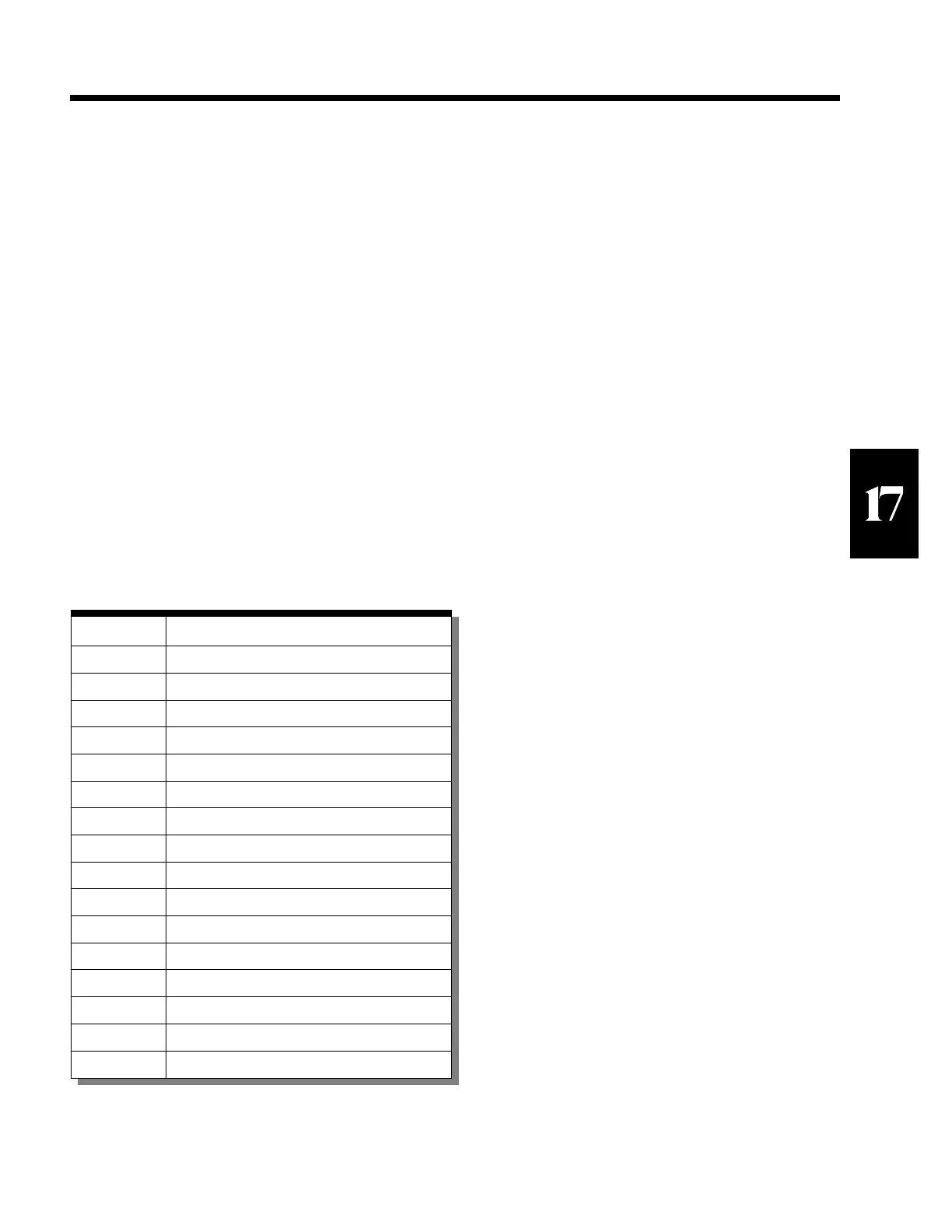
Number Custom Transmits
0 None
1 1
2 2
3 3
4 4
5 1 & 2
6 1 & 3
7 1 & 4
8 2 & 3
9 2 & 4
10 3 & 4
11 1, 2, & 3
12 1, 2, & 4
13 1, 3, & 4
14 2, 3, & 4
15 1, 2, 3, & 4
Table 32 Choices for P722, P723, P724 & P725



 To Next Page