Model 574 Programmable Counting System (PCS)
282 - GSE Scale Systems
Display or Text. If this parameter is enabled, the 574’s
display will be transmitted out either the Com or Print port.
The three selections at this parameter are Echo = disabled,
Comm or Printer.
The “”Echo” Display format” selection will reflect the
identical information in all segments of its display out the
selected port to either a 450 or 550.
P291.X Start
This parameter allows for a selection of a Start
character
for the echo display mode.
P292.X End
This parameter allows for a selection of an End
character
for the echo display mode.
The “Text format” selection is simply to disable the
“echo” feature and setup a custom transmit that will
transmit custom information in the 574’s custom transmit
table via its COMM or Print port. This information can be
sent to a 450, 550 or a non-GSE remote display.
Transmitted Text format introduction:
The following format should be set in the 574 custom
transmit table to be received by a 450 or 550 remote
display.
The 574 display has three parts. The main numeric
portion, the upper auxiliary display (5 characters) and the
lower auxiliary display (5 characters).
The data stream transmitted should be in three main parts
with additional start/end control characters. Each piece of
data should be delimited with an ASCII space. The first
piece of data is usually numeric and will be displayed in
the 574’s main display. The second piece of data is
generally the units and is displayed in the 574’s upper
auxiliary display. The third piece of data corresponds to
the numeric data name and is displayed in the 574’s lower
auxiliary display. This is the format a 450 or 550 (slave)
unit will be setup to receive.
The following is an example format of the custom
transmission sent (Text) by the 574. This example shows
how a custom or fixed data stream should appear in the 574
in order to be compatible with a 450 or 550 remote display.
The remote device should be set for remote display use and
to receive a text format (P-271).
Transmitted Format:
<START CONTROL CHARACTER>
<NUMERIC DATA> < SPACE> <UNITS> <SPACE>
<DATA NAME> <END CONTROL CHARACTER>
Data stream:
<STX> <534.03> < > <lb> < > <Gross> <CR>
Start and end control characters are not necessary. They
are usefull for synchronizing one instruments format to
another. Other manufacturer’s fixed transmissions might
not always have Start or End control Characters.
The spaces between the numeric data, units and data name
are usually present. The following example shows a
common fixed data stream format. Notice the first set of
information is numeric. A space is between the first piece
of data (numeric) and the units (lb). A space is also present
between the units and the data name (gross). The
terminating control code is a carriage return <CR>.
ie. 456.73 lb gross<CR>
32.5 Model 450 and 550 Remote Display
Parameters
P270.X TmOut
Enabling Time Out will display the message “Check
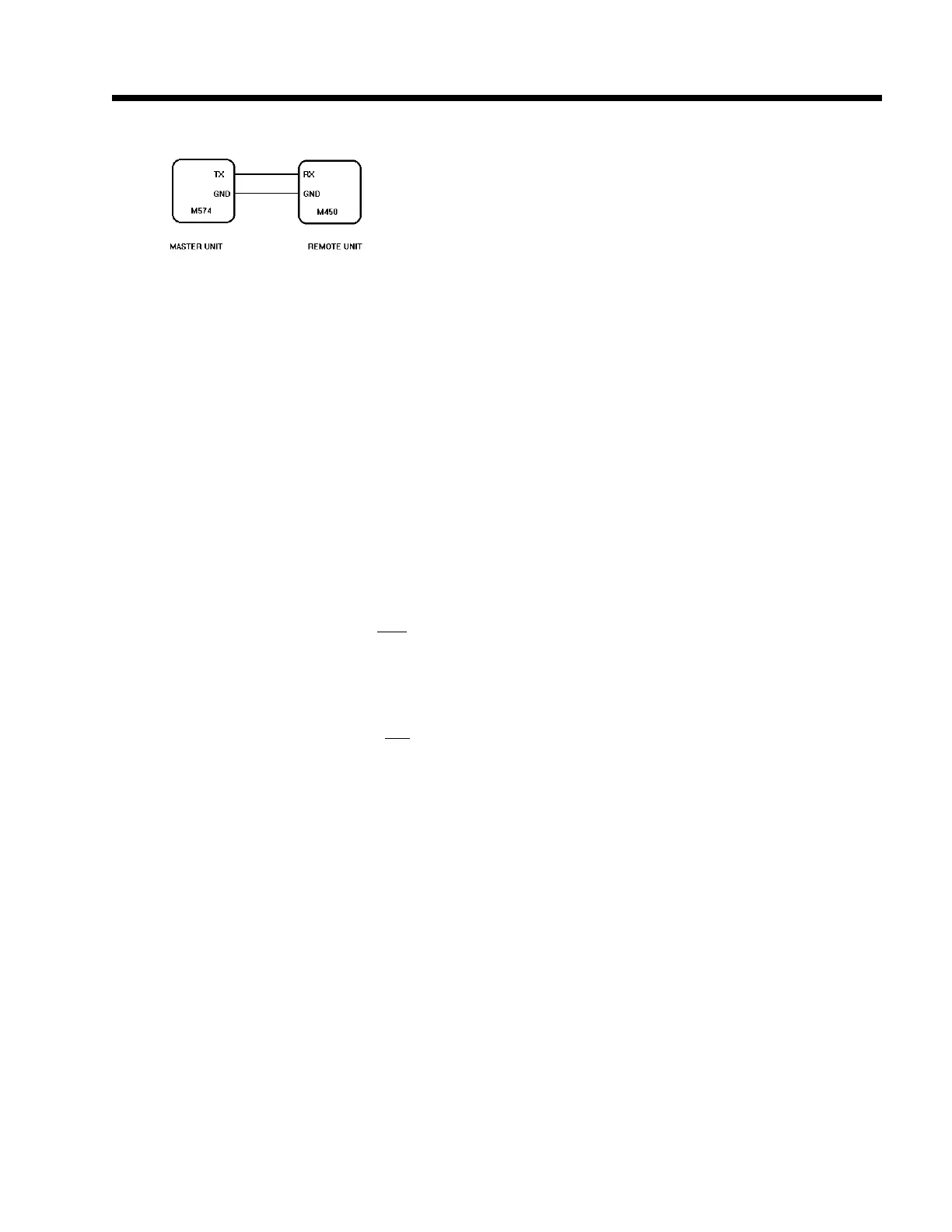
Figure 48 Remote display connections (standard)



 To Next Page