Model 574 Programmable Counting System (PCS)
206 - GSE Scale Systems
commands is issued to gain access to the advanced
commands, then all of the database commands become
accessable through the scrolling method of repeatedly
pressing the <SELECT> key until the database
command menu is terminated by execution of one of the
database commands or by pressing the <CLR> key to
exit the menu. Each time the menu is accessed, initially
only the four basic commands are available.
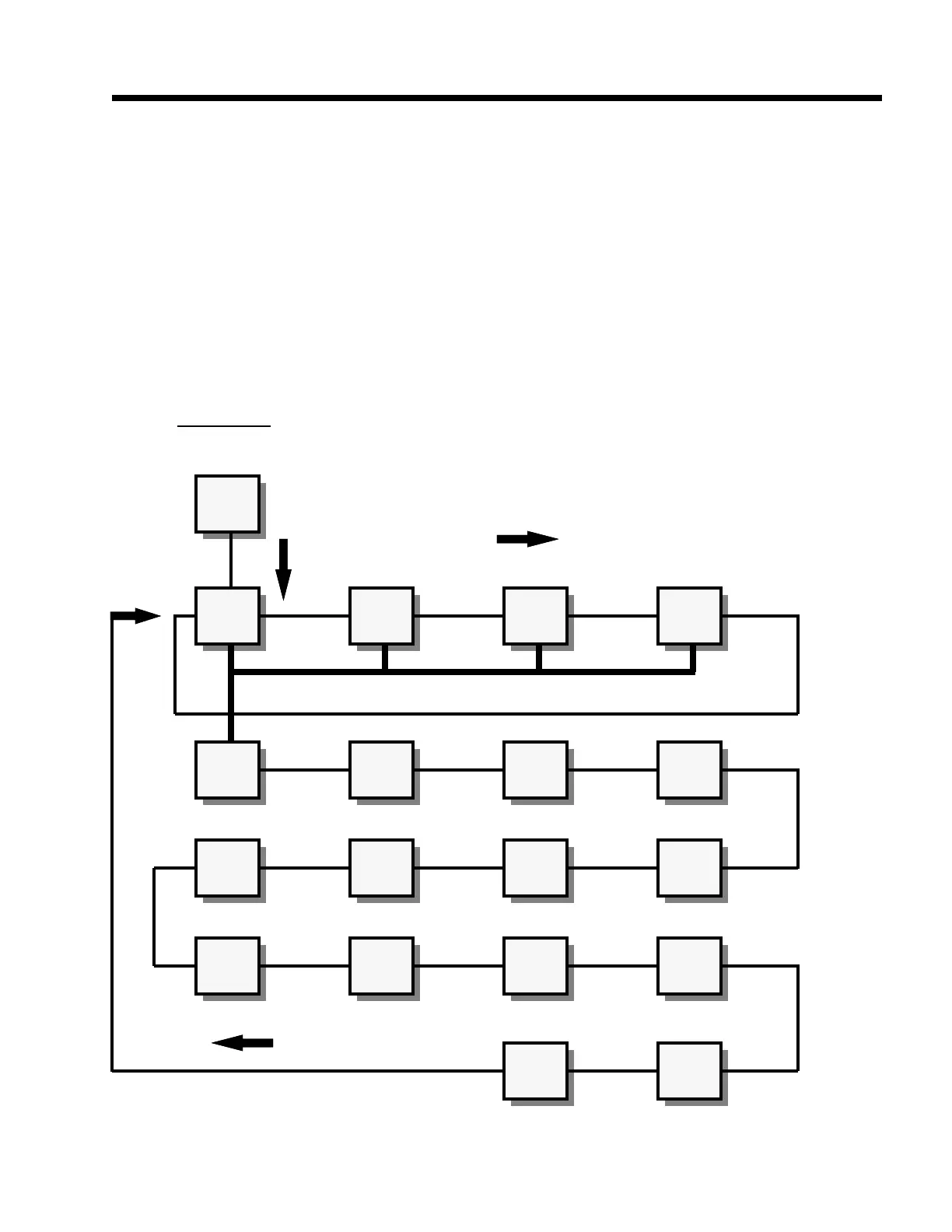
Each of the advanced commands (numbered 5 through
18) are described in detail below. Please note that the
"cursor" keys, Up Arrow, Down Arrow, Right Arrow
and Left Arrow) may be used in their standard manner in
order to key in alpha-numeric data.
5 FIRST ROW:
a. <ENTER> key alone:
The "FIRST ROW" command will cause the very first
row of the currently selected DATABASE to be recalled.
When used in conjunction with the "NEXT ROW"
command, this operation can be quite useful if every
stored row is to be sequentially recalled and processed in
some manner. An example would be to print out a report
using the custom transmit setups in a format which is not
possible with the standard printout.
b. An entry followed by the <ENTER> key:
An entry preceding the "FIRST ROW" command is not
defined and will result in an "ENTRY ERROR" message.
weigh
mode
Recll
row
Updte
row
Make
row
Print
dbase
First
row
Next
row
Next
Match
Clear
row
Set
Colmn
Set
Dbase
Clear
Dbase
Clear
Colmn
Down-
load
Print
row
Print
err's
Upld.
new
Sort
Dbase
Upld.
Updat
Figure 30 Database Advanced Commands
1 2 3 4
5 6 7 8
9 10 11 12
13 14 15 16
17 18
SELEC
ID



 To Next Page