GSE Scale Systems - 153
Chapter 16 Macro Programming Operations Technical Reference Manual
x%a Set the target accuracy to be achieved
This command allows the percentage of accuracy to
achieve during a sample routine to be changed to a
specific percentage. The value of “x” can be a value
between 90 and 99.96. Values below 90 will eliminate
an accuracy requirement. Values above 99.96 will
automatically select the highest selection of achieved
accuracy requirements and default to 99.96 percent.
97%a
*%a Set the target accuracy to the default
Executing this command will default the accuracy
reqirements during a sample routine to the value entered
in parameter P183.
?%a Displays the current target accuracy
This command displays the current target accuracy
percentage set in parameter P183. This value is set in the
entry buffer and can be used in math calculations.
%a If accuracy has been achieved, process the
following commands.
This command is an “IF” statement which allows a
decision to be made based on whether or not the
accuracy set in parameter P183 has been achieved.
THE FOLLOWING COMMANDS ARE USED TO PERFORM THE OPERATIONS AVAILABLE FROM THE
MODEL 574’s FRONT PANEL.
Each key's precise effect is dependant on the Instrument's current mode of operation.
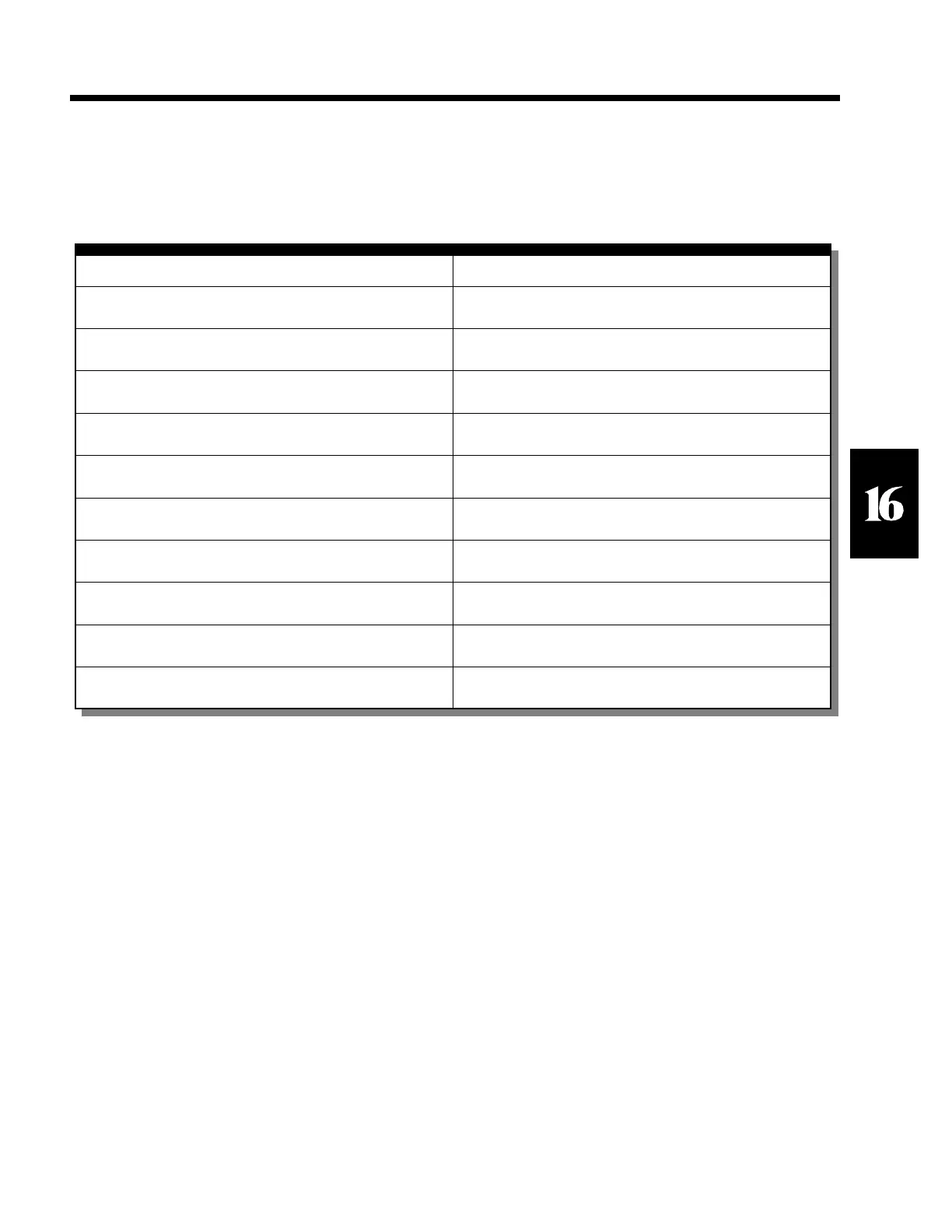
Table 29 Macro Commands for the Front Panel
SECTION - 16.8
Macro Command Description
%c Performs the <CLR> key operation.
%e Performs the <PRINT> key operation.
%i Performs the <ID> key operation.
%p Performs the <SAMPLE> key operation.
%s Performs the <SELECT> key operation.
%t Performs the <TARE> key operation.
%u Performs the <UNITS> key operation.
%z Performs the <ZERO> key operation.
%` Performs the <SCALE SELECT> key operation.



 To Next Page