Model 574 Programmable Counting System (PCS)
4 - GSE Scale Systems
Pressing the <SCALE SELECT> key will
toggle through all enabled scale inputs. One
scale input is accessed at one time. Selecting
the smaller sample scale platform will help
establish more accurate average pieceweights.
The main scale platform can also be selected for
sample routines. A third scale (remote bulk
floor platform) can also be selected or toggled
to by pressing this key. The third scale is
generally selected after the average pieceweight
is established on the smaller platform.
ZERO
Press <ZERO> to zero the current quantity/
weight reading. When the meter is at Center
Zero the international center-of-zero indication
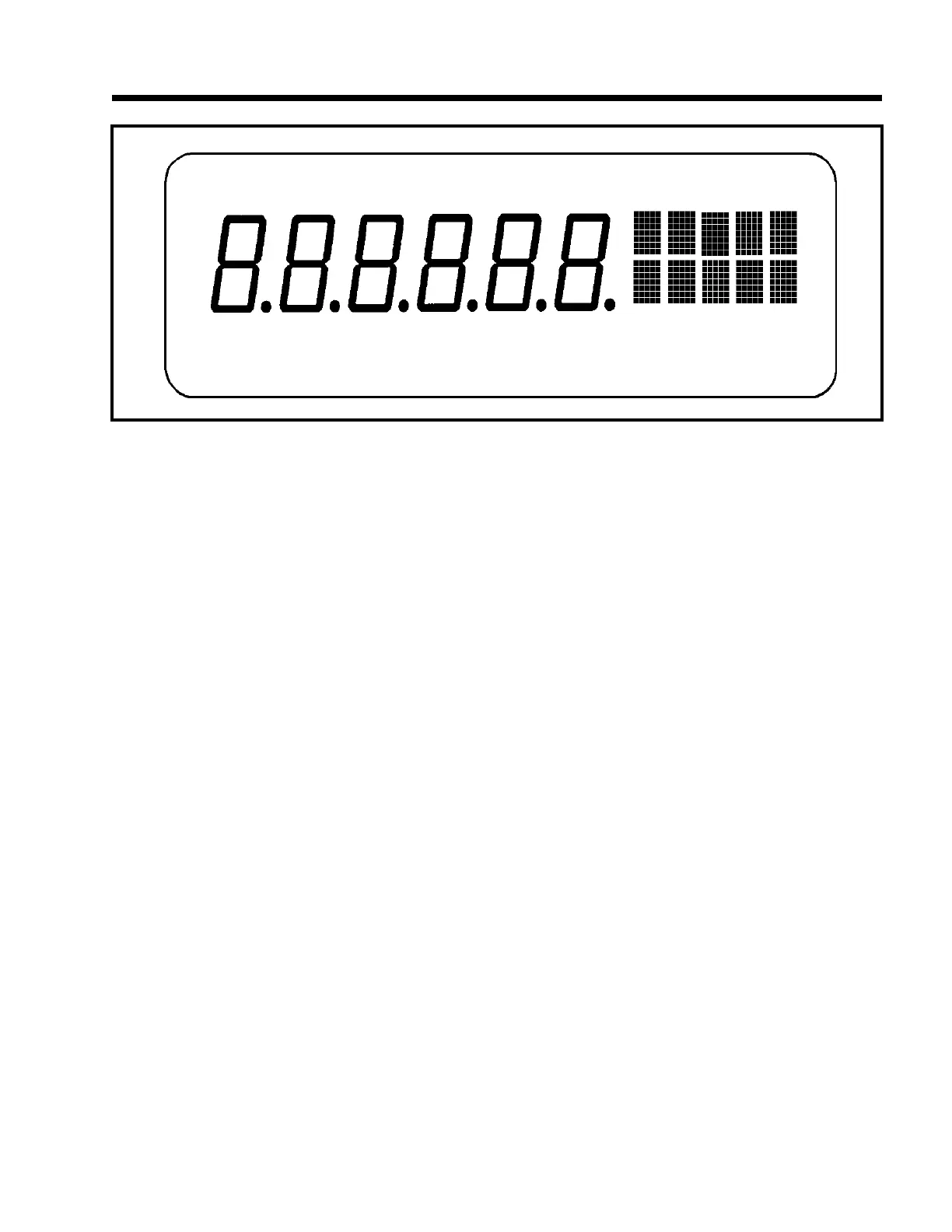
will appear on the upper line of the dot matrix
display. This indication is a right and left arrow
pointing to a circle. If a Custom Unit’s name is
greater than 2 characters, the Center Zero
indication is not displayed. If in the quantity
mode pressing <ZERO> will set the current
mode to a gross zero quantity. If in the weigh
mode, pressing <ZERO> sets the current mode
to Gross Weight. Refer to figure 3, Model 574
Keyboard.
UNITS
Pressing the <UNITS> key in the quantity has
no effect. Pressing <UNITS> from the weigh
mode will toggle the displayed units through the
available selections. Converted units are
automatically rounded to the appropriate
increment. If the "lb/oz" units selection is used,
the first digits of the numeric display will read
the value for pounds, the last digits will read
ounces, and since the upper line of the dot
matrix display is used to show the units, there is
no center zero indication. As with other units
designations, the characters showing units will
blank out when motion is present.
SELECT
Pressing <SELECT> will toggle you through
the Net Weight, Tare Weight and Gross Weight,
Quantity, APW or other enabled operating
modes. Refer to the Mode Selection
parameters, P300 - P309.
TARE
Pressing <TARE> by itself will perform an
auto-tare. A Net Zero is then displayed. You
can enter a known Tare Weight into the 574 by
keying in the number and pressing <TARE>.
In either case, the indicator will be placed in the
Net Mode, unless you are in the Tare Mode.
Auto-Tare and / or Keyboard Tare may be
Figure 2 Front Panel Display



 To Next Page