GSE Scale Systems - 15
Chapter 3 Parameter Setup Mode (Basic Setup) Technical Reference Manual
can be tracked off. This time is selectablefrom 0.0 to
10.0 seconds in increments of 0.1 seconds. Press
<ENTER>to cycle through the available choices. When
the correct choice for your application is displayed, press
<SELECT> to advance to the next parameter.
P114.XX Mot'n
This defines the amount of instability (in divisions as
determined in P111) that will constitute Motion (the time
is set in P115 below). Presence of Motion on the
platform will delay any ZERO or TARE operations and
will blank the Units Name (lb, kg, etc.) until motion is
removed. Selecting P114.00 disables motion inhibition.
Press <ENTER> to cycle through the available
selections. When the correct choice is displayed, press
<SELECT> to advance to the next parameter.
P115.XX MtDly
This parameter sets the time delay period for the Motion
status. The scale must be stable within the number of
divisions set in P114 for the time period set here for the
Motion status to be removed. Press <ENTER> to cycle
through the available choices. When the correct choice is
displayed, press <SELECT> to advance to the next
parameter.
P116.XX Filtr
This parameter establishes the display response time in
terms of seconds, or how long the system takes to
respond to a full scale weight. The higher the value
selected, the longer the response time, but more stability
will be achieved. Press <ENTER> to display the
available selections. When the correct choice is
displayed, press <SELECT> to advance to the next
parameter.
A. Filtering Background:
The filter selections for the 574 system determine how
the display responds to a changing weight signal. Faster
filter selections allow the indicator to respond quickly to
an applied weight at the risk of causing some instability
due vibration or wind currents. Slower selections will
provide more stability in the presence of vibrations at the
cost of a longer time to settle on a final value.
B. Standard Filter
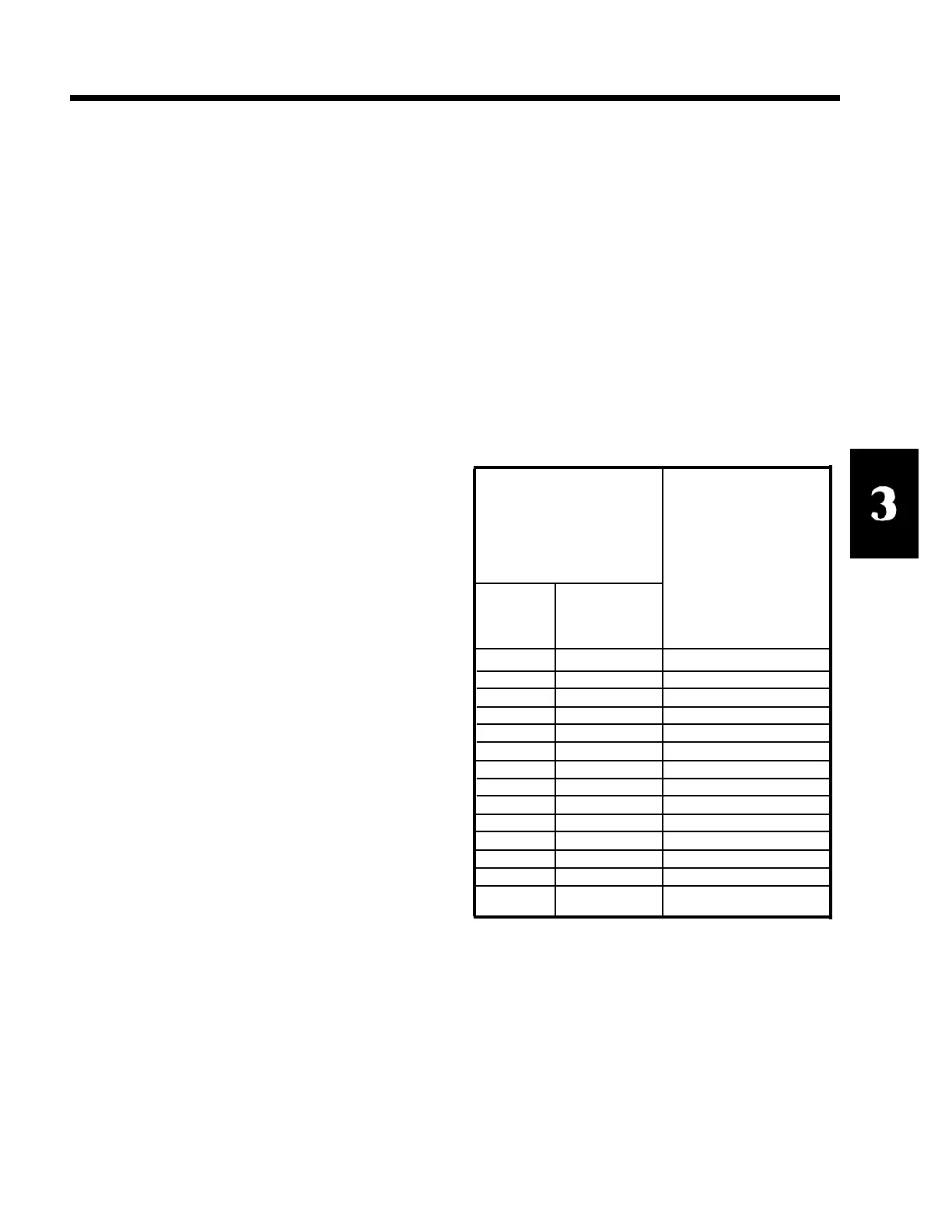
Setup parameter P116 has fourteen standard selections,
choices 0 through 7. The response time of the selections
is rated in terms of the time required for the system to
reach a final steady state after the application of a full
scale load. Selection zero provides the fastest response,
thus the least amount of filtering while selection seven
provides the slowest response and the most filtering.
C. Auto-Filter
The Auto-filter selections attempt to combine the best of
both choices. When the weight is changing rapidly (such
as an item is placed on a scale), the 574 automatically
switches to the fastest filter selection, ie 1/16 second full
scale response time. However when the weight appears
to be settling around a final value the filter automatically
switches back to the specified filter selection. This may
work well in some situations such as a check weighing
application, but it may prove less repeatable in a filling
application which requires a consistent response in order
to compensate for free-fall and other factors.
The criteria used by the system to determine when to
switch to the fastest filter selection and when to return to
SECTION - 3.2
Selection Effective
Full Scale
Response
Time
(seconds) *
Standard Auto-
Filter Filter
0 N/A 0.06
1 N/A 0.13
2 N/A 0.25
3 N/A 0.50
4 N/A 1.00
5 15 2.00
6 16 4.00
7 17 8.00
Table 2 Filter Setup Selection



 To Next Page