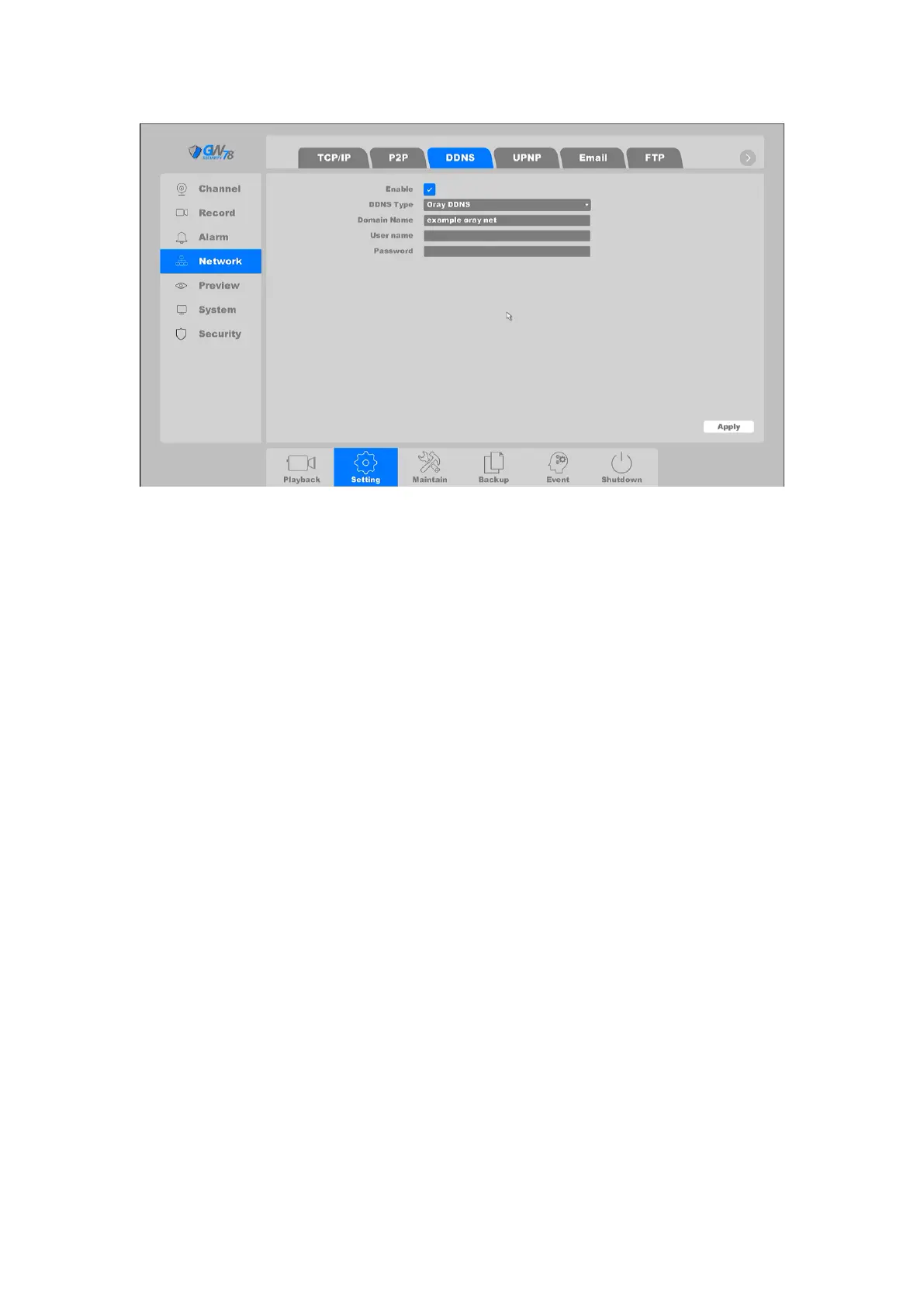
Figure 4-27 DDNS Setting
Enable: DDNS enabling toggle.
DDNS Type: ISP of DDNS, including Oray DDNS, CN99 DDNS, DynDNS DDNS, NO-IP
DDNS. This option can be customized according to the requirement your requirements.
Domain name: Fill in the domain name provided by ISP or other DDNS service.
User name/Password: Fill in the username and password that corresponds to the
domain name.
4.3.3.4 UPNP
UPnP is a networking standard that uses protocols on the Internet to allow electronic devices
connected to a network to detect and identify each other.
Click on "Setting -> Network ->UPNP", as shown in figure 4-28. In this page you can configure the
Media Port, HTTP Port and Handset Port. Check UPNP Is enabled, the external port can
automatically obtain and use.



 To Next Page