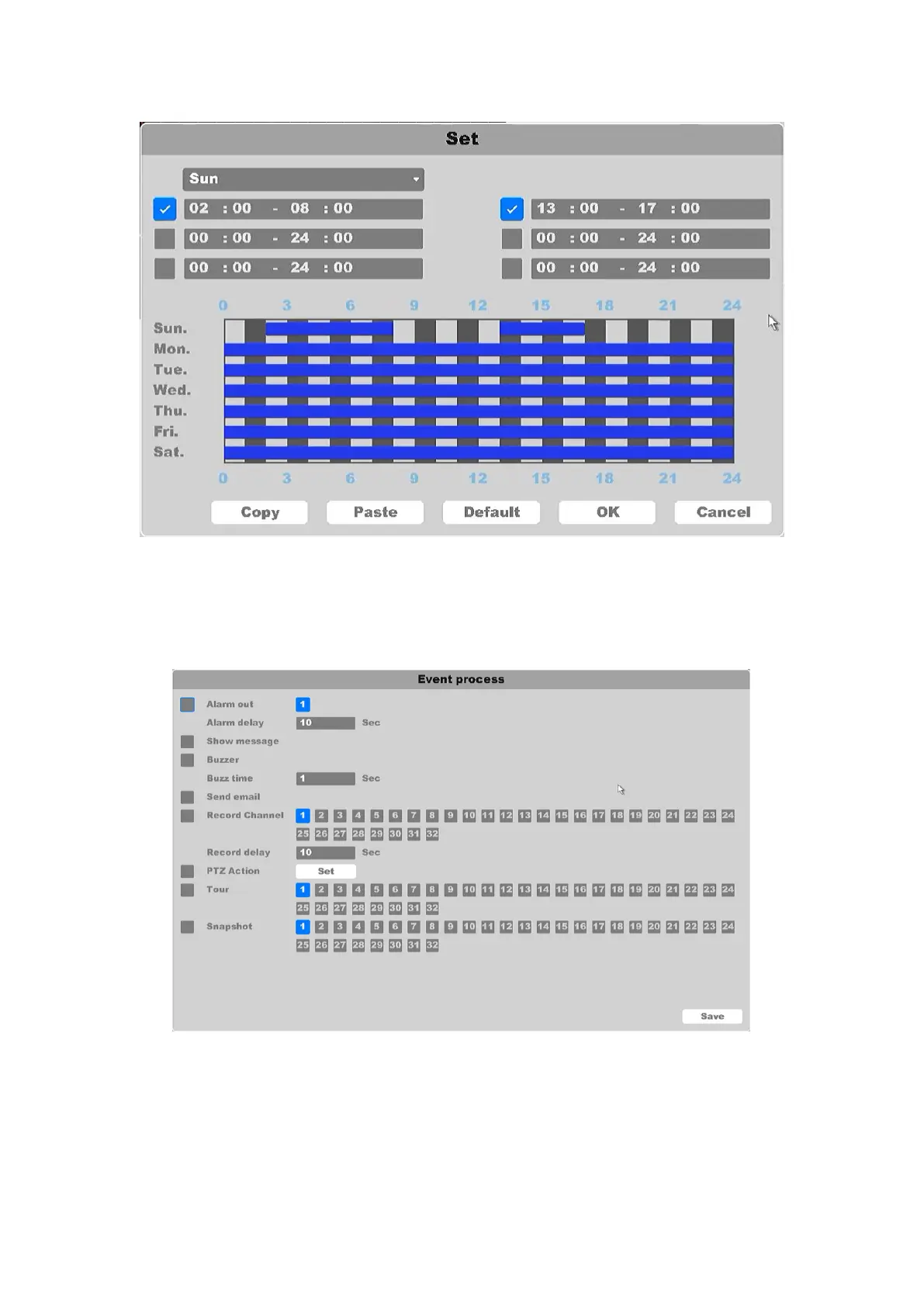
Figure 4-36 Schedule Setting
Interval: Set the time interval of each motion detection triggered.
Trigger process: Set the handling action of motion detection including: alarm output,
alarm delay, show massage, buzzer, send Email, record channels, record delay, PTZ act, tour,
and Snapshot (as shown in figure 4-37).
Figure 4-37 Event Process
Sensitivity: Set Sensitivity of motion detection, range from 1 to 6.
You need to select the surveillance area on the screen, by click and drag the mouse, or you can
click the button Select All to select all the surveillance area, or click the button Clear to reset the
area:



 To Next Page