Figure 4-38 Select partially Figure 4-39 Select All
Click Apply button to save the settings.
4.3.4.2 Masking
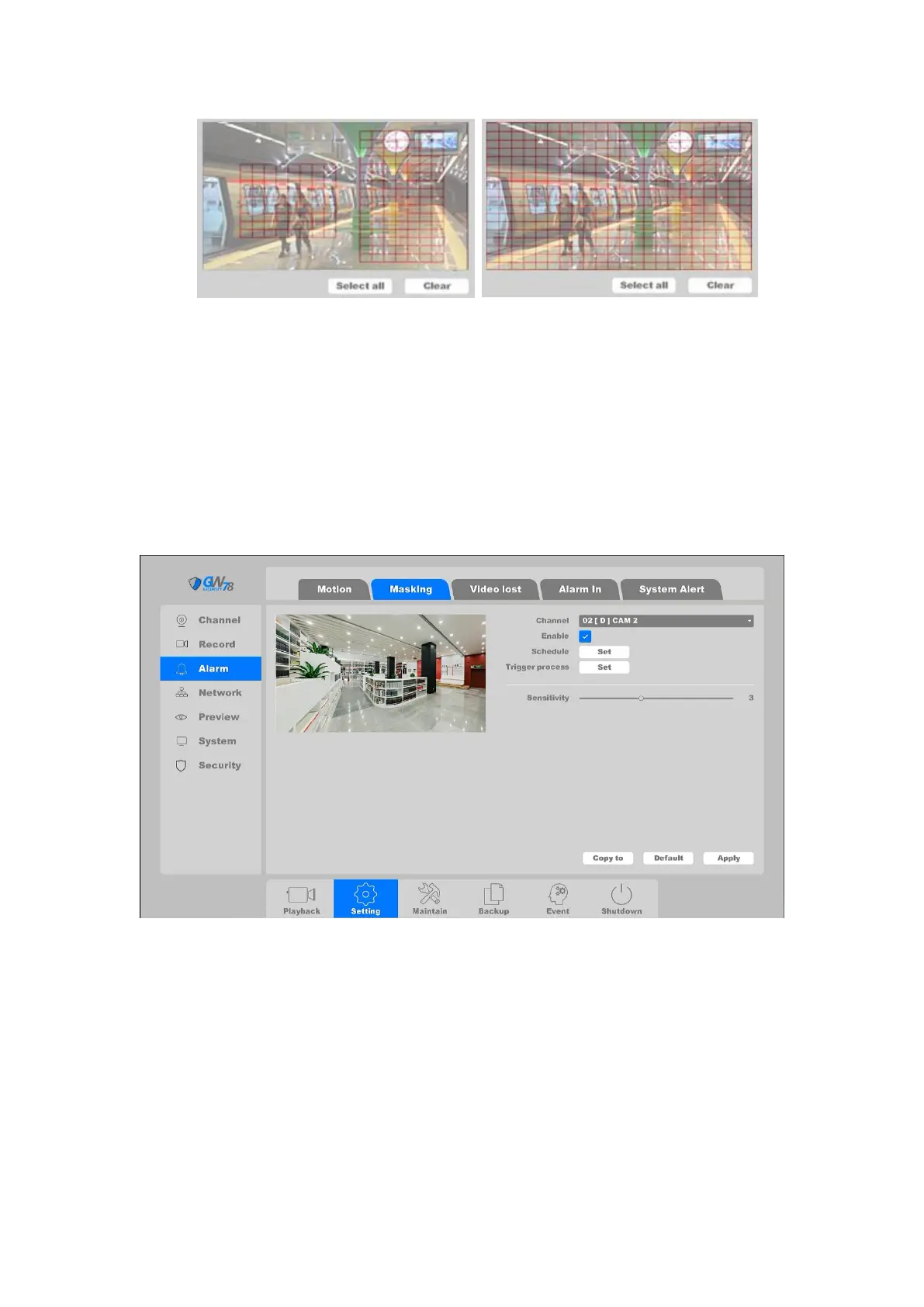
Click on the "Settings -> Alarm ->Masking”, as shown in figure 4-40.
Detect video masked on a channel and take alarm response actions.
Figure 4-40 Masking
Channel: Select the channel.
Enable: Video masking enable toggle.
Schedule: Set the time slot to detect video masking. You can take the setting of chapter
4.3.3.1 motion detection for reference.
Trigger process: Set the handling action of masking detection; please take the setting of
chapter 4.3.3.1 motion detection for reference.
After all the settings finished, click the button Apply to save all changes.



 To Next Page