Bit Rate Type: CBR(constant bitrate)/VBR(variable bitrate). Variable bitrate uses
redundant bits in the video stream to lower the bitrate of the camera without losing
quality of image.
Image Quality: Lowest/Low/Standard/Good/Better/Best
Bit Rate(Kb/s): Value of the Bandwidth, or rate in which data is brought into NVR
I-Frame: I-frame setting, range from 10-100
Video/Audio: To encode the Video and Audio in the record files. The video in
mainstream is always enabled.
H.264+/H.265+: Enable smart encode technology, all the record file can reduce the
HDD space maximum 80%-90% in static view.
After all the setting finished, click the button Apply to save the configuration.
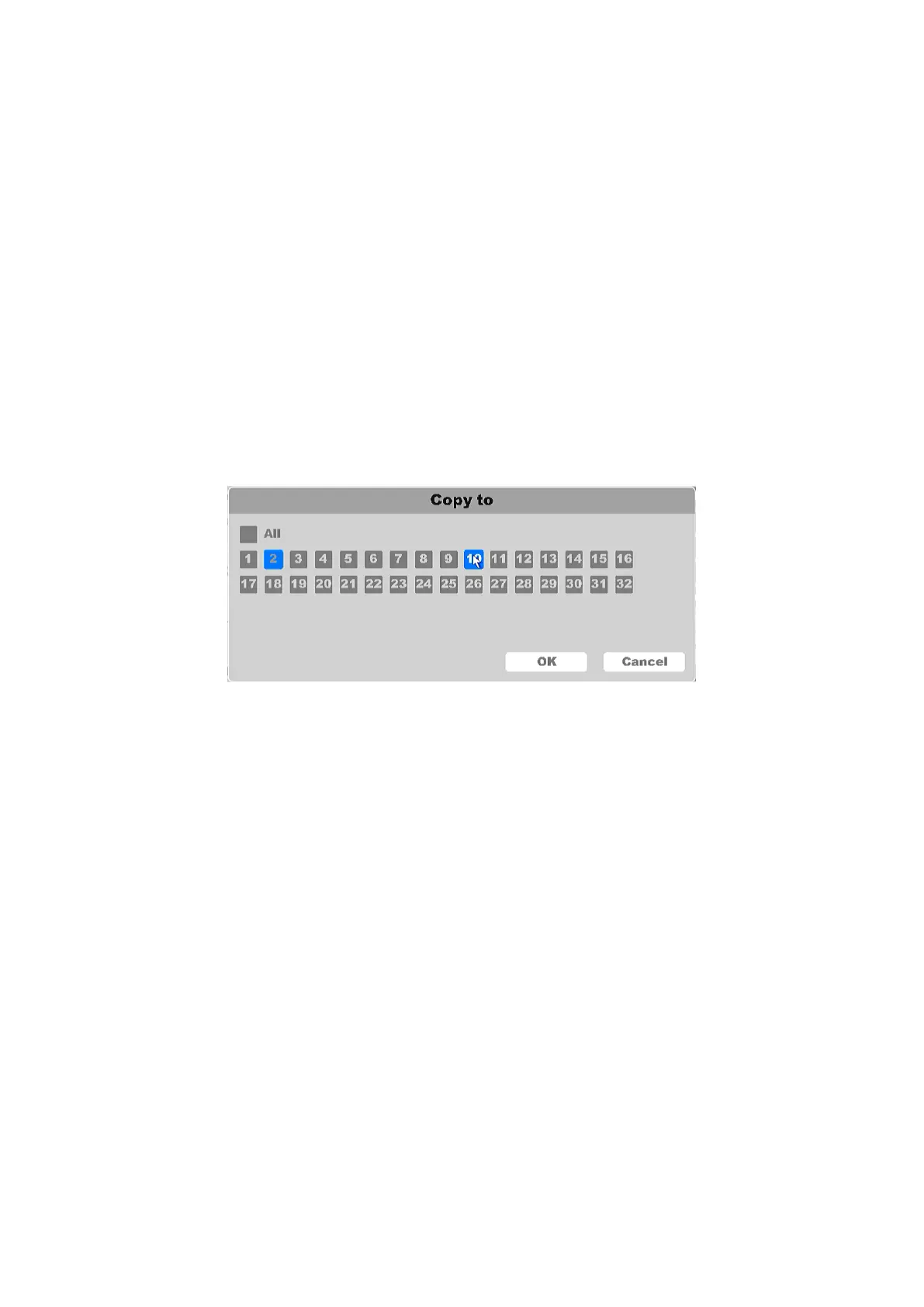
You can copy the configuration of the current camera chosen to rest or select few channels. By
clicking Copy To button, select the channels and save the setting. Please refer to Figure 4-55.
Figure 4-55 Copy To
4.3.6.3 Color
IP Cameras support image adjustment such as: Brightness, Contrast, Saturation, Hue and
Sharpness. Some high-end IP Cameras support advanced Settings such as: Image adjust, Exposure,
Backlight, White balance, Day/Night setting, etc. In this chapter you can configure the IP Camera
to improve the image and make a better view experience.
Click on the "Settings -> Channel ->Color”, as shown below in fig 4-56.



 To Next Page