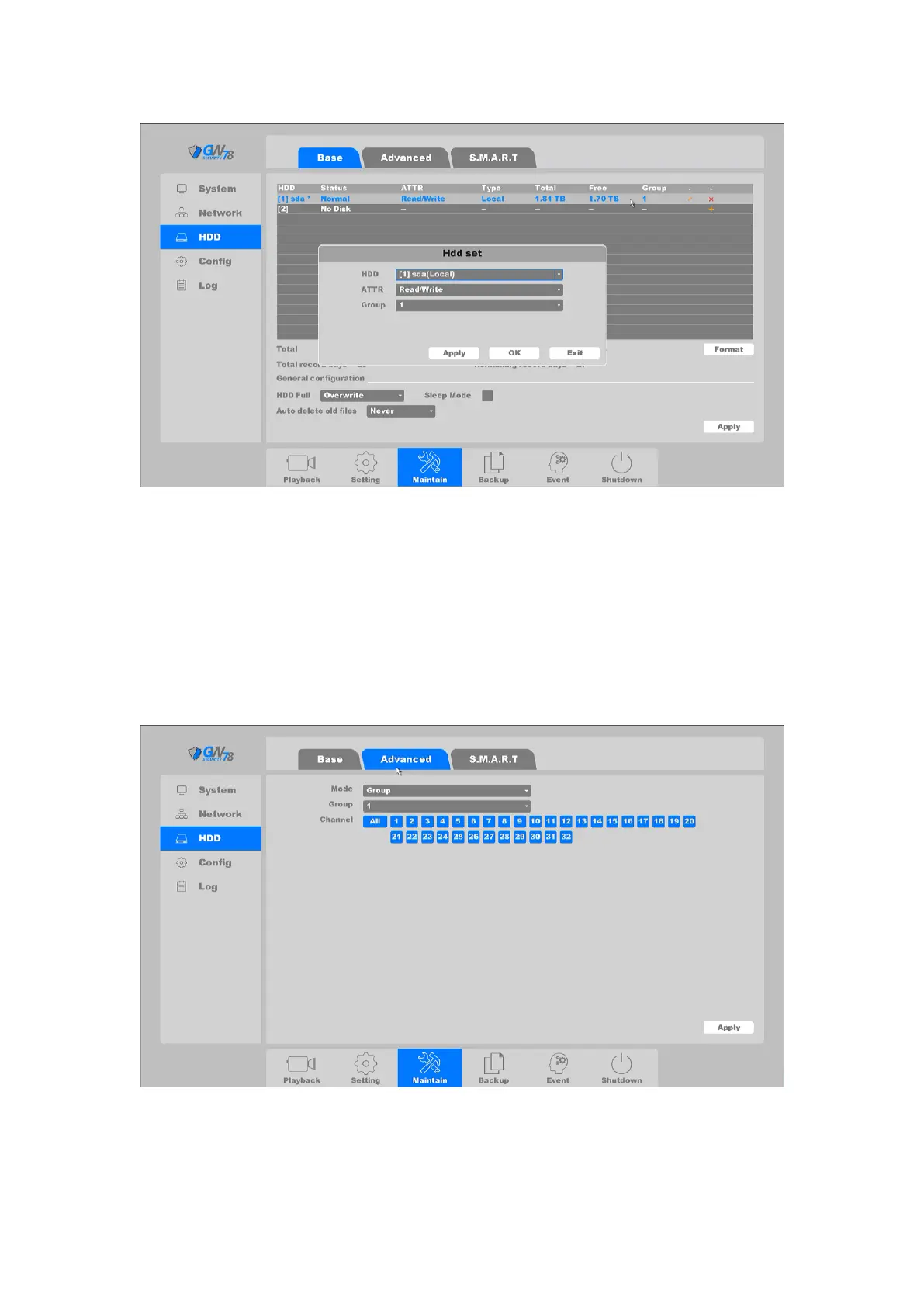
Figure 4-75 Edit of HDD
On this page you can set HDD parameters, including ATTR and Group.
Note:
Every HDD only can be set to one group at the same time.
4.4.3.2 Advanced
Click on the "Maintain --> HDD -> Advanced", as shown in figure 4-76.
Figure 4-76 Advanced Setting of HDD
This page allows you to switch: the hard disk's storage mode, "group", "quotas (Capacity)", and
“Quota (Time)”. Changing the storage mode requires that you restart the NVR device.



 To Next Page