User Manual
Page 23
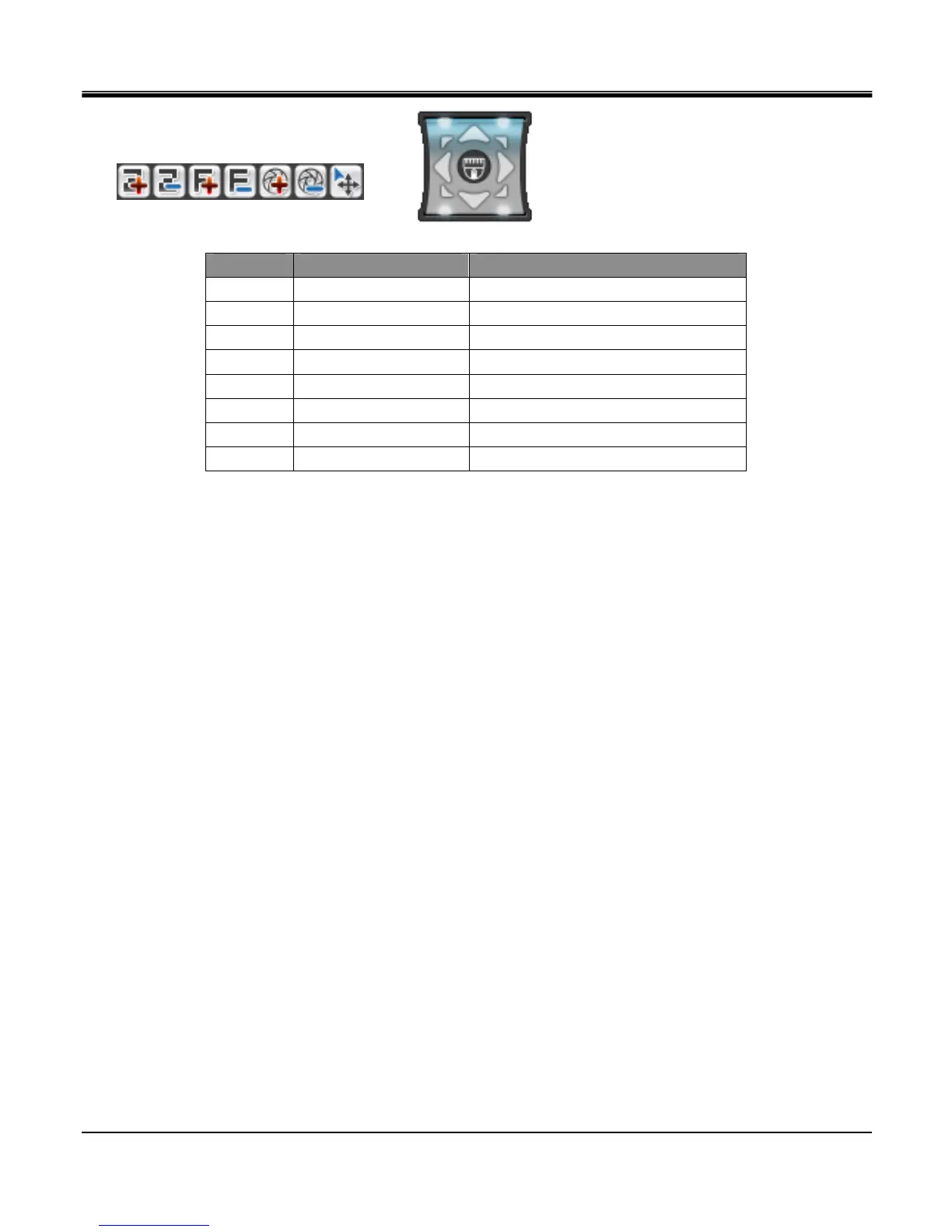
[Virtual Joystick]
[PTZ Control Toolbar]
No. BUTTON FUNCTION
1 TELE ZOOM IN
2 WIDE ZOOM OUT
3 NEAR FOCUS NEAR
4 FAR FOCUS FAR
5 OPEN IRIS OPEN
6 CLOSE IRIS CLOSE
7 EXIT Exit PTZ control
8 JOYSTICK PAN/TILT control
z FREEZE (On / Off)
Select“FREEZE"from“MONITORING"popup menu.
Note: By pressing button marked“FRZ"on frontal key pad or remote controllers will freeze the screen and
press it again to unfreeze.
Select“ON"that appears on expanded window from“FREEZE"selection to freeze the frame and“Off"to
release the screen freeze.
In Full screen mode, FRZ icon appears and screen freezes.
In split screen mode, FRZ icon appears and all channels freeze.
z ZOOM (Available only for live view)
Zoom option may be enable on live view by selecting single channel view then from the“Monitoring"popup menu
select“Zoom"then select“On"to enable Zoom.
Rectangular blue box located in right hand corner indicates zoomed area. (Zoomed fixed 2X)
You may select the zoom area either by directional key on remote controller or frontal key pad. For the mouse
operation, you may left click on to the blue zoomed area and hold it and drag it to desired position.
To exit zoom mode, select“Zoom from the“Monitoring"popup menu then select“Off.



 To Next Page