6-6
Chapter 6: Thermal Transfer Printers
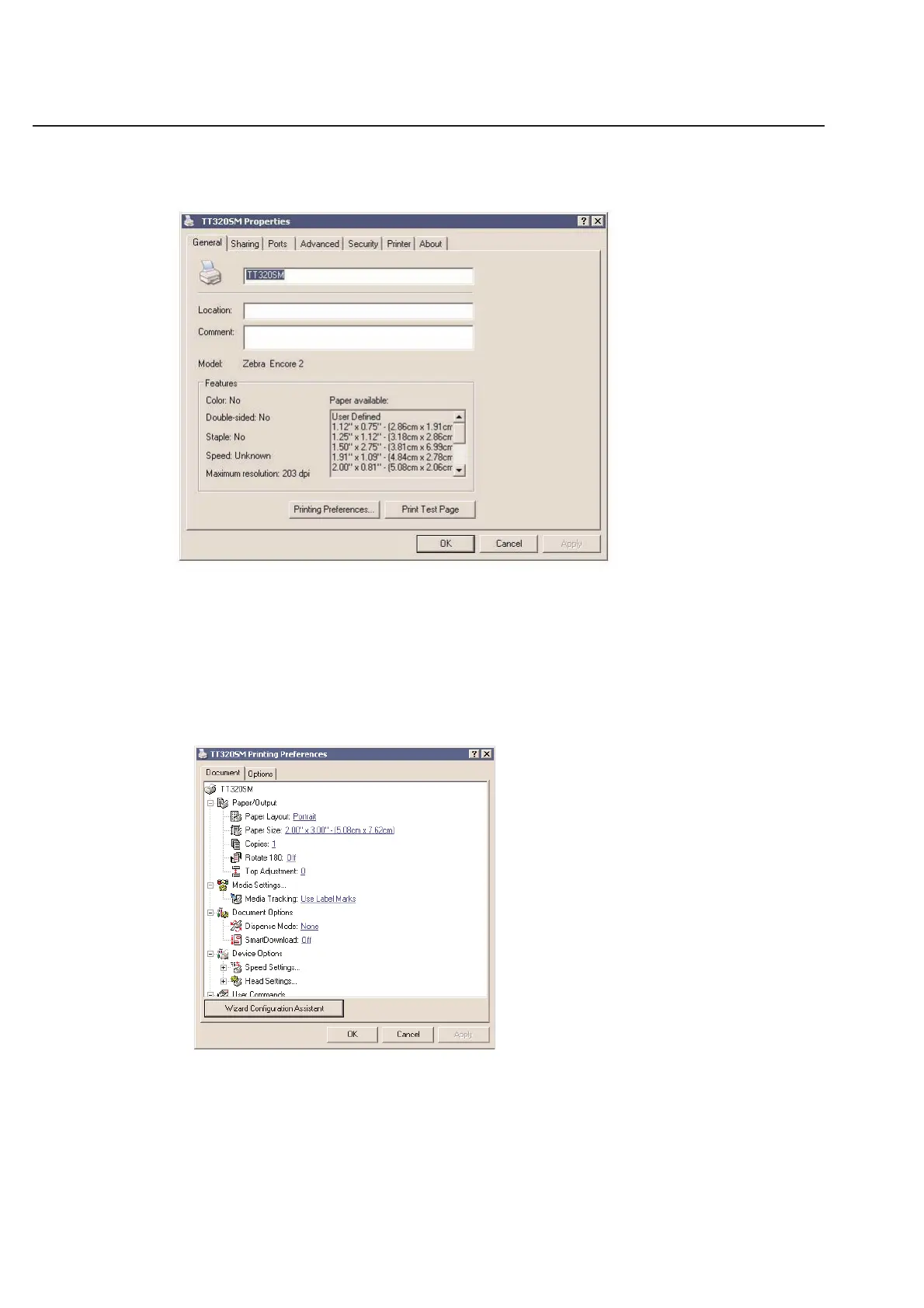
General Properties
This section of the printer preferences should not be changed unless you have a specific reason for doing so. You may
type anything in comments that you would like, but Separator page should remain set to (none).
Printing Preferences
Choose the Printing Preferences button and this screen will follow.
Layout:
Orientation - All of the pre-defined labels for the thermal transfer printers in TagPrint Pro were set up using the
Portrait setting. Unless you have a specific use for it, keep this option on Portrait.
Paper/Quality:
Paper Source - Paper source allows you to control how the printer dispenses labels. You may choose one of
three options.



 To Next Page