2-12
Chapter 2: Label Design
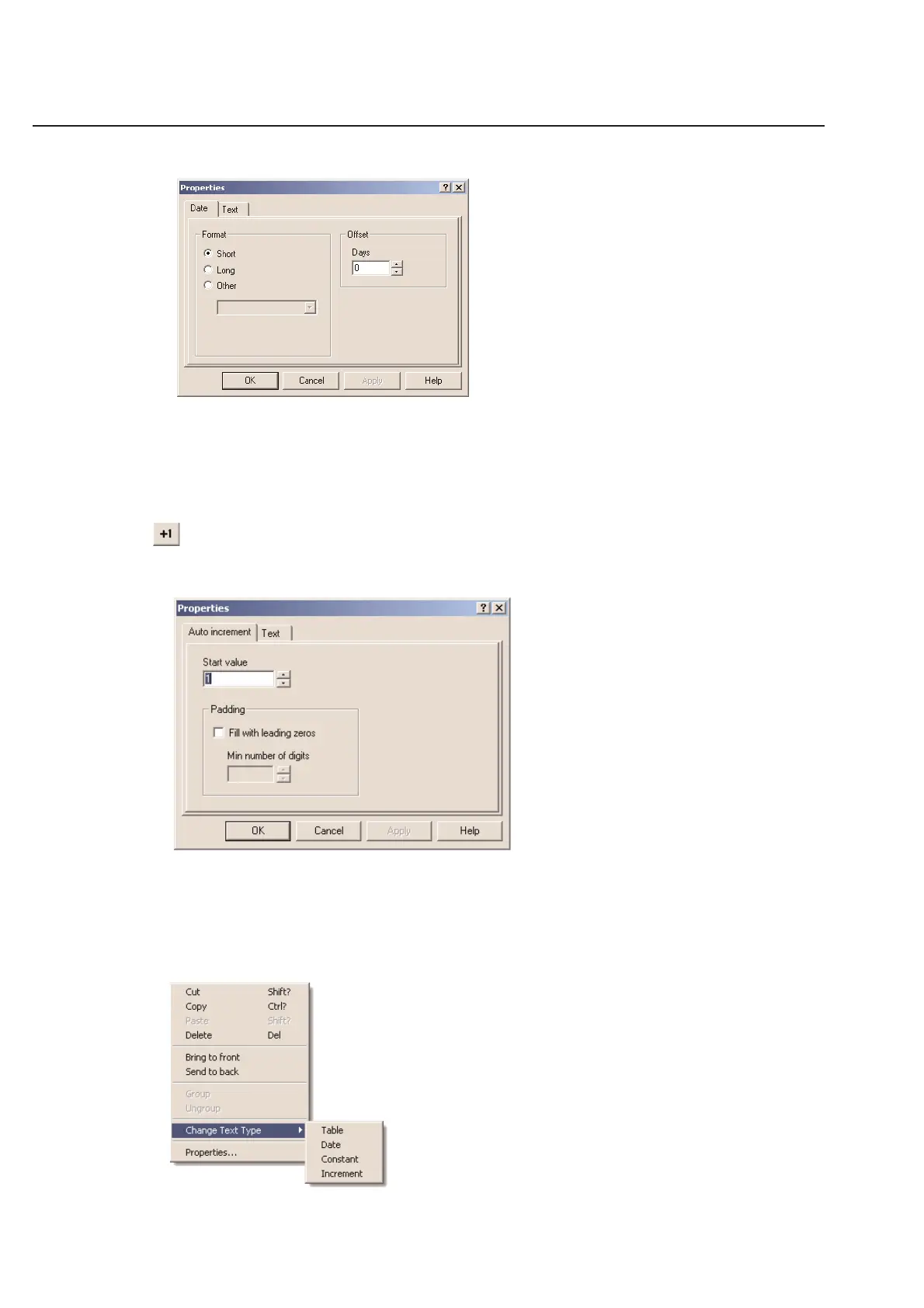
Using the Format option, you can choose how to format your date on the label design. The Short and Long format
options will use the preferences that you have set in the Windows Regional Control Panel. The Other format will
allow you to just display the Day, Month, or Year number. You may offset the current date using the Offset feature.
This is useful when printing labels ahead of time. You may use negative values.
Increment Number
With this text tool, TagPrint Pro will automatically increment numbers for you. Simply input the starting number and
TagPrint Pro will remember where you left off.
You can pad your increment number by checking the Fill with leading zeros option. When checked, you can specify
the minimum number of digits for your number.
Change Text Type
Right click on the mouse and click onto Change Text Type. Here you are able to change the text box type from
Constant to Date or Date to Counter, etc.



 To Next Page