Table Cells
A cell is a single box in the table grid. The TagPrint Pro cell is very similar to a cell in any product spreadsheet pro-
gram. Each cell may contain its own set of data.
Selecting a Cell
You may select a single cell in the table by simply clicking on it once with the left mouse button.
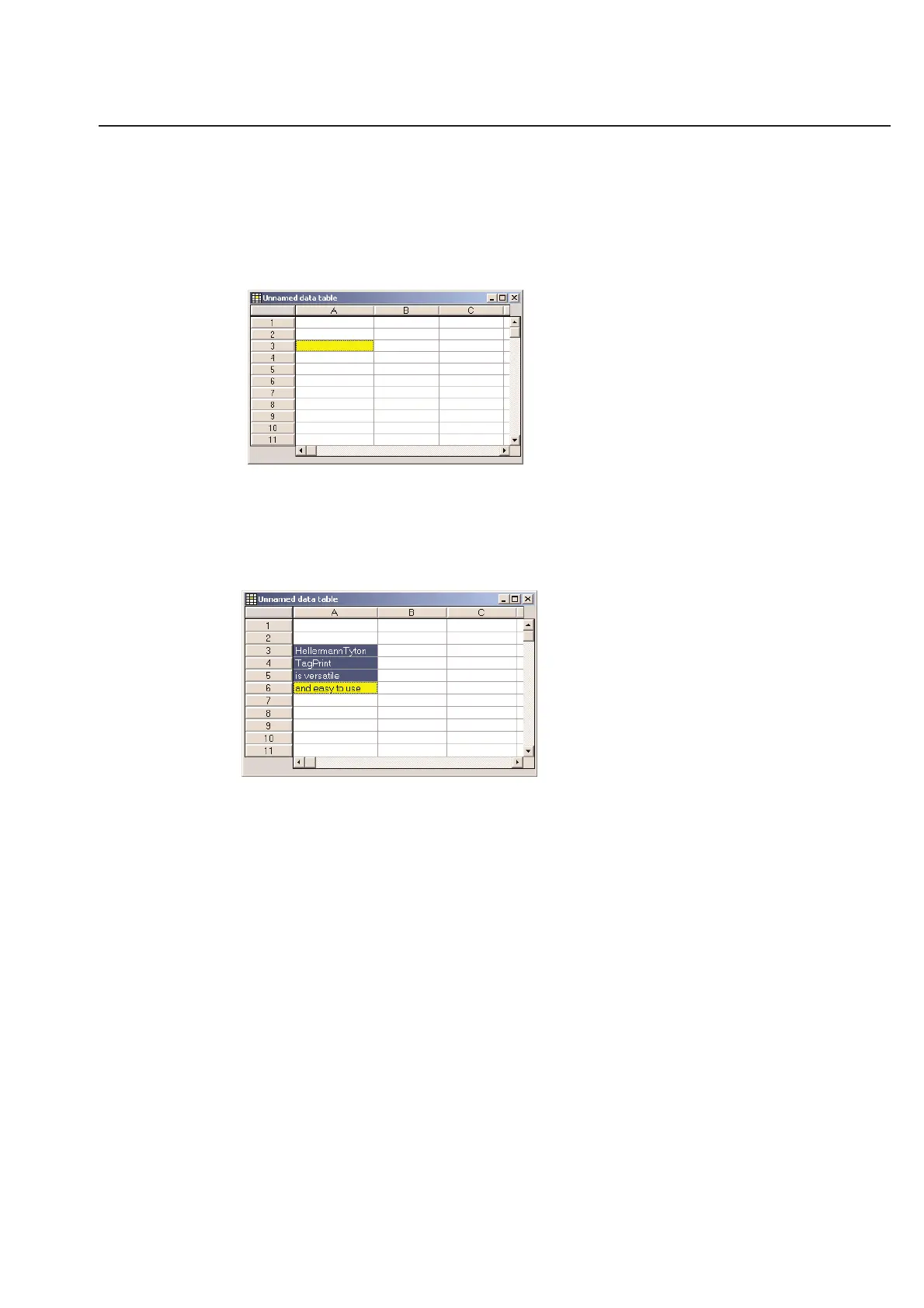
The cell will become highlighted in yellow. When the cell is Yellow, it is "selected".
You may select a number of connected cells in the TagPrint Pro data table. Simply click and hold the mouse button on
the cell in the corner of the group of cells you wish to select. While continuing to hold down the mouse button,
move the mouse until the cell in the opposite corner of the block of data that you wish to select is highlighted. To
confirm this selection, simply release the mouse button.
You are now ready to cut or copy the selection.
3-3
Chapter 3: Table



 To Next Page