2-31
Chapter 2: Label Design
Distribute Tool
The Distribute tool allows you to evenly place items on the label design when you have multiple objects selected. To
choose the distribute tool, simply click on the tool and the options will be listed in a pull down menu.
Note: Three (3) or more items must be selected in order to use the distribute tool.
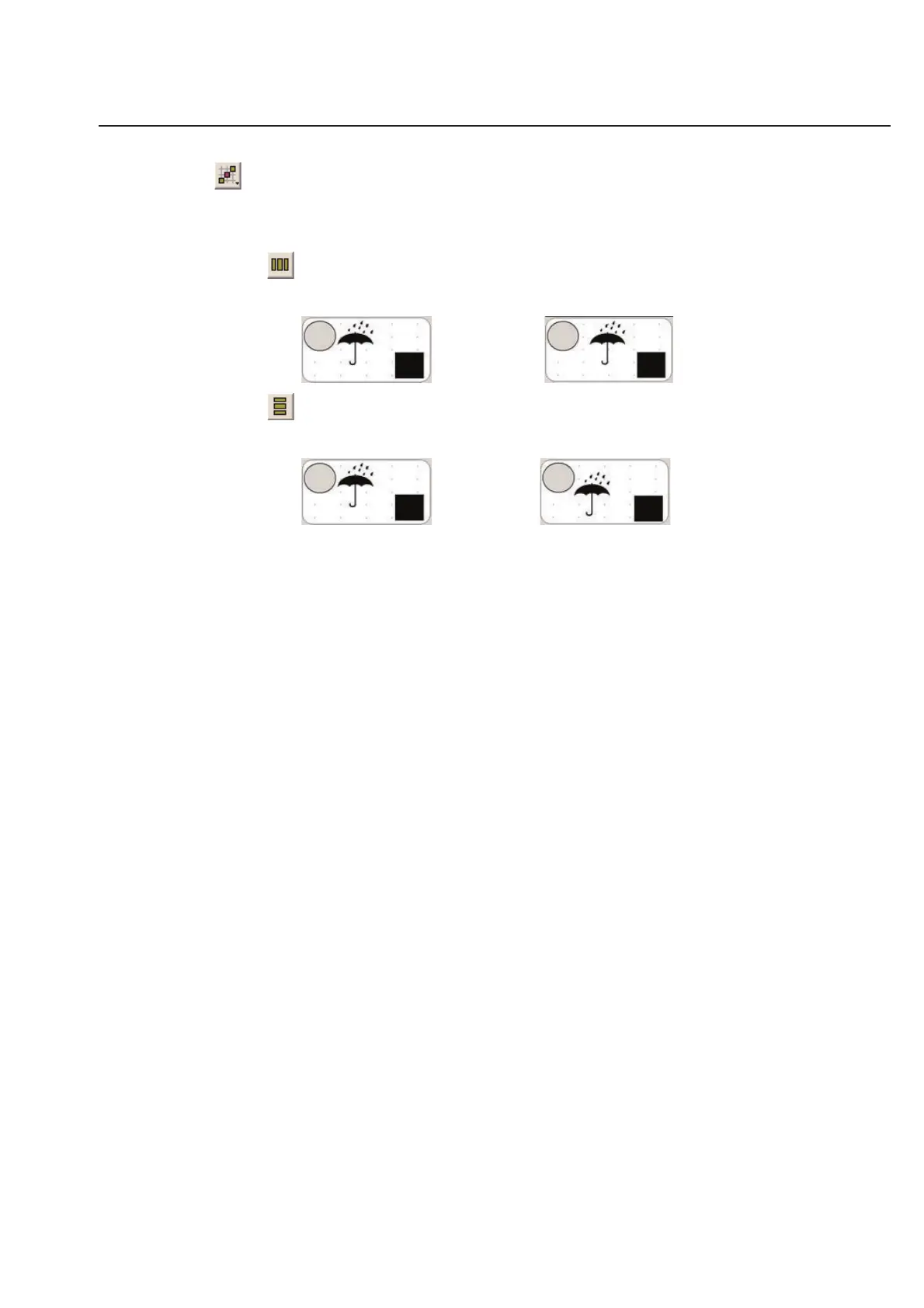
Distribute Horizontal - This tool helps you place items on your label design evenly. This tool will keep
the left-most and right-most items exactly where they are. It will then move the item(s) between the side
items, and evenly space the item(s) in the middle. This tool only affects objects on the left to right plane.
is changed into...
Distribute Vertical - This tool will keep the top-most and bottom-most items exactly where they are. It
will then move the item(s) between the top and bottom items, and evenly space the item(s) in the middle.
This tool only affects objects on the top to bottom plane.
is changed into...



 To Next Page