3-5
Chapter 3: Table
Paste
The Paste command takes whatever information you have previously cut or copied and places it into the table. The
command will place the information on the table starting at the cell that you have highlighted. This command will
replace any pre-existing text. You may access this command in a number of ways. You can find the command in the
Edit menu of TagPrint Pro, you can click on the tool pictured above, or you can use the keyboard shortcut.
Keyboard Shortcut: CTRL - V
Delete
The Delete command is similar to the Cut command except it does not store the information to a clipboard. The
delete command is permanent and cannot be restored after it is performed. Use great care in deleting items off your
table.
Table Rows
Just like a spreadsheet, TagPrint Pro features rows for entering data. It is easiest to think of every row as one printed
label. Every cell in a row will be associated together when you print your label design. Remember, to print informa-
tion from a column in the table, you will need to have a separate variable text box on your label design.
Selecting Rows
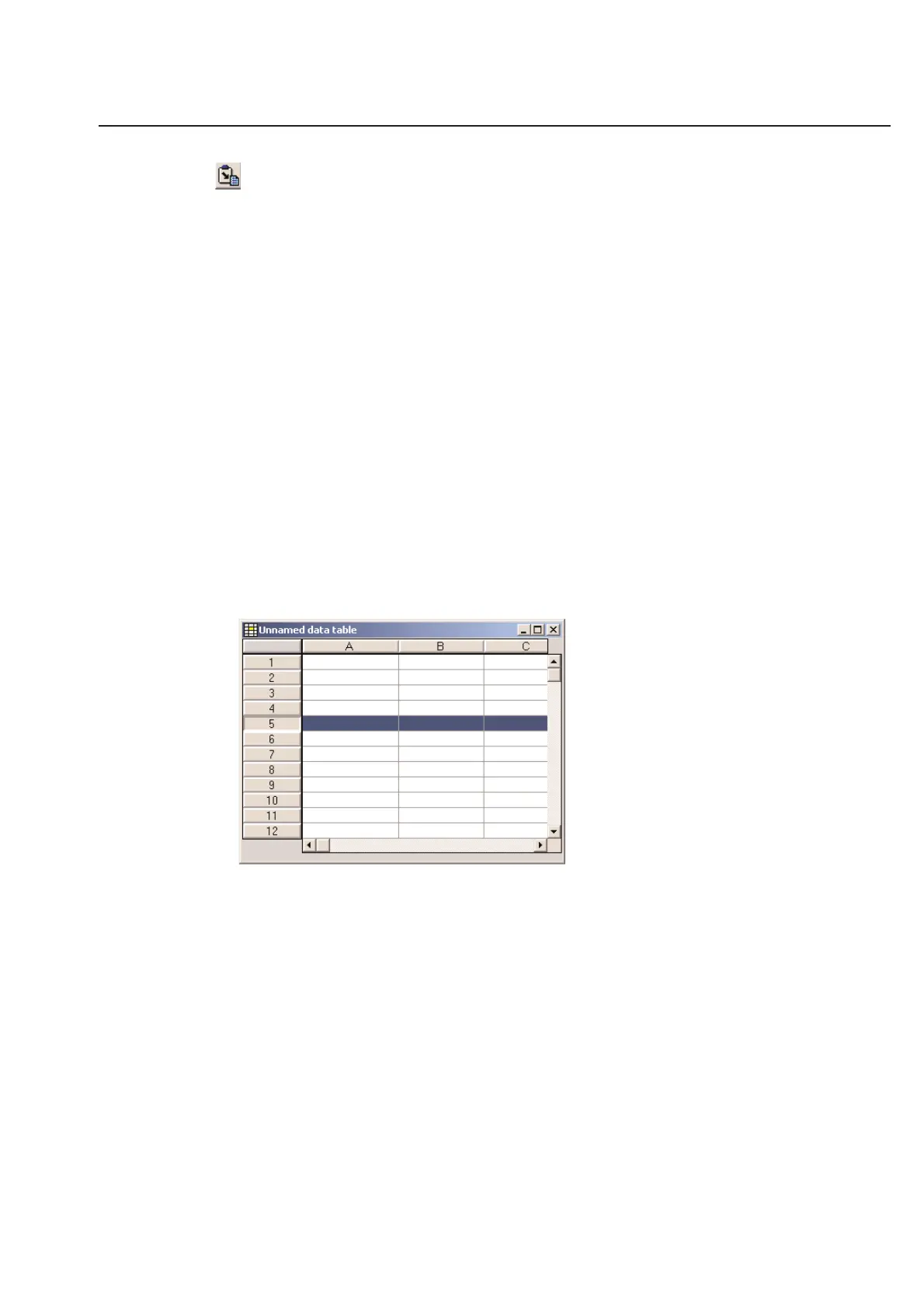
TagPrint Pro allows you to select entire rows at a time. This feature can be useful for moving rows, deleting rows, or
choosing specific rows to print. To select a row, simply click on the number to the left of the row. The selected row
becomes highlighted to indicate its status.
You may select multiple rows one at a time by clicking on the respective numbers to the left of the row. Alternatively,
you may select a number of rows by holding down the Shift key and clicking on any 2 row numbers. All the rows
between and including the rows you selected will then be highlighted. You may deselect rows by clicking on each row
a second time.



 To Next Page