4-6
Chapter 4: Printing
Printing With a Table
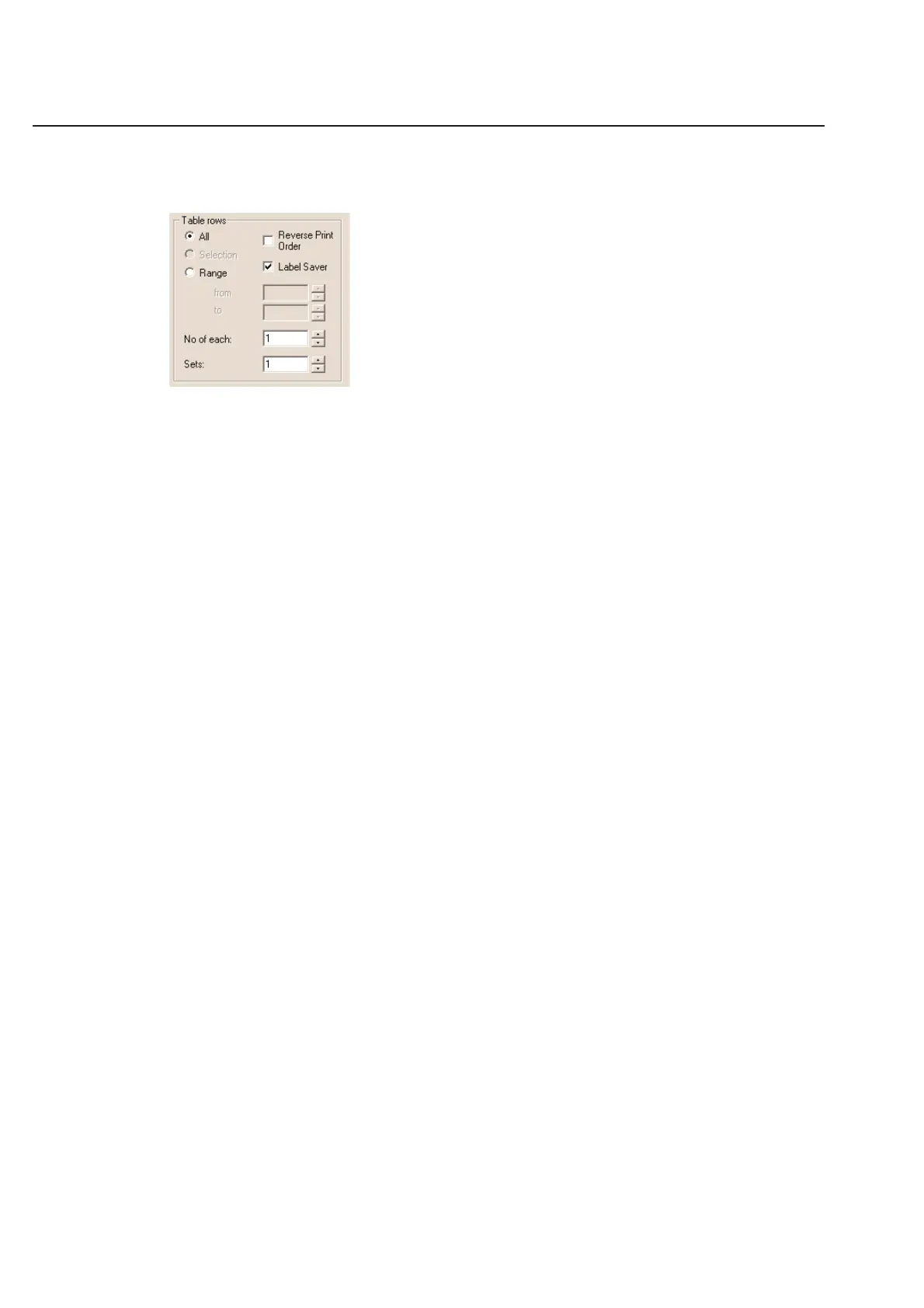
If you are printing a label that incorporates a table, your print dialog box will include this section:
You will have the option of printing several different ways:
All
Print All will simply print all the rows in your current table.
Selection
Print Selection will allow you to pick and choose which labels from the table you wish to choose. You will need to
highlight at least one row in your table prior to opening the print dialog box in order to use this function. You can
highlight a row in the table by clicking once on the number next to the row. You can un-highlight a row in the same
way you selected it.
Range
Range allows you to print a block of entries from your table. You can print from 1 to 50 or from 100 to 200. The
numbers in the Range command directly correspond to the numbers next to the rows in the table.
Reverse Print Order
Prints from a table in reverse order.
Label Saver
Prints in a daisy chain method if selected. If not selected, prints in even increments across the page. This would leave
label blank in a row of 5 labels.
No of Each:
This option allows you to easily print a certain number of each label. Enter any number greater than 1 in the blank to
activate this feature. The printer will print that number of copies of each row in your table. The copies will be placed
right next to each other as you print. If you have defined a Copies column, the No of each feature will print a multi-
ple of whatever you entered in the Copies column.
Sets:
The Sets option allows you to print multiple copies of your table information. Use any number greater than 1 to acti-
vate this feature. Unlike the No of each: option, the Sets option will print all the information in your table once
before starting to subsequent sets of information.



 To Next Page