5-2
Chapter 5: Label Definitions
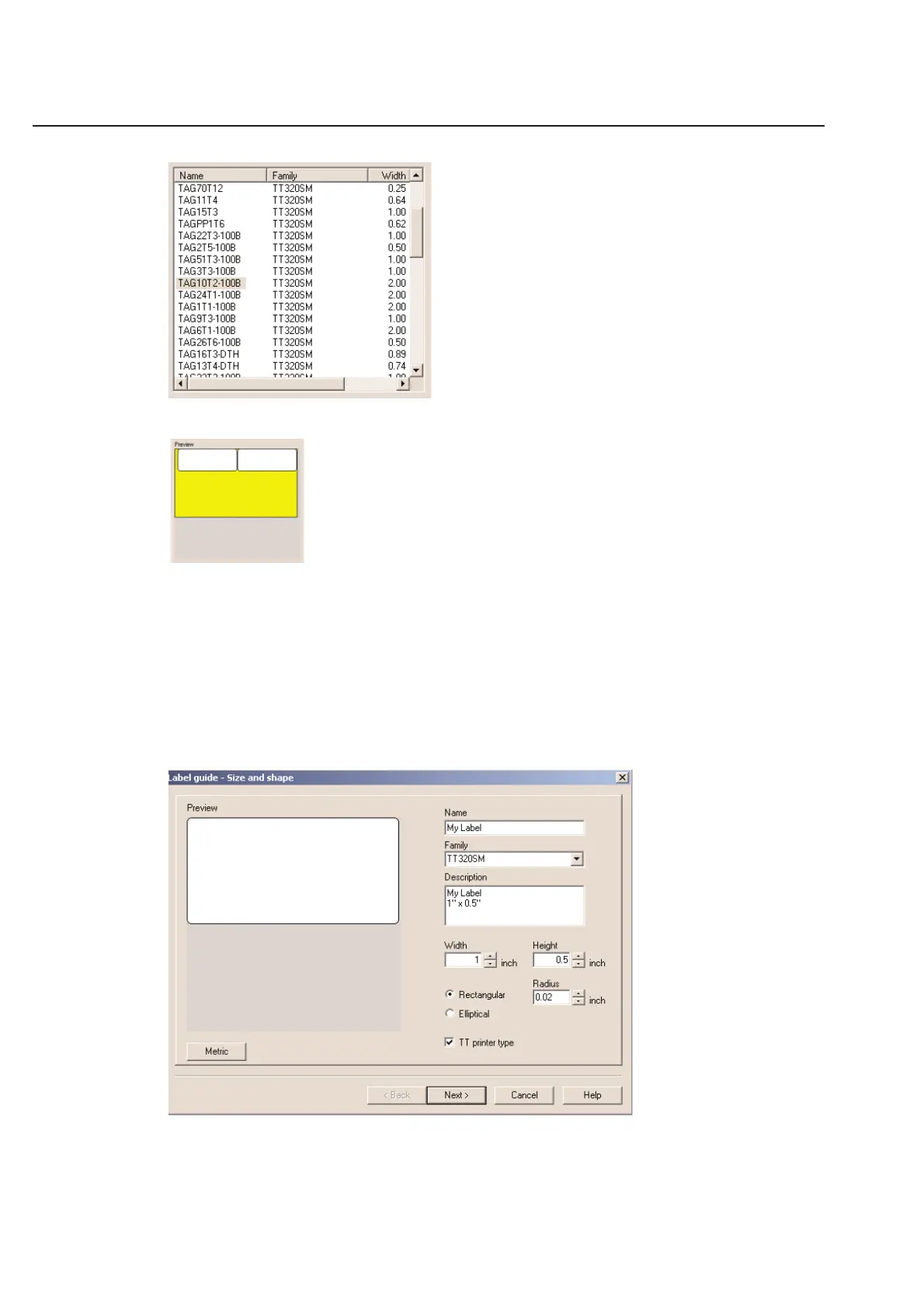
The right side of the dialog box provides a description of the highlighted label and a graphic preview allowing you to
easily identify the label you are looking for.
You can select a label by clicking on the name in the list and then click OK.
Creating a New Label Definition
In the Select label dialog box there is a button called New. Pressing this button will create a new label and bring up
the Define label dialog box as shown below.
Label Guide - Size and Shape
The first step in defining a label is to edit the size and shape. Enter the data in the order they appear in the window.



 To Next Page