2-1
Chapter 2: Label Design
Chapter 2: Label Design
The label design controls how your information will be printed on the label. In a label design, there can be both
simple graphics objects, like lines and rectangles as well as text fields and images. Text fields and images can be linked
to a table if labels with different text and images are to be printed. Constant text, date and time can also be printed.
The table itself is described in another chapter. Most of the commands for the label design can only be performed
when the label design window is active. The label design will be saved containing the objects you placed on it, the
label dimensions, and the label view preferences.
New Label Design
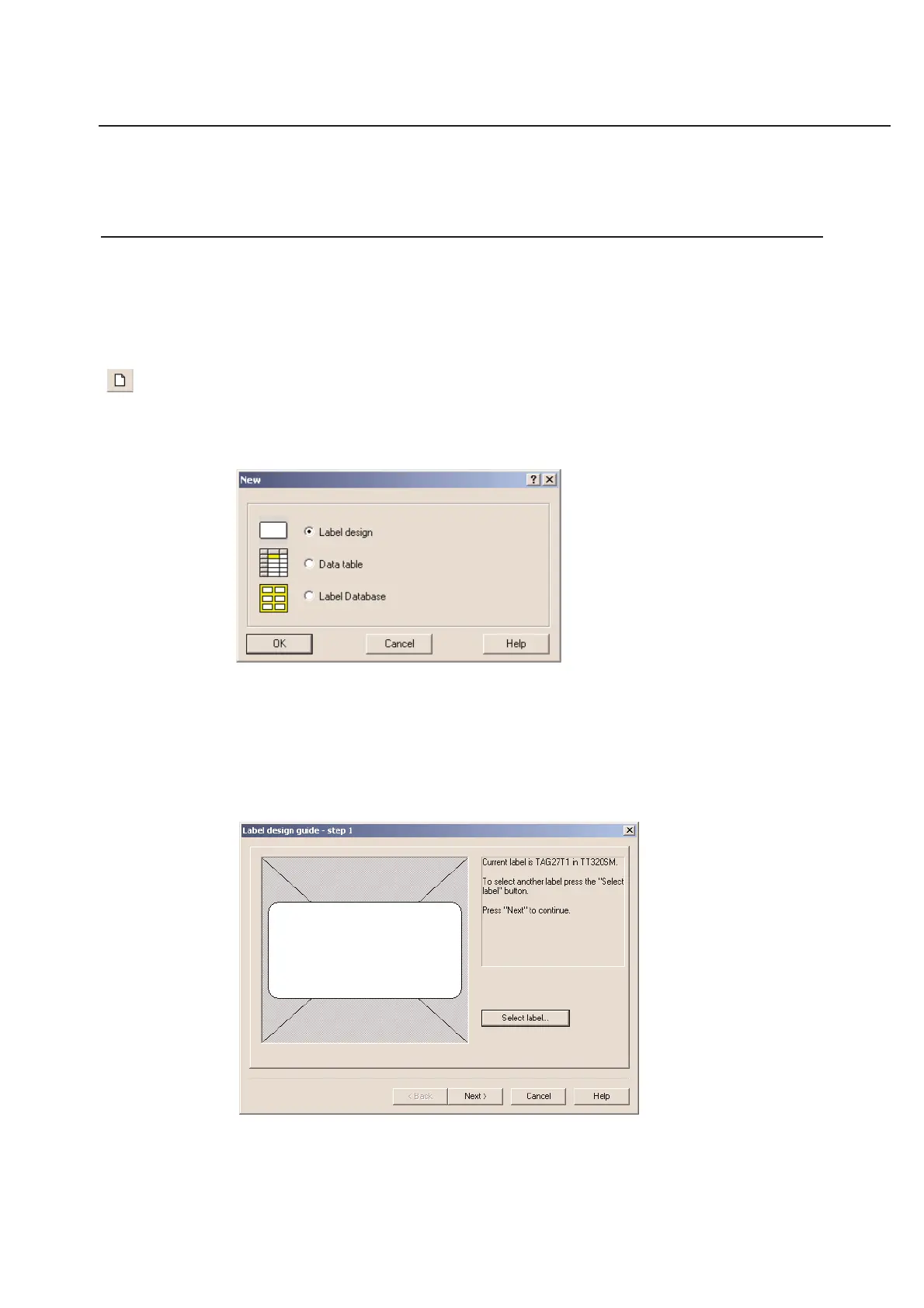
The New... option in the File Menu allows you to create a new label design. Once the option is selected, the
following dialog box will appear on your screen:
You can open a new label design by clicking on the appropriate button and clicking OK.
Click on Label Design to create a new label template (Recommended)
Click on Data Table if you only wish to create a database table
Click on Label database if you wish to select another label database (Not recommended)
NOTE: The label database can be used to select other databases including those that are region specific (label data-
base for European A4 size materials)



 To Next Page