3-2
Open Table
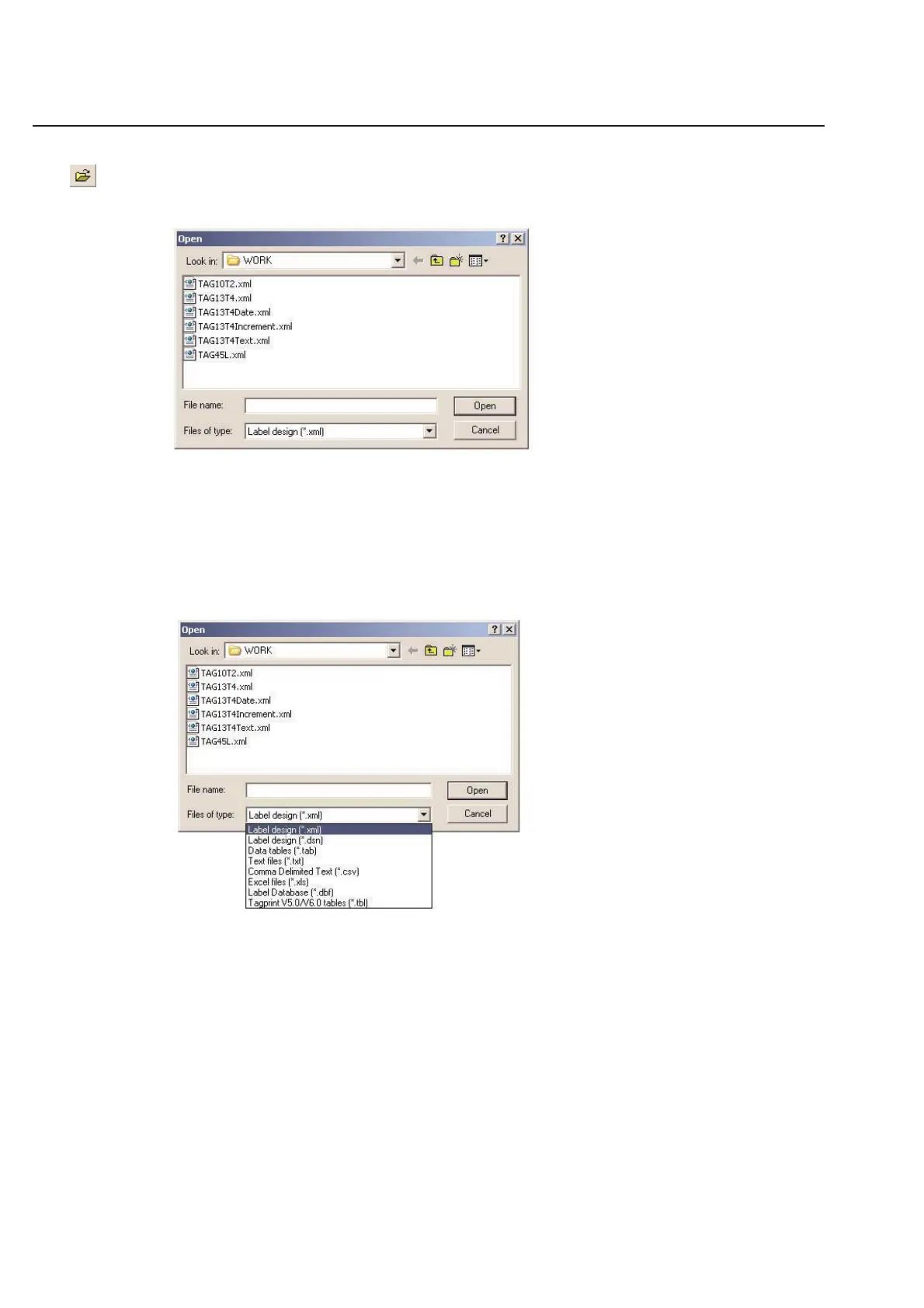
To open a pre-existing table, go to the File menu and choose Open... The following dialog box will appear.
To open a table, you need to go to the option called Files of Type: and choose
Label design {*.xml}
Label design {*.dsn} - Also opens V1.0 TagPrint Pro designs
Data tables {*.tab} - Also opens V1.0 TagPrint Pro tables
Text files {*.txt}
Comma Delimited Text {*.dsv}
Excel Files {*.xls}
Database Files {*.dbf}
TagPrint Pro V5.0 and V6.0 tables {*.tbl}
Assuming you have saved your data tables in the default directory, all your previously created tables will be listed.
Click once on the table you wish to open in order to select it. Click Open to open the table.
You may choose a file from somewhere other than the default folder by changing the Look in: option at the top of
the Open window.
Chapter 3: Table



 To Next Page