4-2
Chapter 4: Printing
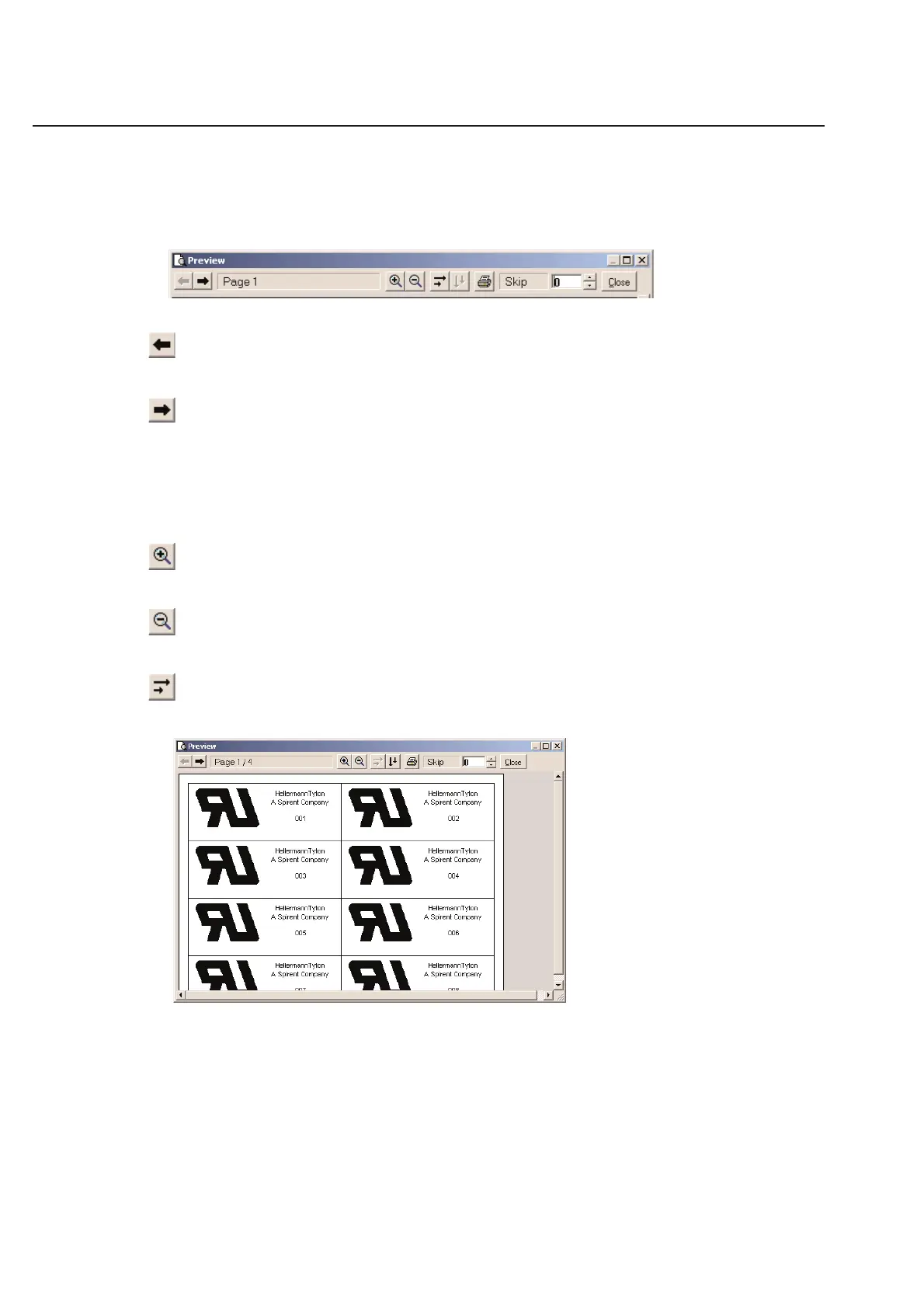
When in the preview mode, you will be able to see the Label Design just as it will be printed on your label. Make sure
that everything is placed correctly on your label before you print to avoid costly errors.
Print Preview Tool Bar
The tool bar above your label can be used to navigate through your labels prior to printing.
Previous Page
This tool will take you to the previous page of labels.
Next Page
This tool will take you to the next page of labels.
Current Page Status
The current page status indicator shows you which label you are currently viewing. This indicator also tells you how
many labels are in your batch to print.
Zoom In
You can enlarge a label view by clicking on the Zoom (+) tool.
Zoom Out
You can reduce the label view by clicking on the Zoom (-) tool.
Sort Horizontally
Use the Sort Horizontal feature if you want your labels to print across the page one row at a time.



 To Next Page