Image Sizing
The image can be sized by simply clicking on the image once to highlight the image and then grabbing any of the
highlighted points around the image. Click and drag the point to reduce or enlarge the image. You can also position
the image anywhere on your label.
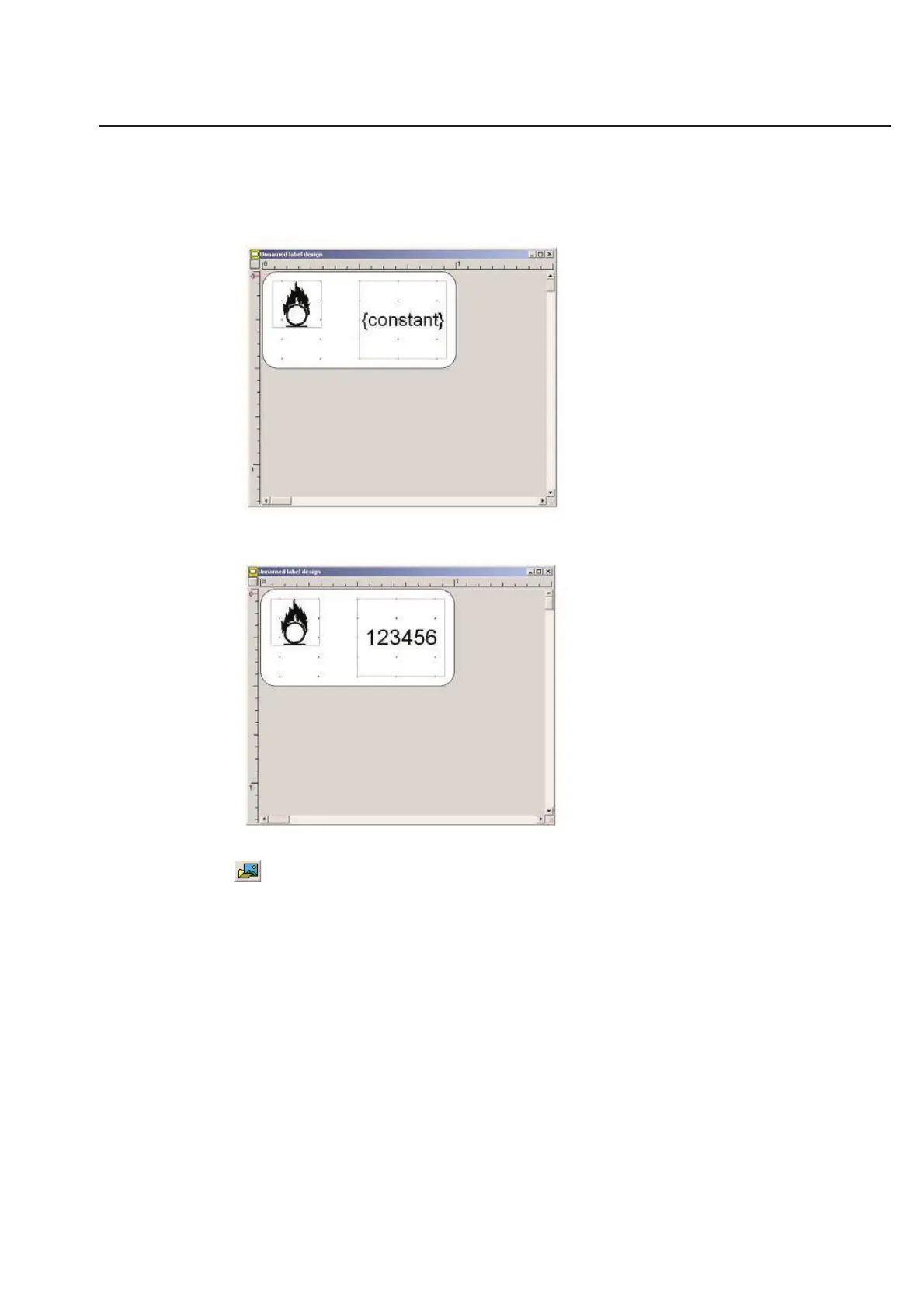
Text has now been added to the constant field by double-clicking on the constant field and entering text when the
flashing cursor appears (below).
You can change the image at any time by clicking on the Select Image icon.
2-17
Chapter 2: Label Design



 To Next Page