6-1
Chapter 6: Thermal Transfer Printers
Chapter 6: Thermal Transfer Printers
You will need the information in this section only if you have purchased a HellermannTyton thermal transfer printer
with your TagPrint Pro software. All users of other thermal transfer printers or other types of printers should refer to
the user’s manual for that printer.
Printer Driver Installation
The drivers for HellermannTyton’s thermal transfer printers have been included on CD for your convenience. These are
modern 32-bit drivers for your printer and are needed to print to our line of thermal transfer printers.
Note: If you are upgrading from TagPrint Pro 6.0, you will still need to install these drivers. The drivers included with
TagPrint Pro 6.0 are older, 16-bit drivers and are not compatible with TagPrint Pro Version 2.0.
Installation Instructions
Installation of printer drivers is made easy by modern operating systems. Windows operating systems all walk you
through the process of adding printers. To start the process, click on the Windows Start button.
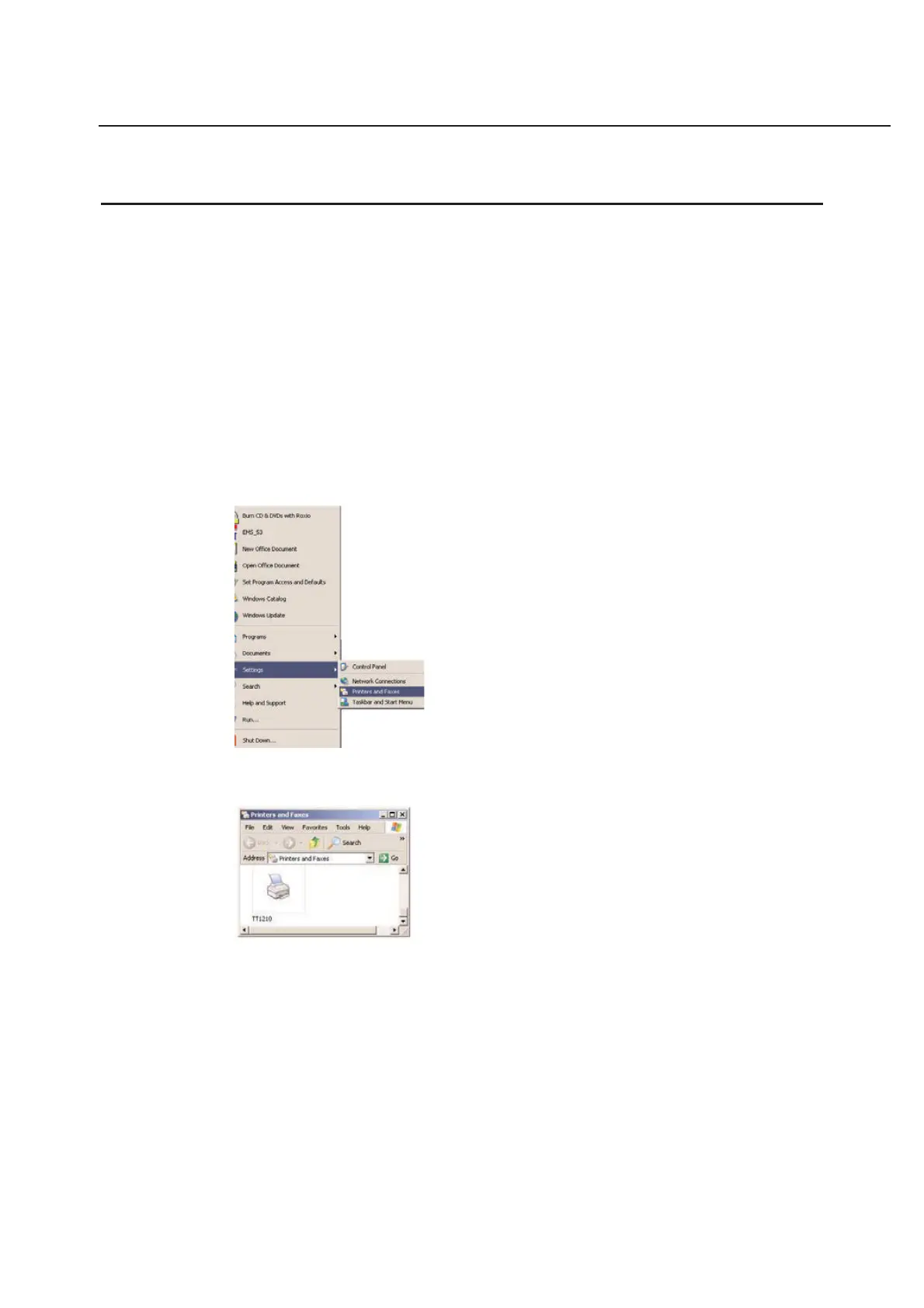
Go to Settings and choose the Printers option by clicking on it with your mouse.
Next the printers folder will open.
Double-click on the Add Printer icon in the Printers window. An Add Printer Wizard window will appear.



 To Next Page