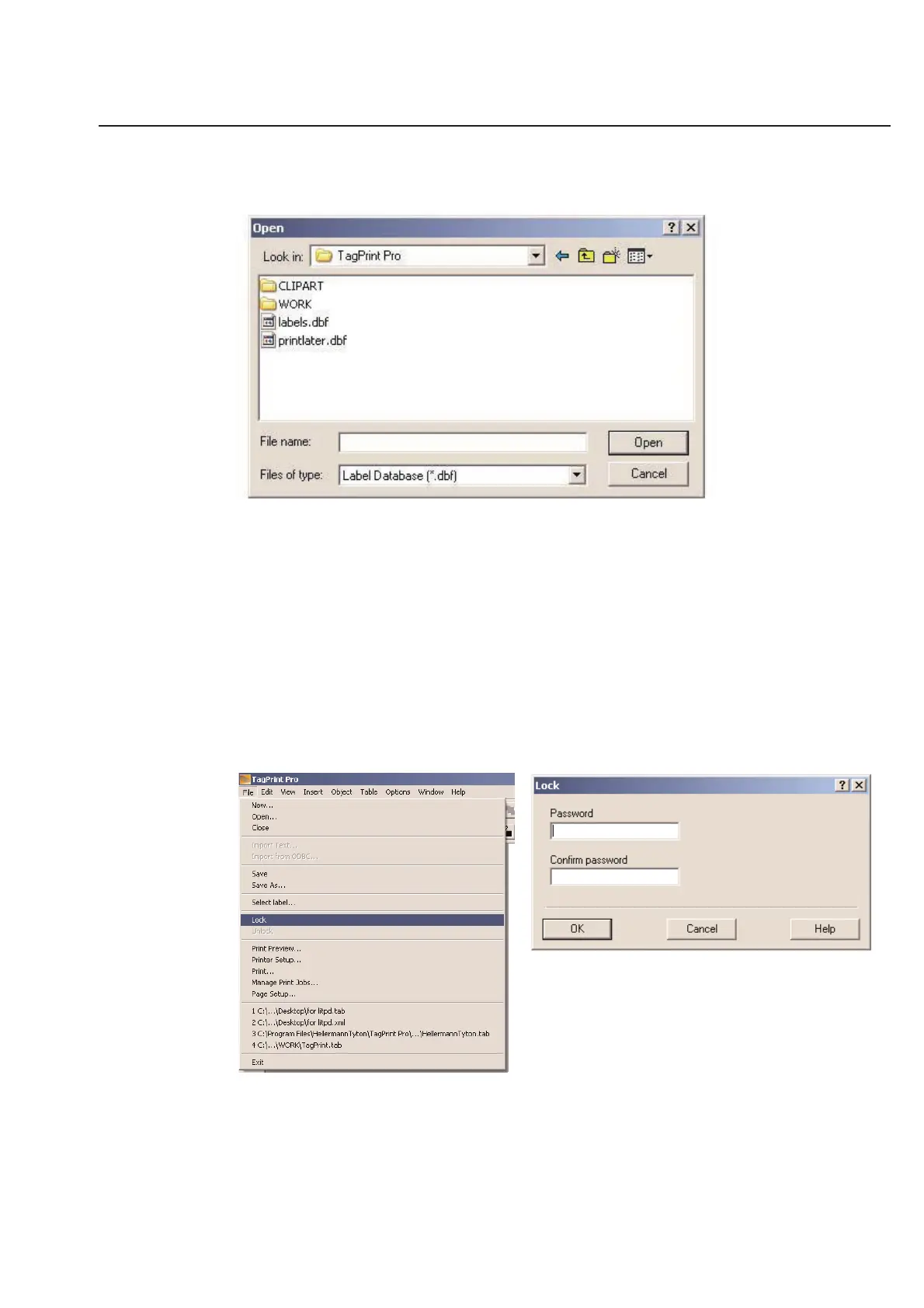
Click on Label Database and then you will be prompted to select the directory in which the database is stored.
Open the database needed and continue to use the program as normal. This will remain the default database until a
new database is selected.
To look at what database is currently in use, selection the Options pull down menu from the main menu of TagPrint
Pro.
Lock-Out Unauthorized Users
The label designer is able to lock-out any users so that they cannot change the contents of the label design and/or
table. Only the authorized designer can make changes.
After opening a new label design and table, click-on Lock in the File pull-down menu. Fill in and confirm a password
to lock the design and table. To link the label design and table together, save under same file name (however, the file
type will be different). When the designer wants to make changes to the label design and table, go back to the File
menu and click Unlock.
2-7
Chapter 2: Label Design



 To Next Page