2-3
Chapter 2: Label Design
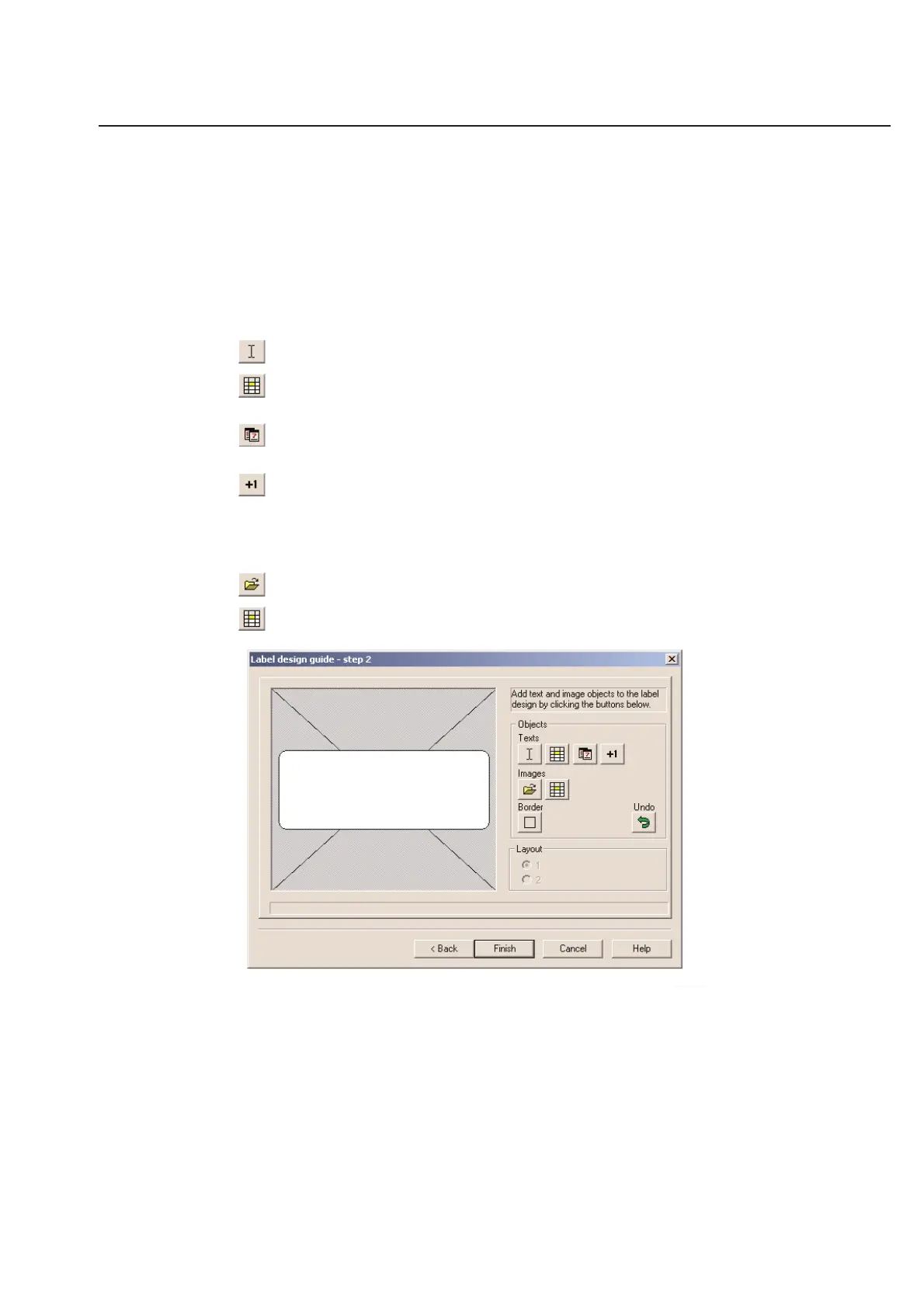
Label Design Guide - Step 2
The second step in the label design guide, allows you to easily place objects on your label design. Click on a button to
add a field to the label design. Use this feature to quickly and easily design a basic label.
You will be able to customize the label design further, once the label design guide has taken you though all 4 steps.
If you wish to place all your own objects, (barcodes, for instance) you may click Cancel at any time to start with a
blank design.
Text Options:
Fixed Text - Text field that does not change from label to label.
Variable Text - Text field that changes depending on the label. Used for serial numbers or for labels that have
random or different information on each label printed.
Date - Places the current date on your label. This date is pulled from the desktop of Microsoft Windows and is
not internal to TagPrint Pro.
Counter - Use this option to place a numeric counter on your label design. The counter will automatically
continue the next time you open the label design, remembering exactly where you left off.
Graphic Options:
Fixed Images - Images that do not change from label to label.
Variable Images - Images that are different for each label printed.



 To Next Page