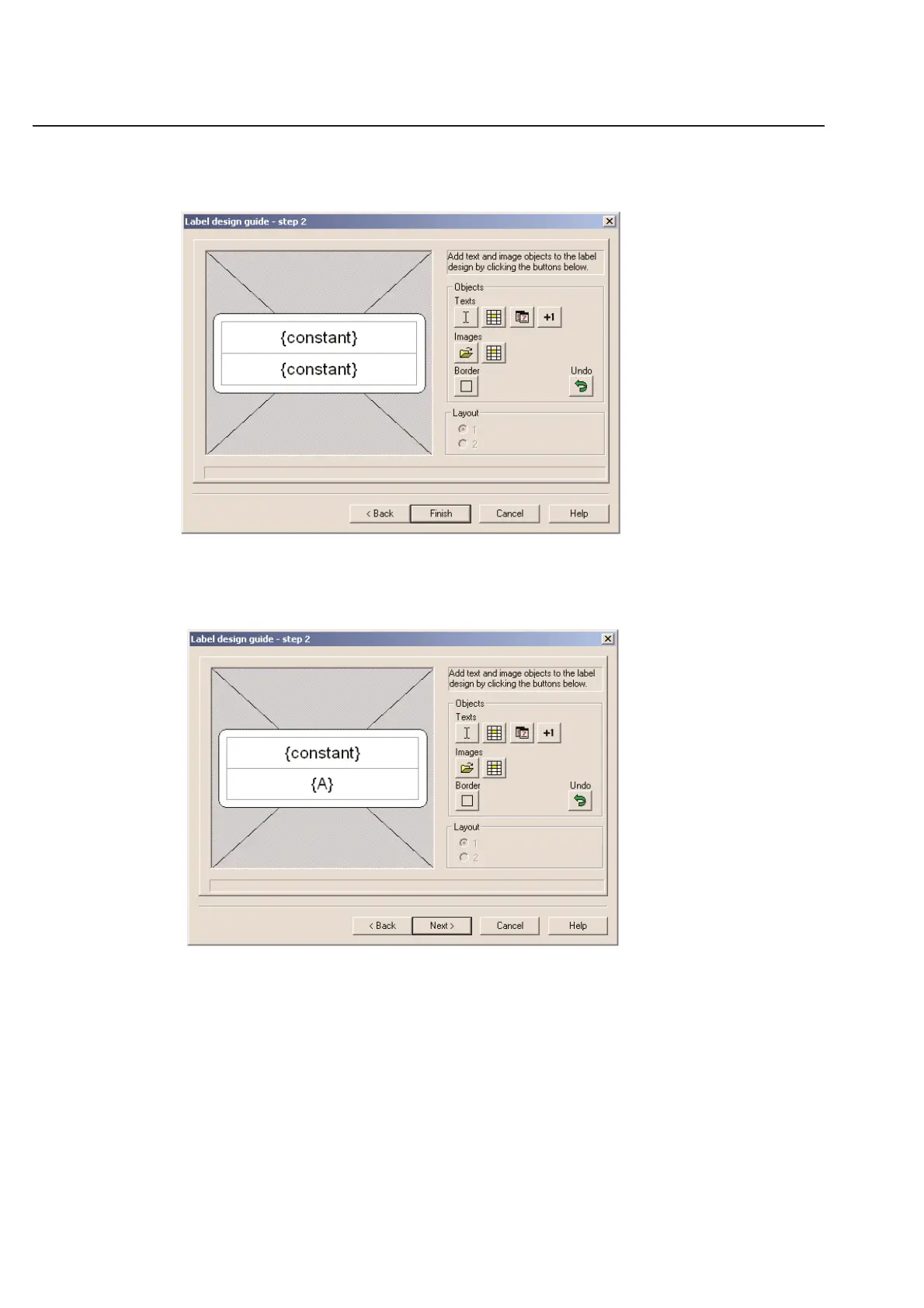
Example Below: If you were to click twice on the Fixed Text icon, you would get a two line label that will eventually have two
lines of data that never change from label to label.
Example Below: You can mix and match, by clicking once on the Fixed Text icon and then clicking once on the
Variable Text icon. This would create a label that has line one as a line that is the same on every label. Line two
would be a serial number or random data that is different for each label.
2-4
Chapter 2: Label Design



 To Next Page