6-5
Chapter 6: Thermal Transfer Printers
Changing Driver Preferences
The new 32-bit drivers for HellermannTyton’s family of thermal transfer printers are more customizable than ever. This
section will discuss all the options available to you for using your printer.
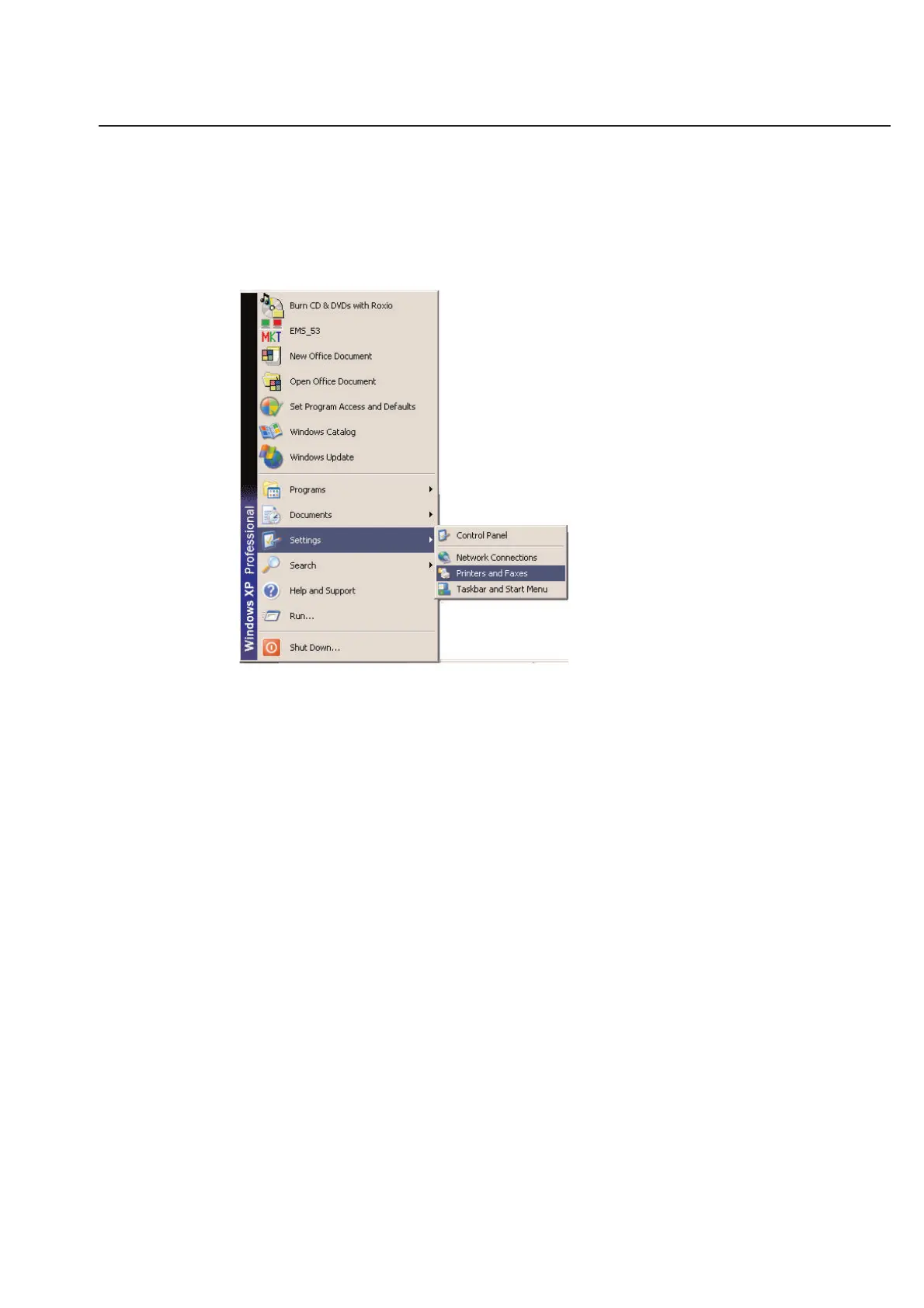
To access the preferences to your thermal transfer printer driver, click on the Windows Start button and choose
Settings\Printers.
A new window displaying all your installed printer drivers will be shown.
To open the Properties of a particular driver, you must first select it by clicking on it once with your left mouse but-
ton. The printer icon should become highlighted. Next, go to the File menu of that window and choose Properties.
Once open, you can move to different sections of the driver properties by clicking on the tabs at the top of the dialog
box.



 To Next Page