6-4
Chapter 6: Thermal Transfer Printers
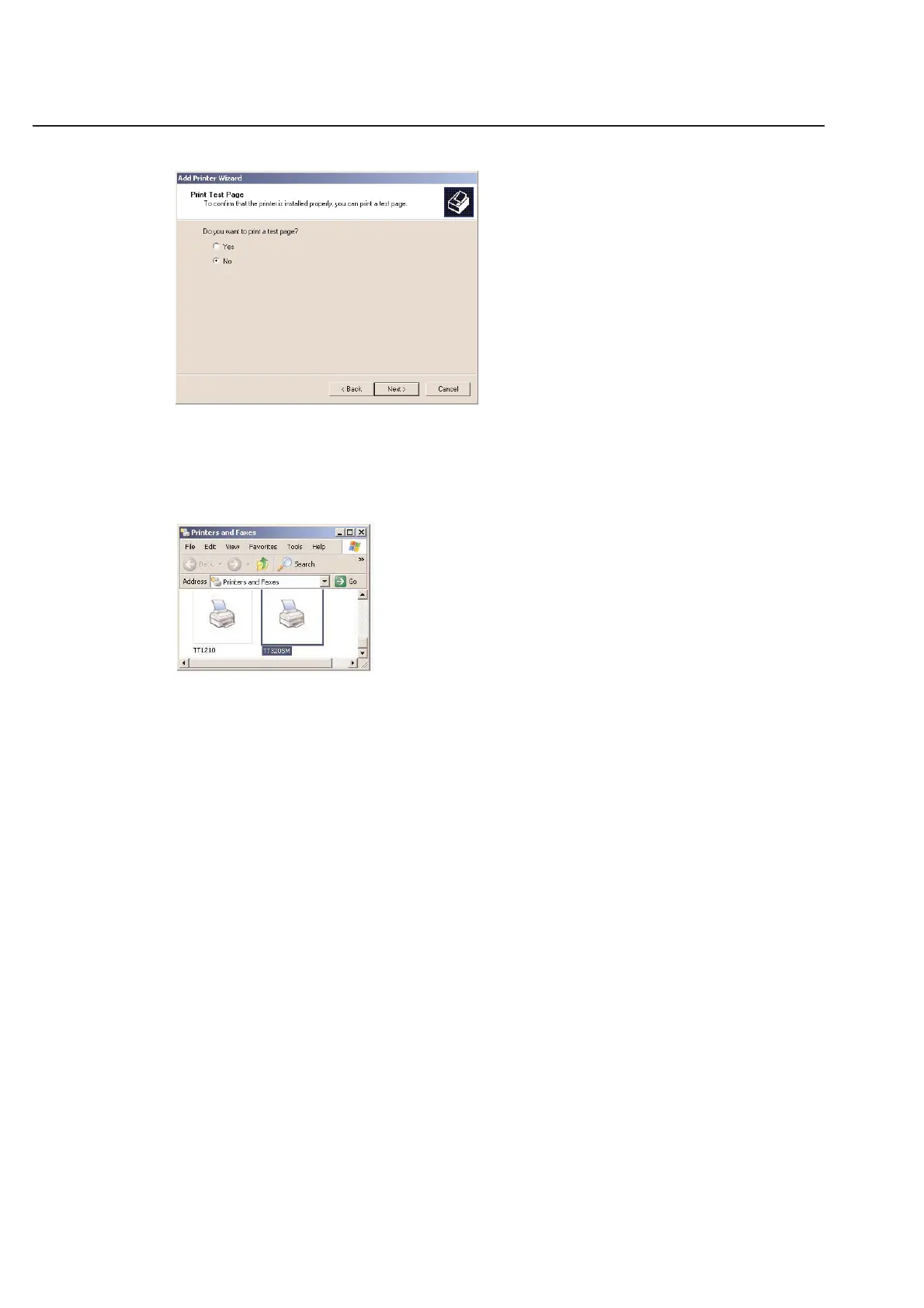
The final screen of the Wizard asks you if you would like to print a test page. You do NOT want to print a test page
at this time. Choose the No option in this window. You will not harm anything if you choose Yes, but
HellermannTyton label sizes vary greatly and the printer would not likely print a very clear test page with our
specialized labels.
Click Finish to install the HellermannTyton driver on your computer. If the installer finds duplicate files on your
computer, follow the recommendation that is listed.
Your new HellermannTyton driver should now be listed in the printers folder.



 To Next Page