5-5
Chapter 5: Label Definitions
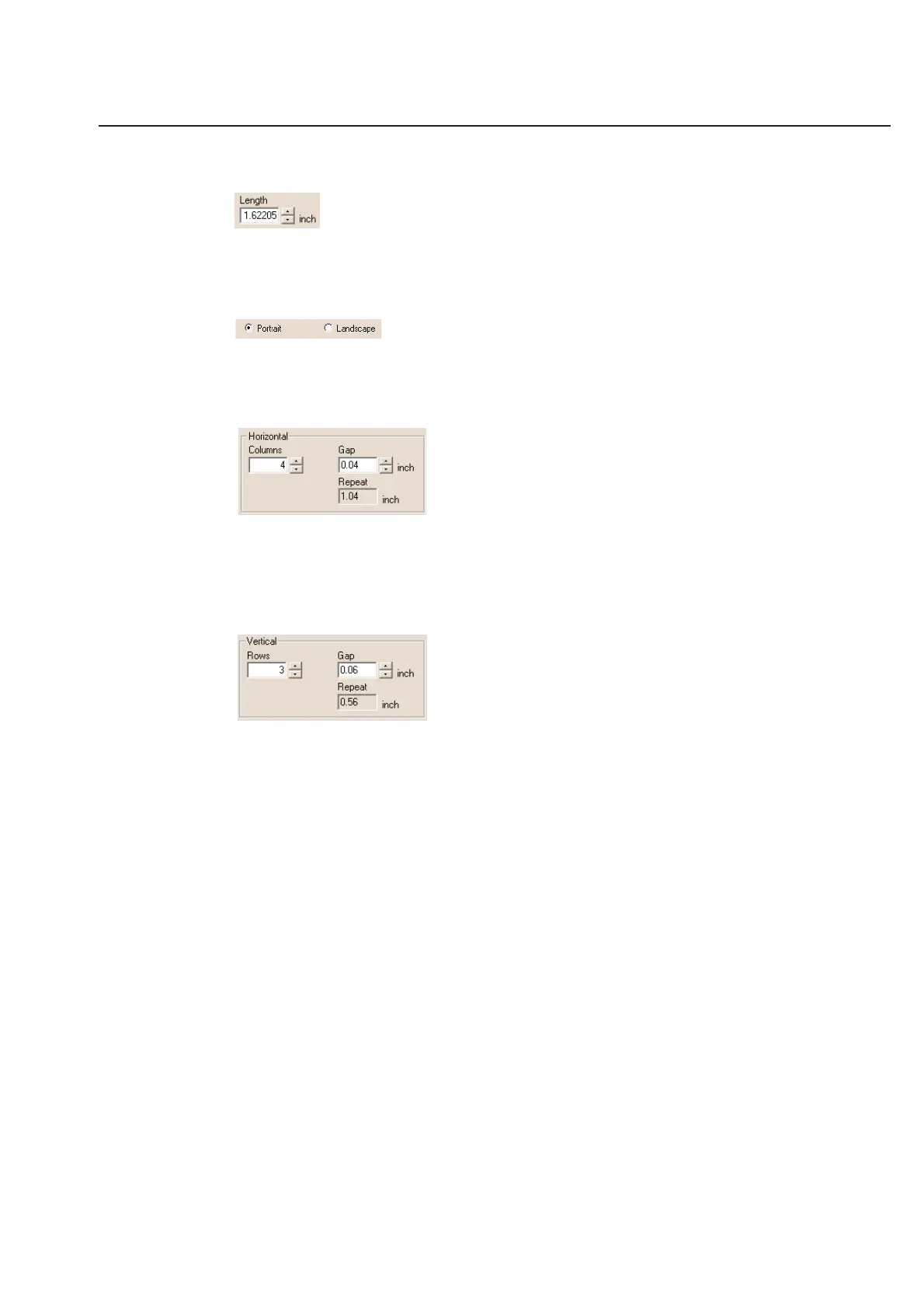
Length
Like width, if you have chosen User Defined under Sheet size you must enter the custom length of your label.
Measure the distance from the top of one label to the top of the next label. Enter that number here.
Portrait/Landscape
Select your label orientation. Landscape makes the page wider than it is tall. Portrait makes the sheet taller than it
is wide.
Horizontal Settings
Columns - Enter the number of label columns across the sheet horizontally.
Gap - Enter the horizontal gap between the labels.
Repeat - Automatic calculation of the horizontal distance from the side of one label to the same side of the next
label.
Vertical Settings
Rows - Enter the number of label rows from top to bottom on the sheet.
Gap - Enter the vertical gap between the label rows.
Repeat - Automatic calculation of the vertical distance from the top of one label to the top of the next label.



 To Next Page