4-5
Chapter 4: Printing
Printing to a Printer
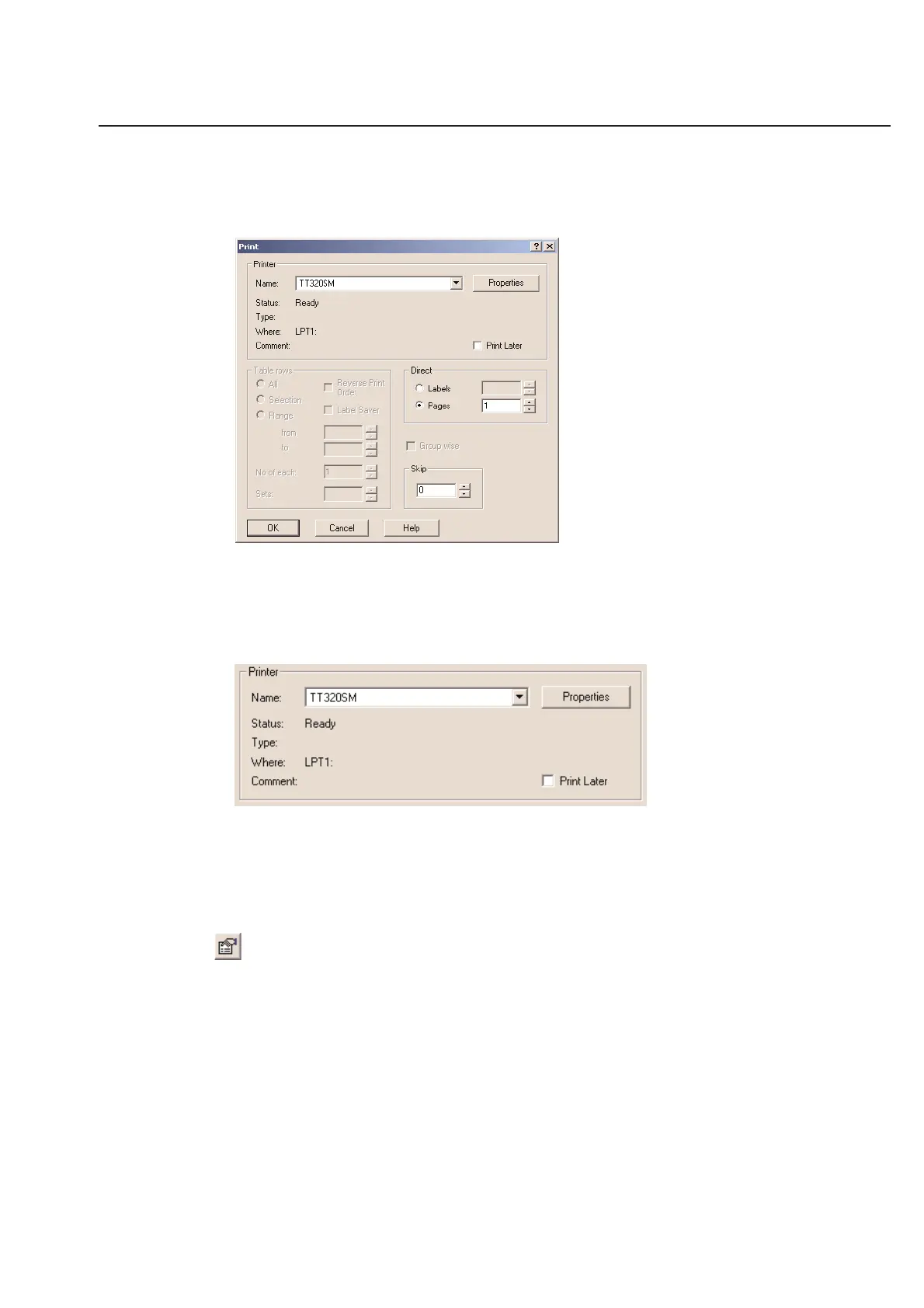
To print your labels, select the Print... command from the File menu or use the print button located on the tool bar or
in the Preview dialog box.
Your print dialog box should look very similar to the one above.
Selecting a Printer
Once you have opened the Print dialog box, you will see the system’s default printer selected in the Printer portion of
the window.
Printer Name
Use the pull down menu to select the printer to which you want to print. If you are printing to a HellermannTyton
Thermal Transfer printer, see Chapter 6 on Thermal Transfer Printing for more details. You must have a valid Windows
driver for the operating system you are using to be able to print. This driver is supplied and supported by the manu-
facturer of your printer.
Printer Properties
The Properties button allows you to adjust settings that are unique to your printer. Each printer’s properties look just
a little different. If you are not familiar with adjusting the setting in your printer’s properties, it is suggested that you
leave them set to their defaults.
Note: See Chapter 6 on Thermal Transfer printers to learn about the preferences to HellermannTyton Thermal Transfer
printers.



 To Next Page