4-3
Chapter 4: Printing
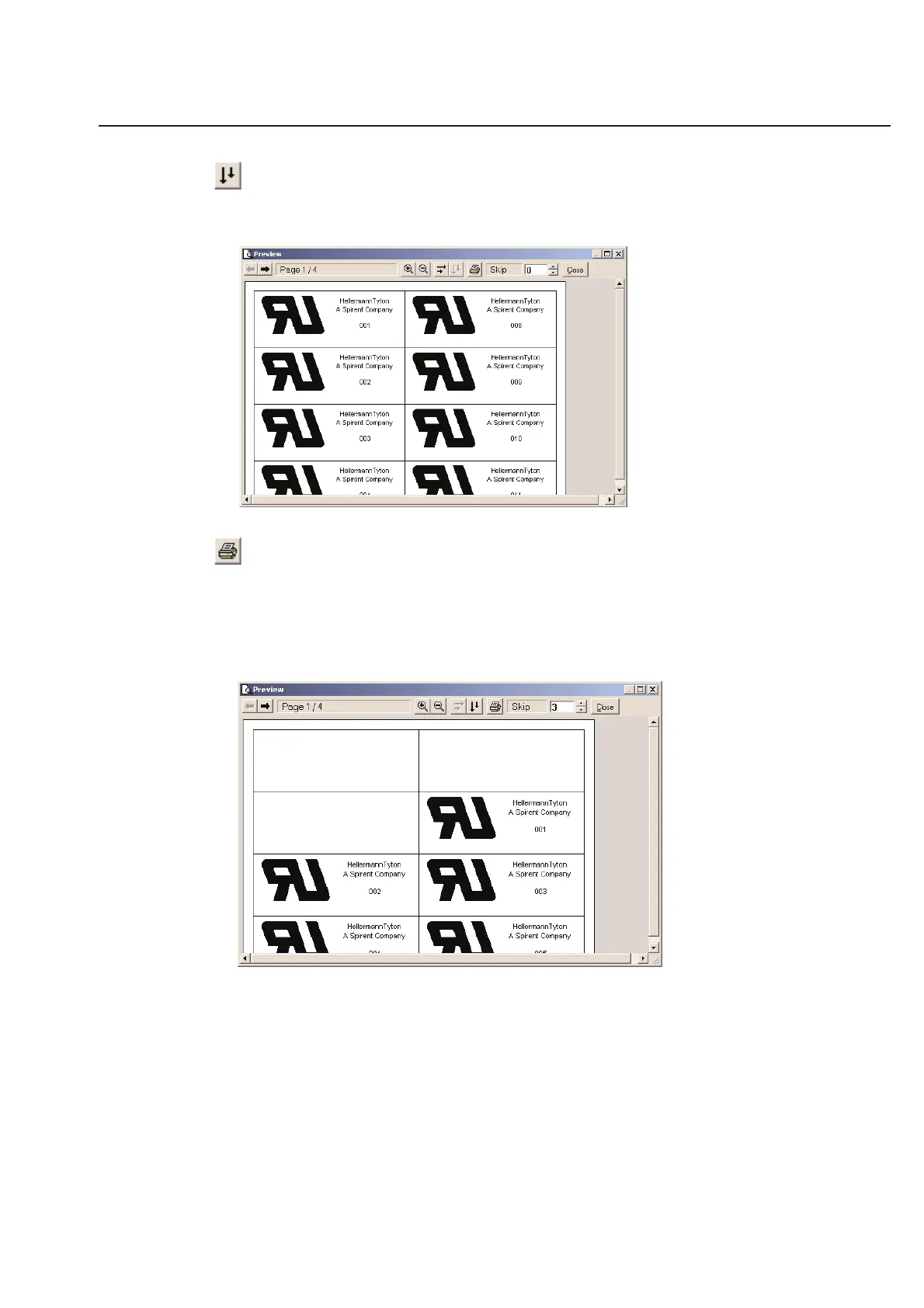
Sort Vertically
The Sort Vertical tool will cause your printer to first print down the column and then move to the next row. This fea-
ture is only available for labels designed to print a full page at a time such as laser labels and ink jet labels.
Print Labels
Using this Print tool, you can print directly from the Print Preview screen should you desire.
Skip Labels
Use the Skip labels option to skip a certain number of labels on a sheet. This is useful for re-printing on sheets that
were only half-used.
Close
The Close button will close the current preview and return to the previous screen in TagPrint Pro. To close the
window, simply click Close.



 To Next Page